

Gratis, snelle en veilige VPN voor Android
De Windscribe VPN voor Android biedt veilig, snel en privé surfen. Geniet van internet zonder advertenties, blokkeer trackers en stream je favoriete content wereldwijd zonder limieten.
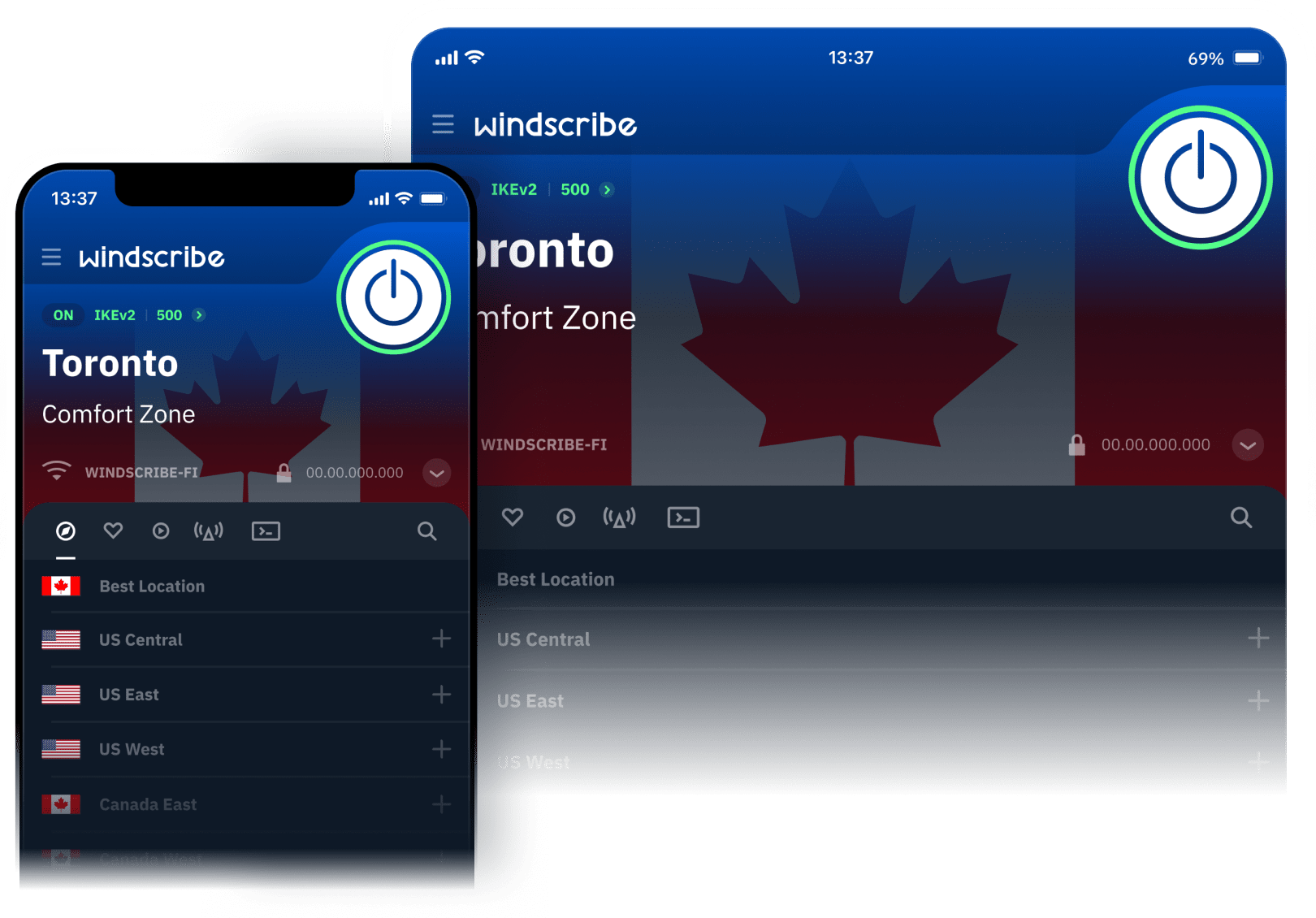
Hoe je Windscribe VPN op Android gebruikt
1
App downloaden
2
Aanmelden
Klik op “Aan de slag” om een account aan te maken (geen e-mail nodig!) of kies “Inloggen” als je er al een hebt.
3
Verbinden
Kies een locatie om direct verbinding te maken met de VPN.
Hoe je Windscribe op Android gebruikt
Functies

Ongeëvenaarde connectiviteit
Maak verbinding op elk netwerk, waar je ook bent.
Windscribe biedt 6 verschillende protocollen om uit te kiezen, plus meer dan 20 verschillende verbindingspoorten.
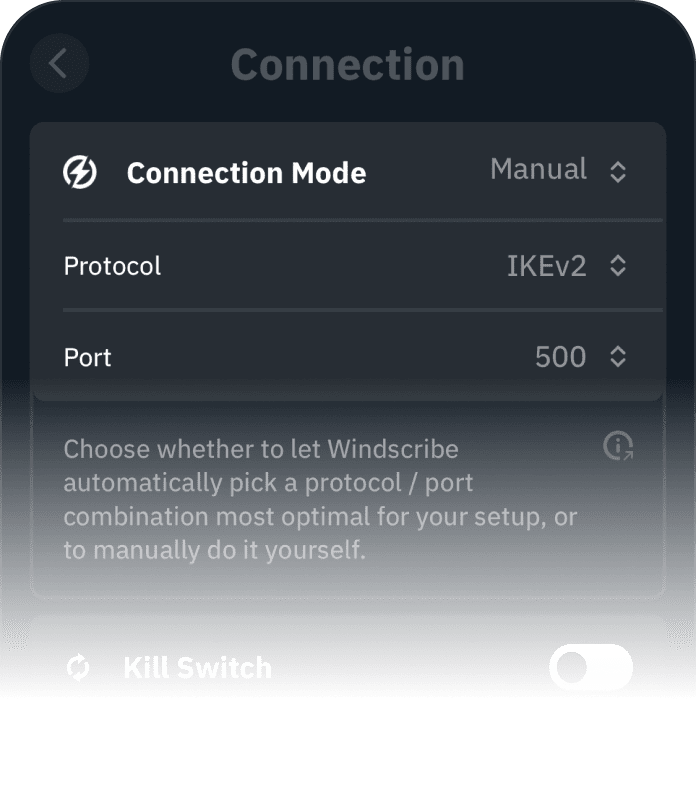
WireGuard
Het nieuwste VPN-protocol van de volgende generatie, met recordbrekende snelheden. Maak verbinding op 6 verschillende poorten.
IKEv2
Biedt de snelste verbindingstijden en hoge snelheden op de meeste netwerken.
OpenVPN (TCP)
OpenVPN-protocol over TCP. Handig op beperkende netwerken. Maak verbinding op 11 verschillende poorten.
OpenVPN (UDP)
OpenVPN-protocol over UDP. Al jaren de de facto VPN-standaard. Maak verbinding op 6 verschillende poorten.
Stealth
OpenVPN vermomd om eruit te zien als HTTPS-verkeer. Handig op beperkende netwerken. Maak verbinding op 11 verschillende poorten.
WSTunnel
OpenVPN vermomd om eruit te zien als Websocket-verkeer. Handig op beperkende netwerken.

Netwerkopties
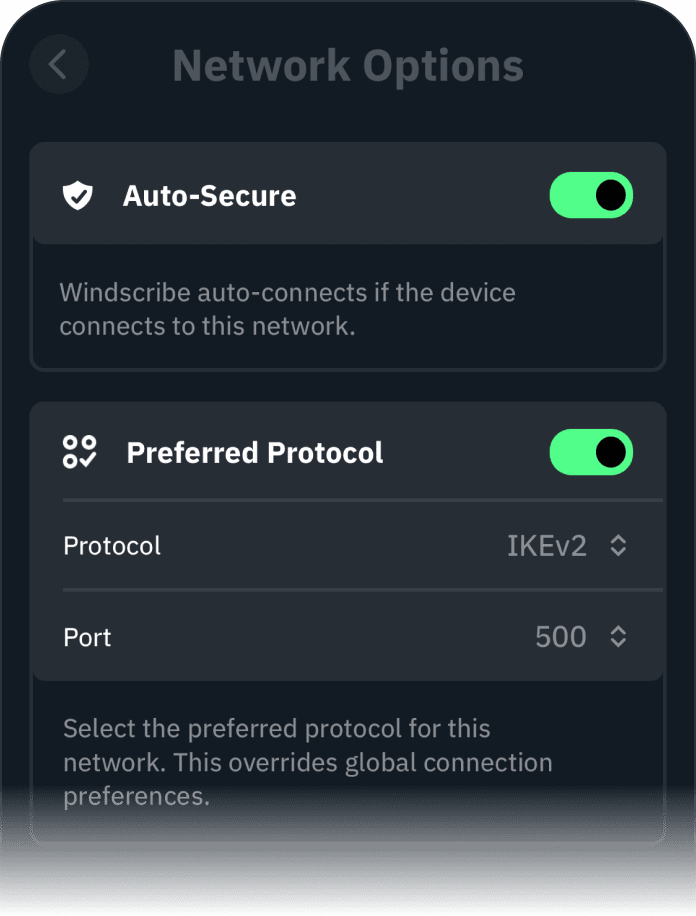
Verbind of verbreek automatisch.
Maak aangepaste regels voor verschillende wifi-netwerken. Zodra je verbinding maakt met een nieuw wifi-netwerk, kan Windscribe iets doen.
Dit omvat het automatisch verbinden met of verbreken van een VPN-server, of het verbinden via een specifiek protocol.

Split Tunneling
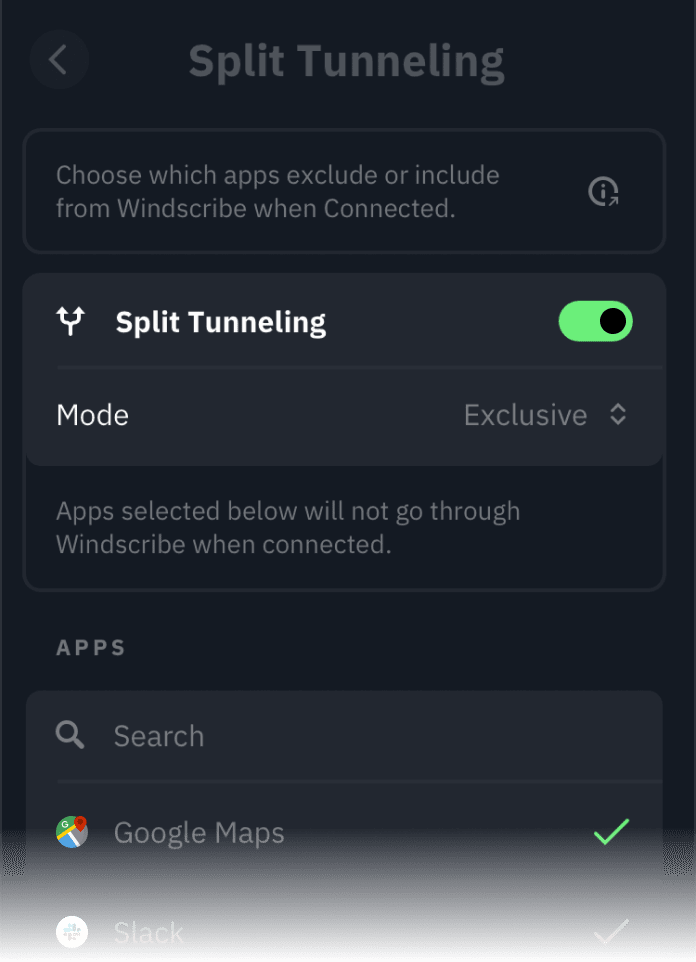
Tunnel wat je wilt, hoe je wilt.
Er zijn situaties waarin je niet al je verkeer door een VPN wilt sturen. Met Windscribe kies je welke apps je in de tunnel opneemt of ervan uitsluit.

R.O.B.E.R.T. - Advertentieblokker
Een uniek, aanpasbaar tool om domeinen en IP's aan de serverkant te blokkeren
Kies met één schakelaar welke blokkeerlijsten je op al je apparaten wilt toepassen.
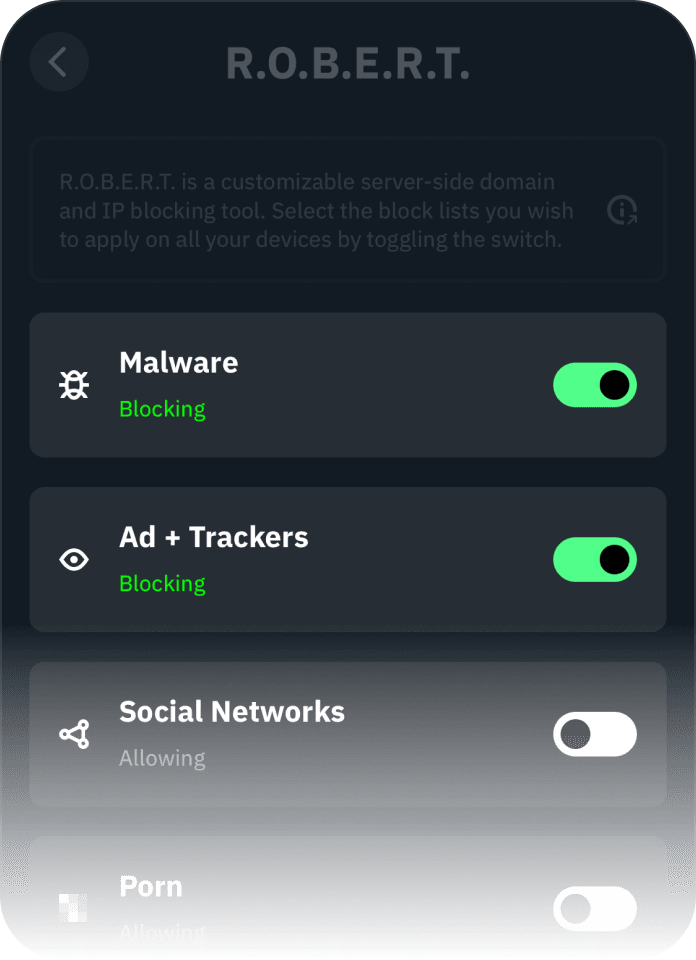
Blokkeer advertenties & trackers
Niemand wordt graag gevolgd of ziet graag advertenties. Maak er een einde aan.
Voorkom infecties
Als je geen kwaadaardige domeinen kunt bereiken, kun je niet geïnfecteerd raken. Simpel.
Aangepaste toegangsregels
Blokkeerlijsten zijn niet voor iedereen hetzelfde. Pas ze aan naar jouw smaak.
Surf sneller
50% van een gemiddelde website bestaat uit advertenties en trackers. Door ze te blokkeren laden pagina's sneller.
Andere functies

Strikt no-logs-beleid

Versleutelt je gegevens

Importeer je eigen VPN-configuratie en maak verbinding

Servers in meer dan 69 landen & 135 steden
Geliefd en vertrouwd door meer dan 100 miljoen gebruikers
Veelgestelde vragen
Werkt Windscribe op Android?


Absoluut! Je kunt de app downloaden in de Play Store, bij F-Droid of zelf bouwen vanuit de broncode.
Heeft Android een ingebouwde VPN?
Ja, Android heeft een ingebouwde VPN-functie, maar die is vrij basic. Hij ondersteunt protocollen als PPTP en L2TP/IPSec, maar als je meer beveiliging, snelheid en functies als split tunneling of geavanceerde versleuteling wilt, is een externe VPN zoals Windscribe de beste keuze.
Houdt Windscribe VPN voor Android logs bij?
Geen schijn van kans, we zijn een volledig logvrije VPN. Privacy is onze prioriteit nr. 1.
Moet ik een VPN gebruiken op Android?
Absoluut. Een VPN op je Android-apparaat versterkt je online privacy, beveiligt je verbinding op openbare wifi en helpt je toegang te krijgen tot content van overal ter wereld. Of je nu bankzaken regelt, streamt of gewoon surft, een VPN versleutelt je gegevens en houdt je activiteit weg van pottenkijkers. Android heeft wel een ingebouwde VPN, maar voor topbeveiliging, snelheid en functies als advertentieblokkering of split tunneling is een externe VPN de slimmere keuze.
Is een gratis Android-VPN veilig om te gebruiken?
We kunnen niet spreken voor de rest van de VPN-industrie, maar je gegevens zijn veilig als je voor Windscribe kiest. We laten daden spreken en hebben de broncode van onze Android-app volledig opengesteld om het te bewijzen.
Waar kan ik de Windscribe VPN Android-app gebruiken?
Je kunt Windscribe voor Android overal ter wereld gebruiken! De app is beschikbaar in meerdere talen en kan over de hele wereld worden gedownload. Ondersteunde talen zijn onder andere: Frans, Duits, Spaans, Japans, Chinees, Italiaans, Zweeds, Nederlands, Pools en Portugees.
Kan ik Windscribe VPN op meerdere apparaten gebruiken?
We hanteren een beleid van onbeperkte apparaten, zolang je er geen misbruik van maakt (ja, jullie, hackers).
Kort samengevat: Windscribe faciliteert de bezorging van berichten via elektronische overdracht, evenals de privébezorging van berichten (pakketten) via de versleutelde tunnel van de client naar een van onze servers.