


Step 1
Step 2
Install the App
Step 3
Sign up
Why Use a VPN for Fortnite
Your real-world identity shouldn’t be part of the game. Windscribe hides your IP address, keeping your personal details safe from players and attackers.

DDoS attacks can interfere with your game. Doxing can interfere with your life. Windscribe shields your IP, encrypting your connection to reduce the risk of both.

Regional locks can restrict access to certain Fortnite events, but Windscribe lets you connect overseas to unblock Epic Games content anywhere.
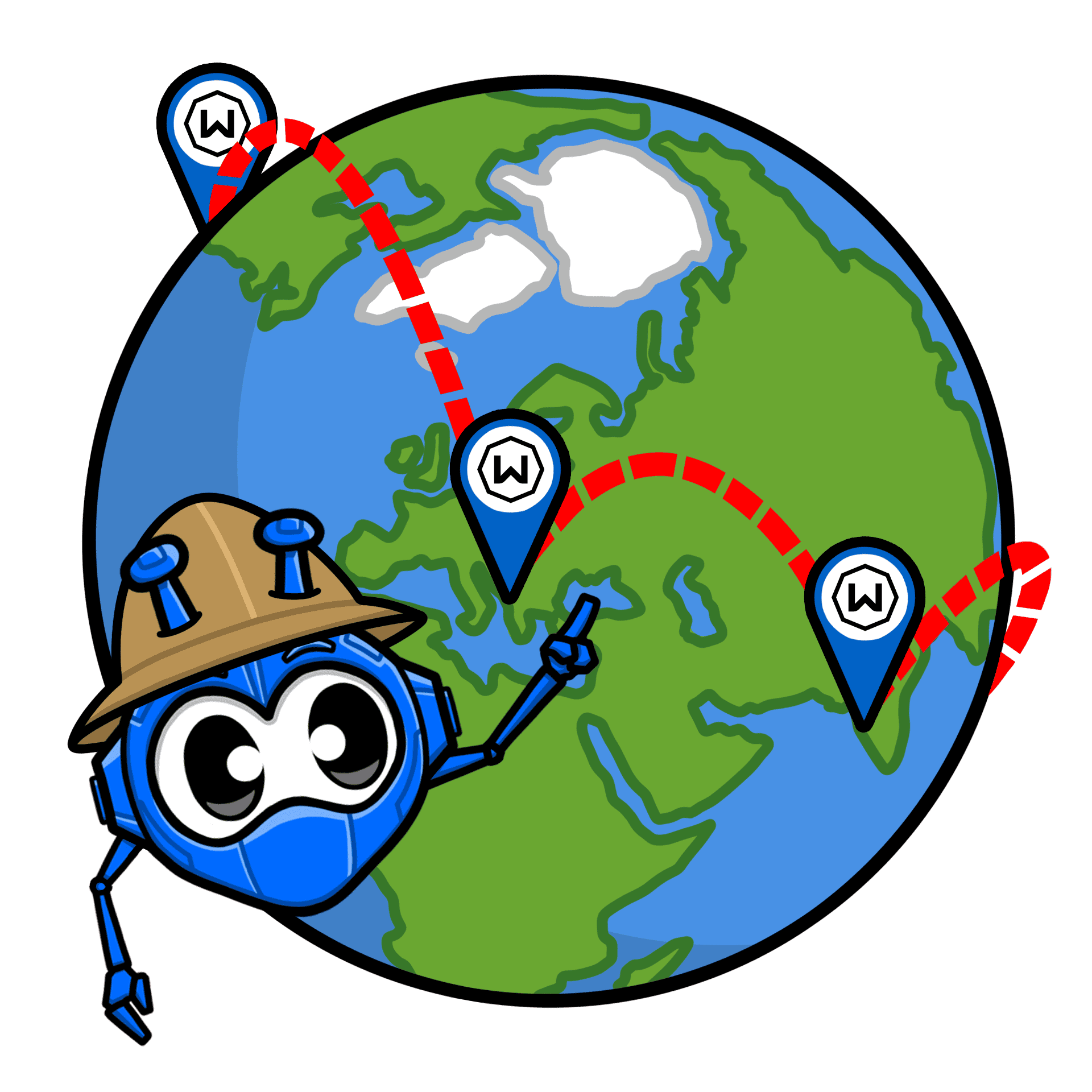
Windscribe optimizes your network traffic to find cleaner paths to Fortnite or regional PUBG servers than standard ISP routes.

Windscribe encrypts your traffic to stop ISPs from throttling your bandwidth during busy hours, ensuring a no-lag gaming connection for Fortnite.
Outpace Your Opponents With a Fast Fortnite VPN

Windscribe’s low-latency servers keep your ping stable whether you're dropping into Fortnite or grinding Apex Legends ranked runs.


Protect your gameplay across all your devices, from PC and consoles in Fortnite to Free Fire mobile matches on the go.




Loved & Trusted by Over 100 Million Users
Features

6 Encryption Protocols
Widest Server Reach
Most 10 Gbps Servers
Industry-Leading Ad Blocker
Privacy: Audited & Court-Proven
Features

Other VPNs
6 Encryption Protocols
Widest Server Reach
Most 10 Gbps Servers
Industry-Leading Ad Blocker
Privacy: Audited & Court-Proven


Frequently Asked Questions
Does Fortnite allow VPNs?


Yes, Fortnite doesn’t officially ban the use of VPNs, but it can flag suspicious behavior, like rapidly changing regions, which might trigger account checks or temporary blocks. If you're using a VPN for privacy or to access content from other regions, it's generally fine. Just avoid using it to exploit matchmaking or bypass region restrictions in ways that violate Epic Games' terms of service.
What is the best VPN for Fortnite?
The best VPN for Fortnite is one that gives you low latency, strong privacy, and reliable server access. Windscribe is a solid choice for Fortnite since it offers fast speeds, AES-256 encryption, a powerful Firewall, servers in 69+ countries, and more. It’s optimized for gaming and keeps your connection stable while hiding your IP address and protecting you from DDoS attacks.
What if Fortnite doesn’t work with my VPN?
If your Fortnite isn’t working with Windscribe, try these steps:
- Switch server locations
- Change your protocol
- Try another device or network
Still having trouble? Our support team is available 24/7 to assist you.
Can I get around an IP ban on Fortnite?
Technically, yes. If you've been IP-banned from Fortnite (for breaking the rules), using a VPN can help you mask your real IP address and connect to the game with a new one. However, keep in mind that bypassing a ban might violate Epic’s Terms of Service, and if they detect you're using a VPN to avoid the ban, they could escalate the situation. It’s always better to play by the rules and not risk account suspension.
Does VPN lower ping in Fortnite?
A VPN can help lower ping in Fortnite if your ISP is routing traffic inefficiently. Some ISPs might route gaming data through slower paths or congested routes, causing high latency. A VPN can sometimes provide a faster, more direct route to Fortnite’s servers, reducing ping. However, if you connect to a far-off VPN server, it could increase your ping. The key is to pick a server near the Fortnite server you're connecting to.
Is there a free VPN for Fortnite?
Yes, there are free VPNs available, but they come with some limitations. Free VPNs often have slower speeds, fewer server locations, and data caps. If you're looking to play Fortnite smoothly, a paid VPN is typically better. That said, Windscribe does offer a free plan with 10GB of data per month, which can work for light gaming or testing. Just keep in mind that free plans won’t give you the same performance or security as premium ones.
How to get a Fortnite VPN?
Getting a Fortnite VPN is simple: choose a reliable VPN provider (Windscribe is a great option), sign up, download their app, and connect to a server in a region you want to play in. From there, you can launch Fortnite and enjoy a protected, smoother gaming experience.
Can I use a VPN to play Fortnite on iOS?
No, using a VPN won't bypass the Fortnite ban on iOS. Even if you connect to a VPN to change your location, the Fortnite app is still blocked on iOS due to the Epic Games vs. Apple legal dispute. A VPN can mask your IP, but it won't change the fact that Fortnite is unavailable in the App Store and cannot be downloaded or updated on iOS devices unless you’ve already installed it. That being said, cloud gaming services like NVIDIA GeForce NOW and Xbox Cloud Gaming do offer ways to play Fortnite on iOS via streaming, and a VPN can help you access these services in regions where Fortnite is available for cloud play.