


Step 1
Step 2
Install the App
Step 3
Sign up
Why Use a VPN for Epic Games
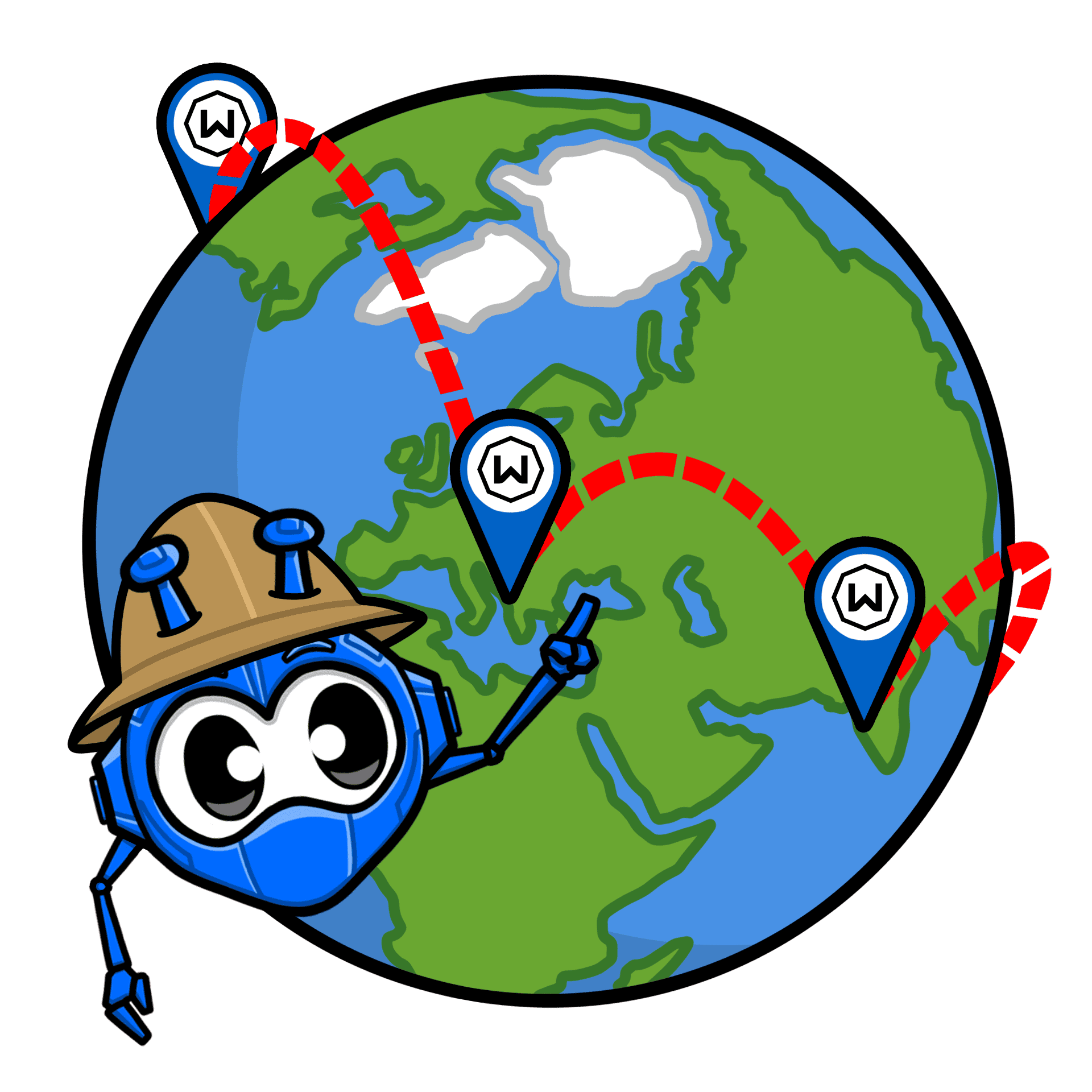
Epic Games not loading where you are? Windscribe’s servers in 69+ countries help the Epic Games Launcher and store work on more networks and in more places.
Windscribe uses AES-256 encryption to lock down your traffic – gaming or not – and keep your connection private and protected on any network.
Competitive matches in Epic Games Fortnite can attract trolls. Windscribe masks your real IP address, so DDoS attacks become much harder to pull off.

Windscribe’s encrypted tunnel hides Epic Games traffic so ISPs can’t selectively throttle your Epic Games store downloads.

Logging into your Epic account on public Wi-Fi is risky. Windscribe’s Firewall keeps your Epic Games login protected from snooping networks and credential theft.

Get Epic Games Everywhere With Windscribe

Epic Games isn’t available everywhere. Good thing Windscribe runs servers in countries where it is.

There’s nothing worse than slow VPN servers… Ours aren’t. They’re fast. And built for gaming.

Wherever you play your next Fortnite match — PC, mobile, or on your Xbox — Windscribe has you covered across your entire setup.



Loved & Trusted by Over 100 Million Users
Features

6 Encryption Protocols
Widest Server Reach
Most 10 Gbps Servers
Industry-Leading Ad Blocker
Privacy: Audited & Court-Proven
Features

Other VPNs
6 Encryption Protocols
Widest Server Reach
Most 10 Gbps Servers
Industry-Leading Ad Blocker
Privacy: Audited & Court-Proven


Frequently Asked Questions
Does Epic Games allow VPNs?


Epic Games doesn’t outright ban VPN use as a concept. Plenty of people use VPNs for privacy and safer connections. That said, Epic can still restrict or challenge logins, store access, or purchases if it thinks your connection looks suspicious or if you’re trying to access region-restricted services.
What is the best VPN for Epic Games?
Windscribe is a strong pick for Epic Games because it’s fast, has servers in 69+ countries, supports modern protocols like WireGuard, and includes a firewall (kill switch) to prevent traffic leaks if your connection drops. It’s a solid mix of speed, stability, and privacy for the store, launcher, and online play. To get a VPN for Epic Games, check out our upgrade page.
What if Epic Games doesn’t work with my VPN?
If your Epic Games isn’t working with Windscribe, try these steps:
- Switch server locations
- Change your protocol
- Try another device or network
Still having trouble? Our support team is available 24/7 to assist you.
How to change the Epic Games region with a VPN?
A VPN changes where your connection appears to be, but it doesn’t always change your Epic account region automatically. Epic typically ties the region to account settings, currency, and sometimes payment method. So a VPN can help you access Epic services like the Epic Games Store and the Epic Games Launcher while traveling or on restricted networks, but region changes (and what you can buy) may still depend on your account and payment details.
How does Epic Games detect VPNs?
Epic can flag VPN use by checking IP reputation (known data center/VPN IP ranges), unusual login patterns (rapid country hopping), and mismatches between your apparent location and your account/payment signals. If it detects something off, you might see CAPTCHA, extra verification, store issues, or failed purchases. Usually friction, not instant bans.