


Step 1
Step 2
Install the App
Step 3
Sign up
Why Use a VPN for PUBG
During online play, your real-life identity can get exposed. Windscribe swaps your real IP for one of ours, keeping your location off the radar.

Windscribe shields your connection with IP masking and AES-256 encryption, making it harder for anyone to knock you offline or trace you beyond the game.
Windscribe lets you connect through supported locations so you can play on the same servers as your friends, even when you’re in different regions.
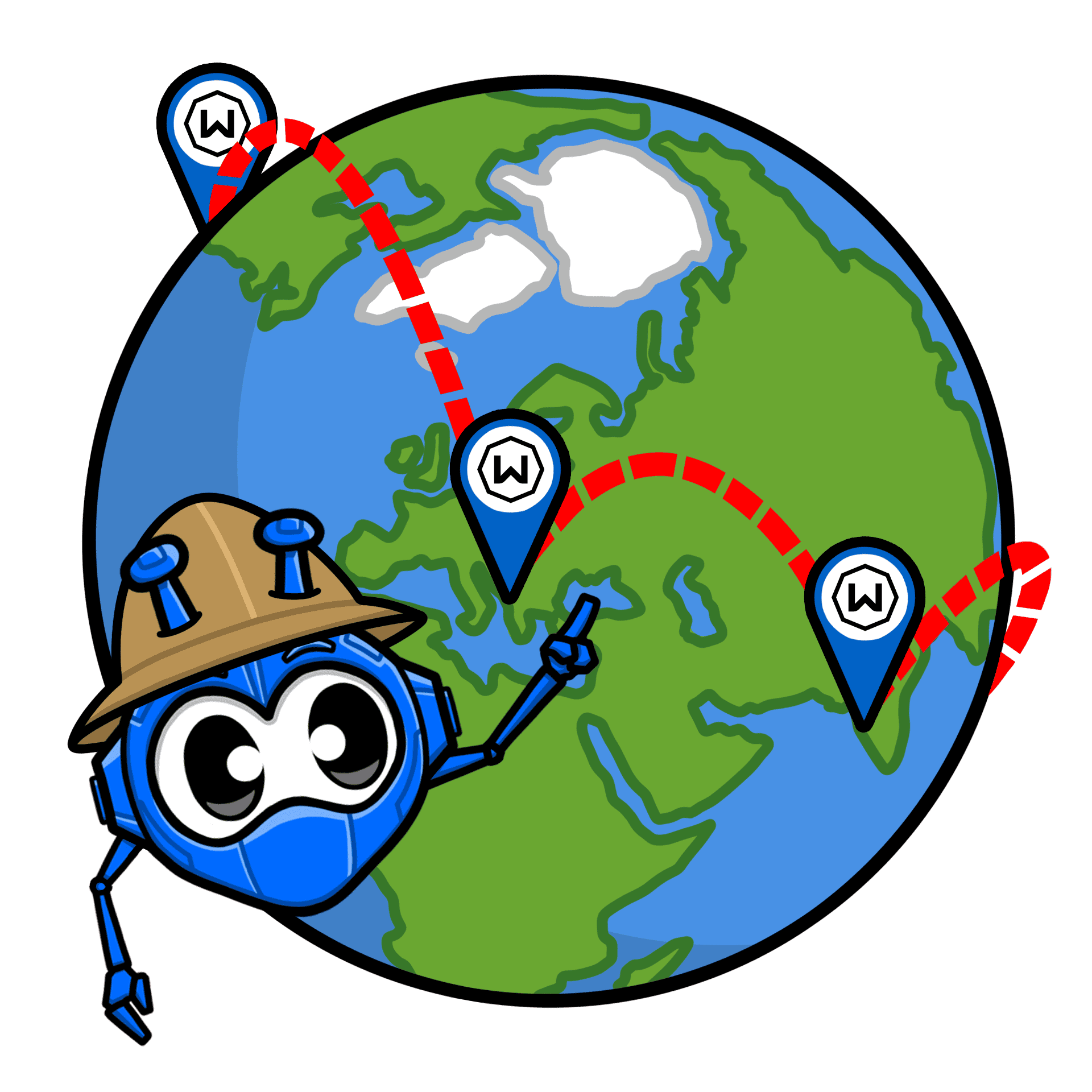
Some lag comes from inefficient ISP routes. Windscribe can take a cleaner path to PUBG servers, cutting unnecessary delay.

ISPs love to throttle live matches and large downloads. Windscribe encrypts your traffic so PUBG sessions aren’t slowed down on busy networks.
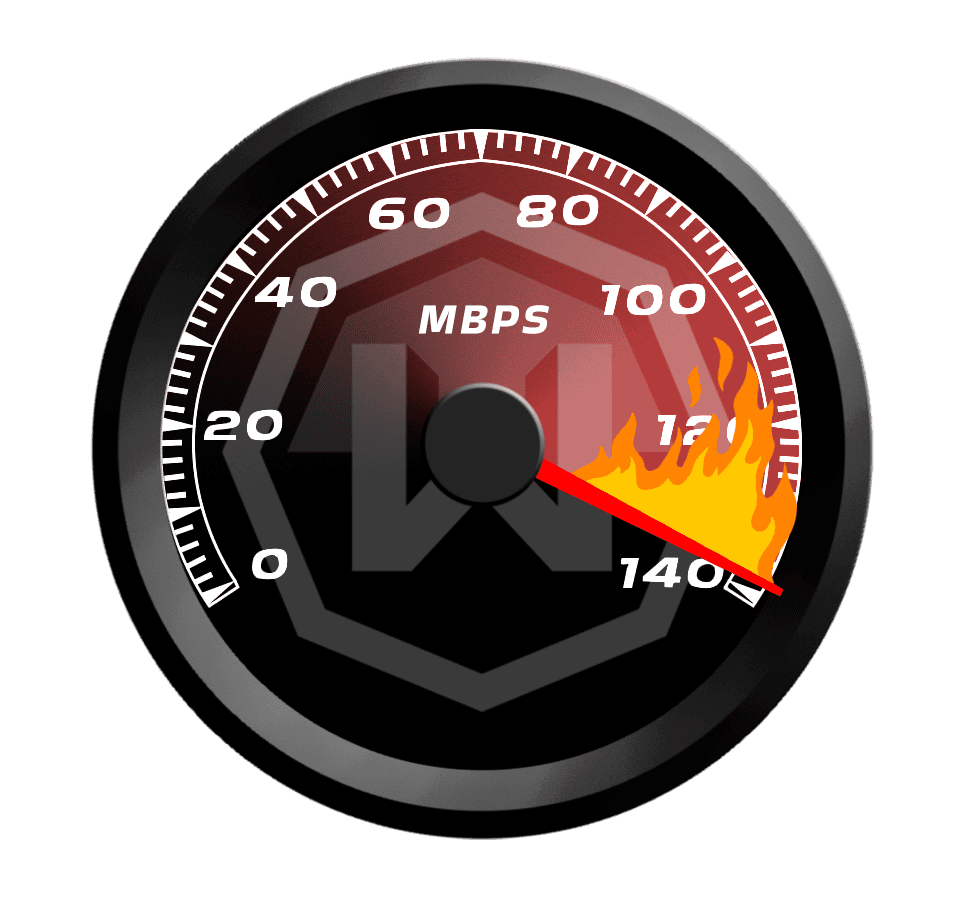
Outpace Your Opponents With a Fast PUBG VPN

Built for real-time play, Windscribe’s servers keep PUBG responsive from first drop to final circle.


Windscribe works where PUBG does – on PC, mobile, Xbox, and PlayStation – so you can stay protected.




Loved & Trusted by Over 100 Million Users
Features

6 Encryption Protocols
Widest Server Reach
Most 10 Gbps Servers
Industry-Leading Ad Blocker
Privacy: Audited & Court-Proven
Features

Other VPNs
6 Encryption Protocols
Widest Server Reach
Most 10 Gbps Servers
Industry-Leading Ad Blocker
Privacy: Audited & Court-Proven


Frequently Asked Questions
Can I play PUBG with a VPN?


Yes. A VPN can be used with PlayerUnknown’s Battlegrounds, and people mainly do it for privacy (hiding their IP), safer public Wi-Fi, and sometimes better routing. Just know that PUBG can restrict access by location and can also block connections that look suspicious, so results vary by server and region.
What VPN is best to avoid PUBG bans?
If you’re using a VPN for normal reasons (privacy, safer networks, reducing DDoS risk), stick to reputable providers (like us, duh!), use a nearby server, and don’t do region-hopping that makes your account look like it’s teleporting every match. Also, make sure to follow PUBG’s terms of service. Not following the terms of service is what can get you banned, not using a VPN.
What if PUBG doesn’t work with my VPN?
If your PUBG isn’t working with Windscribe, try these steps:
- Switch server locations
- Change your protocol
- Try another device or network Still having trouble? Our support team is available 24/7 to assist you.
Can I use a free VPN for PUBG?
You can, but free VPNs are usually rough for PUBG: crowded servers, higher latency, random disconnects, and data limits. That’s the exact recipe for a bad match.
Which country VPN is good for PUBG?
Pick the closest country/region to where you are physically (or where you normally play) to keep ping low. If you’re traveling, connect to your usual home region for consistency. The “best country” is usually the one that gives you the shortest route to PUBG servers, not the most exotic flag.
Is using a VPN against PUBG's terms of service?
A VPN isn’t automatically a ban, but PUBG can still restrict or flag connections depending on how you use it (especially if it looks like you’re trying to bypass regional restrictions or other technical controls). PUBG’s Terms of Service also say the service may be unavailable depending on geographic location, and they prohibit circumventing technical measures that control access.
Can I play PUBG Global without a VPN?
If PUBG Mobile Global is available in your country and on your network, then yes. No VPN needed. People usually reach for a VPN only when the app/service is blocked on their network, unavailable in their region, or they want extra privacy online.
Does using a VPN improve ping in PUBG?
Sometimes. A VPN can help if your ISP routes traffic badly (taking a longer path than necessary). But it can also make ping worse if you connect to a far server or add extra hops. Rule of thumb: choose a VPN server close to you (or close to the game servers you’re using) and test a couple nearby locations.