

One-click Secure Hotspot for Samsung, LG, and any other TV.
R.O.B.E.R.T. blocks ads and trackers your TV was built to serve.
Step 1
Get the App
Step 2
Install the App
Step 3
Sign Up
Why Use a VPN on Your Smart TV
Stream Content From Anywhere
Watch more while you travel or switch regions at home. With our servers in 69+ countries and 135+ cities, you can access more libraries and keep streaming without borders.
Stop ISP Throttling
Windscribe encrypts your connection and hides your streaming traffic, which helps prevent throttling and keeps your shows from getting crushed during peak hours. 4K streaming needs about 25 Mbps — if your ISP is targeting your stream, you'll feel it.
Block Smart TV Ads
Your TV tracks what you watch and ships it back to advertisers. Samsung, LG, and Vizio all run their own tracking systems. R.O.B.E.R.T. blocks ad networks, tracking domains, and data collection endpoints at the DNS level — whether you're connected via the native app, your router, or Secure Hotspot.
Protect Your Viewing Privacy
Your smart TV is always online, always sending data. Your ISP sees every connection it makes — Windscribe encrypts all of it. We also don't log what you watch ourselves: our no-logs policy is audited and court-proven.
One VPN for Every Screen
Windscribe supports unlimited device connections on a single account. Your TV, your phone, your laptop, your partner's tablet, your kid's Chromebook — all protected. Or set up Windscribe on your router and cover everything at once.
How Windscribe Works on Your Smart TV
Three ways to connect, depending on your TV. Pick the one that fits, or combine them for whole-home protection.
Native App (Fire TV, Android TV, Apple TV)
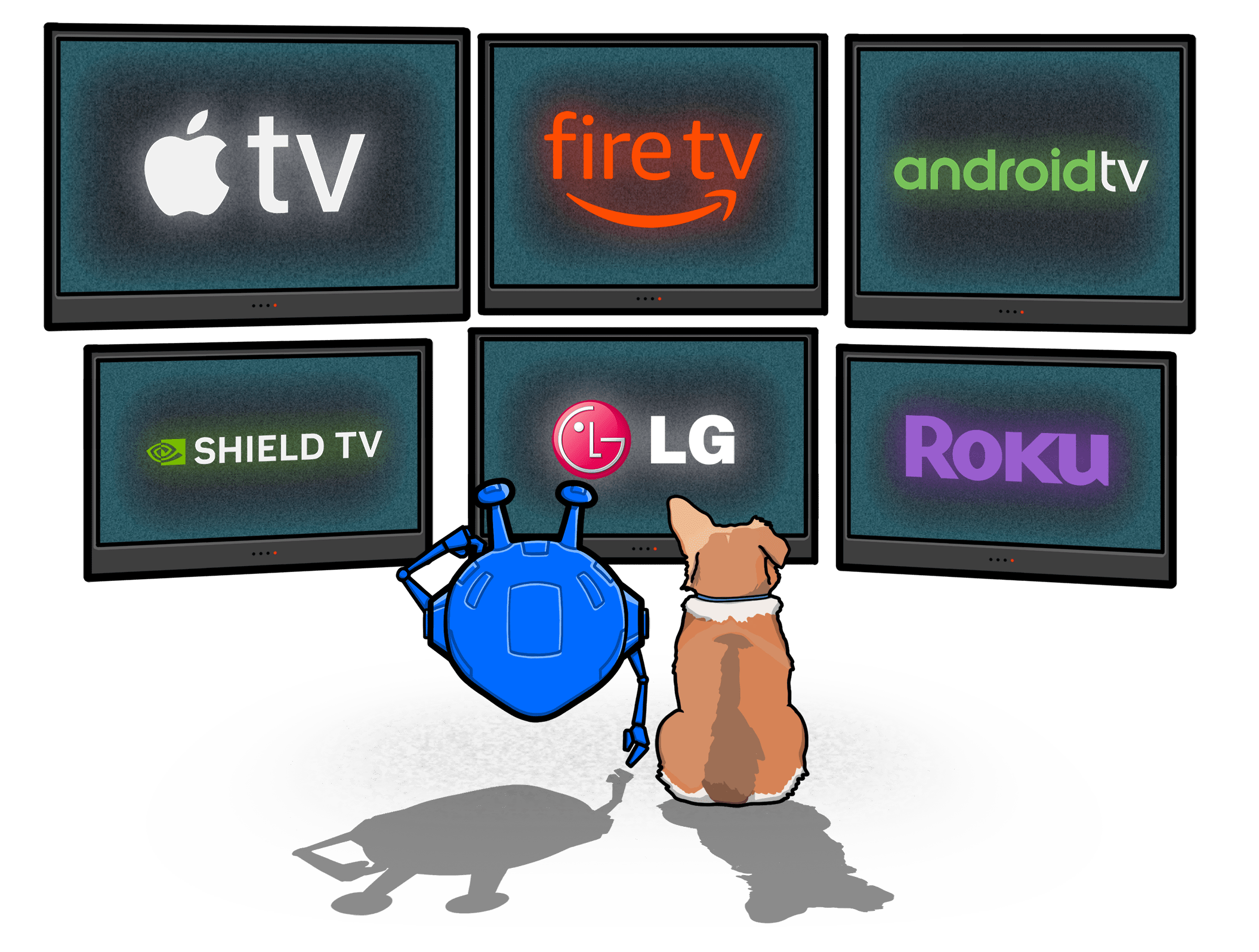
On Fire TV, Android TV, and Apple TV, Windscribe runs as a native app with full server access, R.O.B.E.R.T., and the Firewall. Download from the appropriate app store, log in, and connect — same Windscribe experience as on your phone or laptop.
Don't want to type your password with a TV remote? Use Lazy Login: the app shows a 6-digit code on your TV, you enter it from your phone or browser, and the TV logs itself in.
Secure Hotspot (Samsung, LG, and Any TV)
On Windows, Secure Hotspot lets your PC share its Windscribe connection as a Wi-Fi network. It's useful for TVs and streaming devices when the native app or router setup isn't the right fit.
SmartDNS, including Control D, can help with location switching. Secure Hotspot is the option when you want the device going through Windscribe's VPN tunnel.
Requires a Windows PC with a compatible Wi-Fi adapter.
Router Setup (Whole-Home Protection)
If you want VPN protection on every device connected to your Wi-Fi — TV, gaming console, smart home gear — set up Windscribe on your router. Once configured, all router traffic is encrypted, and your TV doesn't need to install anything.
Windscribe provides configuration files for supported routers. Generate yours from the My Account page.
Router setup is more technical than the other methods and depends on your router model. If you're not comfortable with admin panels, Secure Hotspot is the easier path.
See Which Smart TVs Work With Windscribe
Not sure which method works for your TV? Here's a quick reference.
| TV / Platform | OS | Native App | Secure Hotspot | Router Setup |
|---|---|---|---|---|
Amazon Fire TV (Stick, Cube) | Fire OS | Amazon App Store | ||
Android TV (Sony, TCL, Hisense, Philips) | Android TV | Google Play | ||
Nvidia Shield | Android TV | Google Play | ||
Apple TV | tvOS | App Store | ||
Samsung TV | Tizen | |||
LG TV | webOS | |||
Vizio TV | SmartCast | |||
Roku TV | Roku OS | |||
Hisense (VIDAA models) | VIDAA |



Loved & Trusted by Over 100 Million Users
Features

Full Privacy Suite
Ads, Tracker & Malware Blocker
Native Fire TV, Android TV & Apple TV Apps
Secure Hotspot (1-Click)
Unlimited Devices
Build-a-Plan (Pay per Location)
10GB Free Monthly Plan
No Email Required
Pay With Crypto
Features

Other VPNs
Full Privacy Suite
Ads, Tracker & Malware Blocker
Native Fire TV, Android TV & Apple TV Apps
Secure Hotspot (1-Click)
Unlimited Devices
Build-a-Plan (Pay per Location)
10GB Free Monthly Plan
No Email Required
Pay With Crypto
Frequently Asked Questions About Smart TV VPNs
Can you put a VPN on a smart TV?


Yes, but the setup depends on what your TV actually supports. If you have Fire TV, Android TV, or Apple TV, you can install the Windscribe app directly and use it like a normal app. Fire TV and Android TV also support Lazy Login. If your TV cannot run VPN apps natively, you still have options: Secure Hotspot from a Windows PC with a compatible wireless adapter, Proxy Gateway from the desktop app if your TV supports manual proxy settings, router setup if you have a Pro or Build-a-Plan account for config files, or a DNS-based option like Control D if that makes more sense for the device.
How do I put a VPN on my Samsung TV?
Samsung TVs run Tizen, and there is no native Windscribe TV app for that platform, so you need a workaround. The easiest one is Secure Hotspot, but it is Windows-only and needs a compatible wireless adapter. You open the Windscribe app on your Windows PC, turn on Secure Hotspot, then connect your Samsung TV to that hotspot like it is regular Wi-Fi. If you are on Mac or Linux, the closest equivalent is Proxy Gateway, which lets another device use your Windscribe connection through proxy settings instead of a hotspot. Router setup also works, but custom router configs are a paid feature on Pro or Build-a-Plan.
What about LG TV?
LG TVs run webOS, and Windscribe does not support webOS natively either. You’re not installing the VPN directly on the TV, you’re feeding the TV a protected connection another way. You can use Secure Hotspot from a Windows PC if your wireless adapter supports it, use Proxy Gateway if the TV supports manual proxy settings, or run Windscribe through your router. Router setup is still the more technical option, and the config files for it are part of Pro or Build-a-Plan.
What's the difference between a VPN and SmartDNS for a smart TV?
SmartDNS is the lightweight, streaming-first option. It changes where services think you are by rerouting the DNS requests that give away your location, but it doesn't encrypt your traffic or give you the same privacy as a full VPN. A VPN protects the whole connection between your TV and the internet, which is the part SmartDNS skips.
Will a VPN slow down my smart TV?
A VPN can slow things down a little, but usually not in a way that matters for normal streaming. Since your traffic has to pass through an extra server, there is always a small amount of added latency. That said, with Windscribe using WireGuard®, the speed impact is usually very small and shouldn't get in the way of HD or 4K streaming. As a general rule, 4K streaming needs around 25 Mbps. So if your internet connection is 50 Mbps or higher, you probably won't notice much difference at all with Windscribe turned on. For the best performance, connect to a Windscribe server that is close to your real location instead of picking one halfway around the world.
Is there a free VPN for a smart TV?
Yes. Windscribe has a free plan, but the exact data limit depends on whether you confirm your email. A free account starts at 2GB per month, and it goes up to 10GB per month once your email is confirmed. That's enough to test the app, the setup, and whether the service works properly on your TV before you commit to a paid plan. It's also a lot more useful than the usual free VPN nonsense that gives you almost no data and harvests your information to sell it to third parties.
Does Windscribe work with Fire TV Stick?
Yes, absolutely. Windscribe has a dedicated app in the Amazon Appstore for the Fire TV lineup, including Fire TV Stick, Fire TV Stick 4K, Fire TV Stick 4K Max, Fire TV Cube, and Fire TV Edition TVs. You install it, sign in, and connect like any other streaming app. And if entering your credentials with a remote makes you question your life choices, Lazy Login is there to save you from that experience.
Does Windscribe work with Apple TV?
Yes. Windscribe has a native Apple TV app since October 2024, which makes Apple TV one of the easiest setups here. Just grab the app from the App Store on your Apple TV, sign in, connect, and you are done.





"WireGuard" is a registered trademark of Jason A. Donenfeld. Open Source Software Attributions.