


Step 1
Step 2
Install the App
Step 3
Sign up
Why Use a VPN for DAZN
DAZN's content varies by region. Windscribe drops you into servers where the content you're missing actually lives, beIN SPORTS included.

Vacation or business trip, doesn't matter. Windscribe pulls your DAZN library back home with you, and ESPN comes along for the ride.

Windscribe encrypts your traffic, preventing your ISP from slowing it down.
Public Wi-Fi networks are insecure. Windscribe’s Firewall protects your DAZN login and personal data.

Windscribe’s AES-256 encryption ensures that your personal data stays private.

Access DAZN With Windscribe

Windscribe’s server network spans 69+ countries, so you’re never limited by geo-restrictions.

When streaming live sports, speed is key, and Windscribe is optimized for high-speed performance.
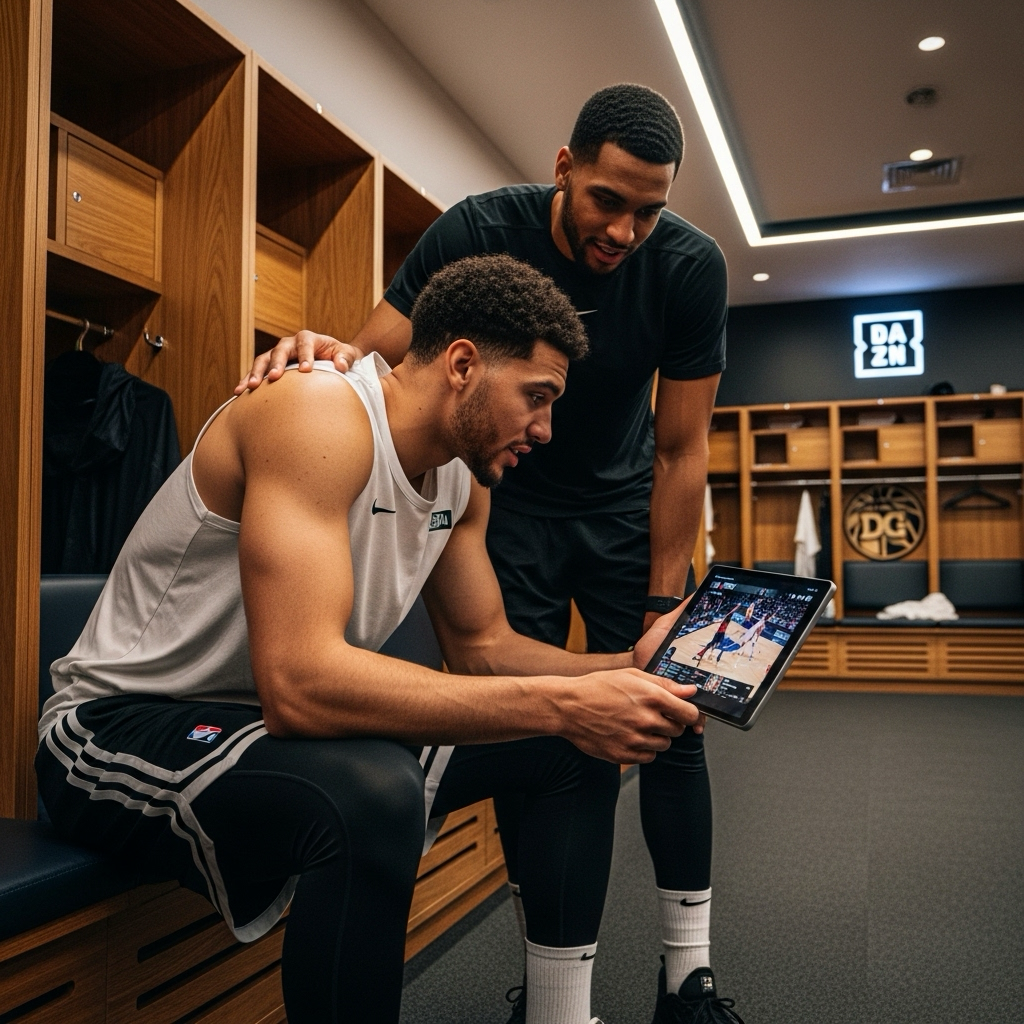




Loved & Trusted by Over 100 Million Users
Features

6 Encryption Protocols
Widest Server Reach
Most 10 Gbps Servers
Industry-Leading Ad Blocker
Privacy: Audited & Court-Proven
Features

Other VPNs
6 Encryption Protocols
Widest Server Reach
Most 10 Gbps Servers
Industry-Leading Ad Blocker
Privacy: Audited & Court-Proven


Frequently Asked Questions
Does DAZN Work With a VPNs?


Yes, DAZN works with most VPNs. When using a VPN, you can connect to servers in regions where DAZN is available and access all of DAZN's library from anywhere. Plus, a good VPN encrypts your connection so your data stays protected.
What if DAZN Doesn’t Work With a VPN?
If you are having trouble using DAZN with Windscribe VPN, you can try these steps:
How Do I Choose the Right VPN for DAZN?
To get the most out of DAZN, look for a VPN with fast, stable servers in countries where DAZN operates. A reliable VPN should also offer strong encryption to protect your data, ensure smooth streaming without buffering, and bypass DAZN’s geo-blocking system. Windscribe fits all these needs, with servers in 69+ countries and optimized performance for sports streaming.
Is Using a VPN With DAZN Legal?
Using a VPN is legal in most countries, and VPNs serve many legitimate purposes, including privacy protection and accessing content while traveling. However, using VPNs to access geo-restricted content may violate DAZN's terms of service. We recommend reviewing DAZN's current terms and using VPN services responsibly for legitimate privacy and security purposes.
Why Doesn’t My Current VPN Work With DAZN?
DAZN actively blocks many VPN services using sophisticated detection methods. Free VPNs and budget providers often lack the resources to maintain working servers. Additionally, shared IP addresses from popular VPN services get flagged quickly. Windscribe regularly updates our server infrastructure and uses techniques like IP rotation to maintain reliable access.
Can DAZN Detect That I’m Using Windscribe?
While no VPN can guarantee 100% undetectability, Windscribe uses several advanced techniques to minimize detection risks. Our Stealth protocol disguises VPN traffic, and we maintain fresh IP addresses across our server network. However, detection methods evolve constantly, so consistent access can't be guaranteed.
What Happens if DAZN Detects My VPN Usage?
DAZN typically responds to VPN detection by blocking access to content rather than suspending accounts outright. You might see error messages or be unable to stream. In rare cases, repeated violations of the terms of service could result in account restrictions. We recommend using VPN services primarily for privacy and security purposes.
Which Windscribe Server Locations Work Best for DAZN?
DAZN availability varies by region, with different content libraries in the UK, Germany, Japan, Canada, and other supported countries. The "best" location depends on what content you want to access. Windscribe's server network includes multiple options in major DAZN markets for optimal performance and reliability.
Can I Watch DAZN on Multiple Devices With Windscribe?
Yes, Windscribe supports multiple simultaneous connections, allowing you to protect several devices at once. You can stream DAZN on your laptop while your phone and tablet are also connected to the VPN. Our apps cover all major platforms, including Windows, Mac, iOS, Android, and more.
Does Using a VPN Affect DAZN’s Streaming Quality?
A high-quality VPN like Windscribe should have minimal impact on streaming quality. Our servers are optimized for bandwidth-intensive applications, and many users actually experience better performance due to bypassing ISP throttling. However, connecting to distant servers may introduce some latency, so choosing geographically closer servers when possible helps maintain optimal performance.