

Step 1
Step 2
Install the App
Step 3
Sign up
Why Use a VPN for MLB.TV

MLB.TV restricts content depending on your location. With Windscribe's U.S. servers, you can jump between regions and bypass regional blackouts, NHL TV included once hockey season rolls around.

Public Wi-Fi networks are full of potential risks. Windscribe’s Firewall keeps your connection secure.

Windscribe’s AES-256 encryption protects your privacy by hiding your browsing activity.

Windscribe’s R.O.B.E.R.T. cuts off risky domains, trackers and some ad traffic before it reaches your device.

Access MLB.TV With Windscribe

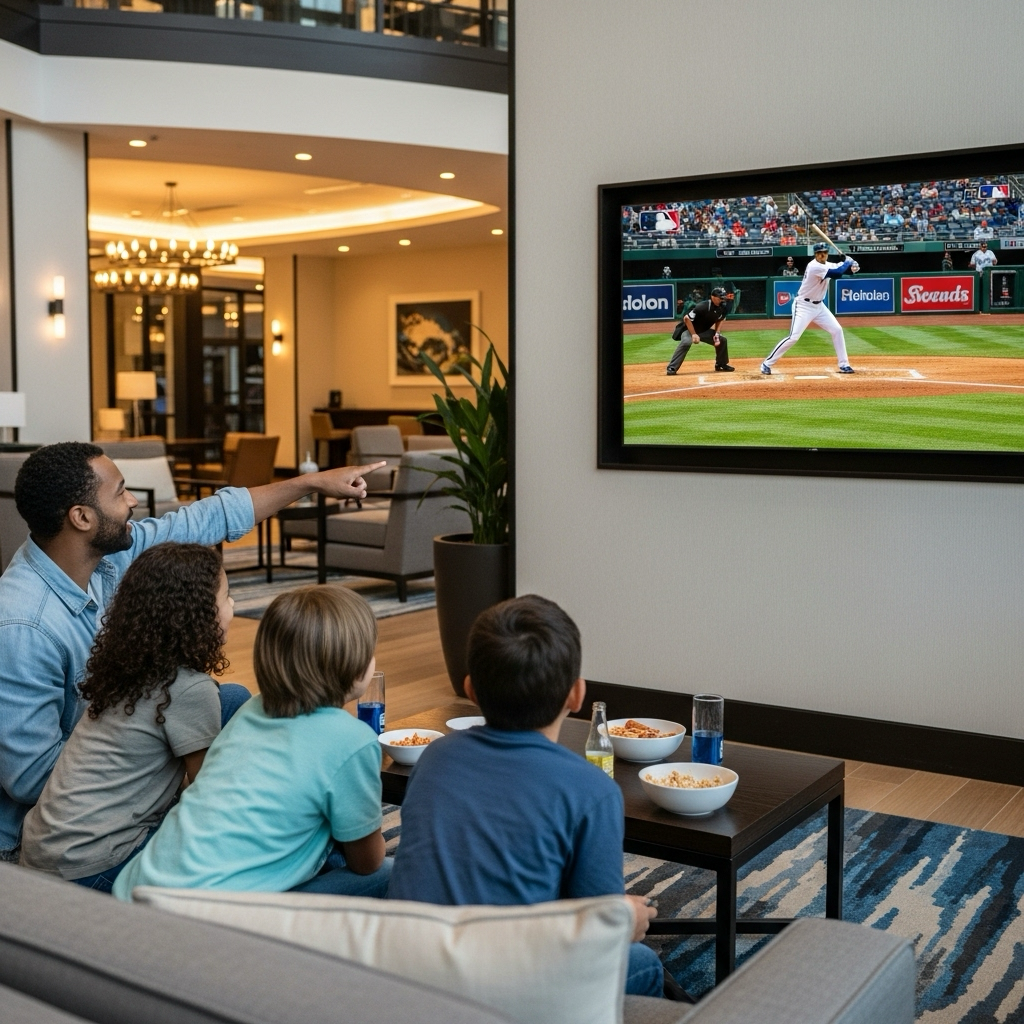
Windscribe offers multiple servers across the United States so you can access every regional MLB.TV game, FuboTV too if you want the whole channel lineup alongside it.
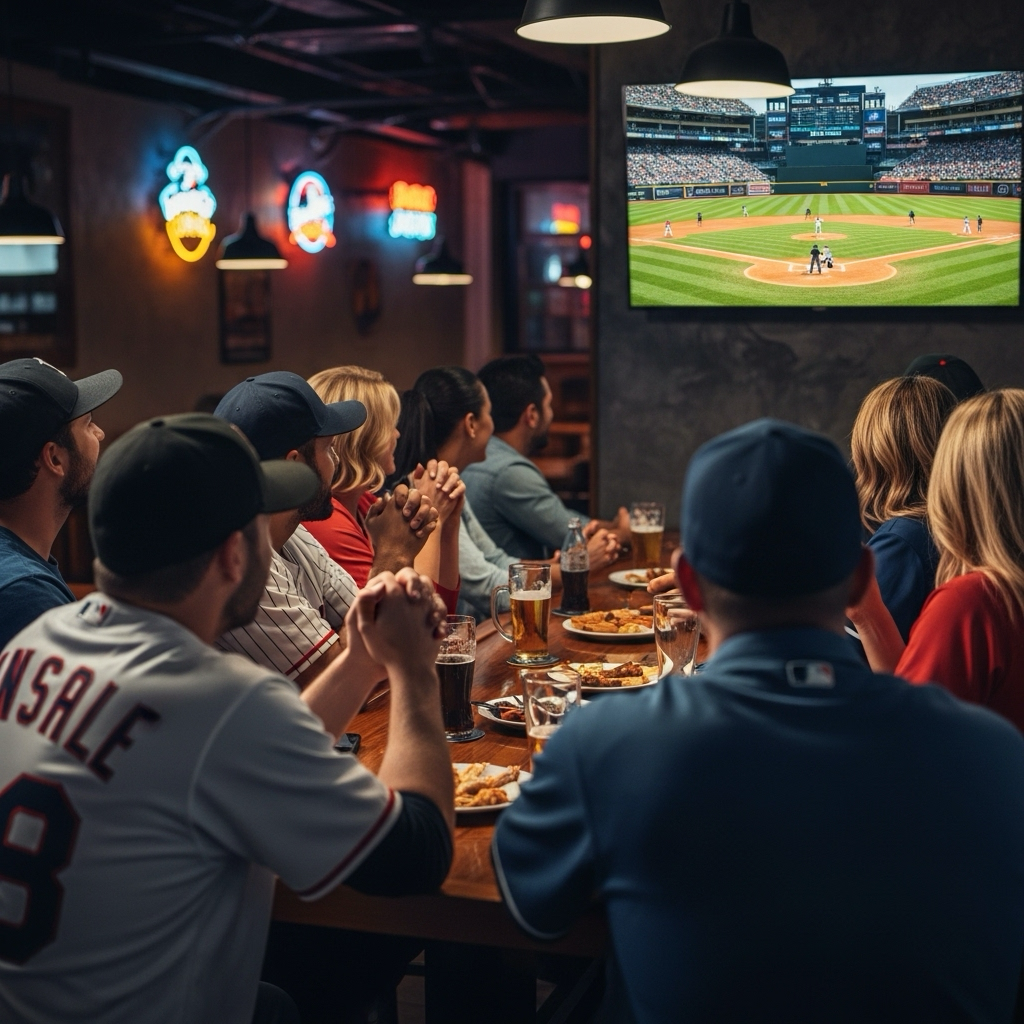
Windscribe’s servers are optimized to deliver high-speed streaming with minimal buffering.




Loved & Trusted by Over 100 Million Users
Features

6 Encryption Protocols
Widest Server Reach
Most 10 Gbps Servers
Industry-Leading Ad Blocker
Privacy: Audited & Court-Proven
Features

Other VPNs
6 Encryption Protocols
Widest Server Reach
Most 10 Gbps Servers
Industry-Leading Ad Blocker
Privacy: Audited & Court-Proven


Frequently Asked Questions
Does MLB.TV Work With a VPN?


Yes, MLB.TV works with most VPN providers. A VPN lets your route your connection through servers in different countries, so you can unblock your access to MLB.TV, no matter where you are.
What if MLB.TV Doesn’t Work With a VPN?
If you are having trouble using MLB.TV with Windscribe VPN, you can try these steps:
Is It Legal to Use a VPN With MLB.TV?
Using a VPN is completely legal in most countries. VPNs are legitimate privacy tools used by millions of people for security, accessing content while traveling, and protecting their data on public networks. However, be aware that using a VPN might conflict with MLB.TV's terms of service. Always review the platform's terms before use.
Which VPN Works Best for MLB.TV?
Windscribe consistently performs well for streaming services due to our optimized servers, multiple protocols, and reliable connection speeds. Our global server network provides flexibility for various viewing needs, whether you're traveling internationally or need consistent performance during peak hours.
Will MLB.TV Detect My VPN?
Some streaming services actively try to detect VPN usage. Windscribe's Stealth mode helps disguise VPN traffic, but no VPN can guarantee 100% undetectability. We regularly update our technology to maintain reliable performance across various platforms.
Can I Watch MLB.TV on Multiple Devices With a VPN?
Yes, Windscribe supports unlimited simultaneous connections, so you can protect all your devices at once. This means you can secure your laptop, phone, tablet, and smart TV with a single subscription.
Does Using a VPN Slow Down MLB.TV Streaming?
A quality VPN like Windscribe adds minimal latency to your connection. Our WireGuard protocol is specifically optimized for speed, and our global server network ensures you can find fast, nearby servers for optimal streaming performance.
Can I Use a Free VPN for MLB.TV?
While Windscribe offers a free tier, premium streaming services often require the reliability and speed that come with paid VPN plans. Free VPNs typically have data limits, slower speeds, and fewer server options that may not provide the consistent performance needed for live sports streaming.
Is It Safe to Use Public Wi-Fi for MLB.TV With a VPN?
Yes, using a VPN on public Wi-Fi significantly improves your security. Windscribe encrypts all your traffic, making it unreadable to anyone else on the network. This is especially important when accessing subscription services that require login credentials.