


Step 1
Step 2
Install the App
Step 3
Sign up
Why Use a VPN for FuboTV
Seeing a “FuboTV isn’t available in your area” messages? Windscribe helps you connect to regions where it works, so you can access it from wherever.

FuboTV's content differs depending on where you're watching. Windscribe lets you switch regions easily, giving you access to the full FuboTV library, and once you're region-hopping anyway, DirecTV is right there waiting.

Windscribe’s AES-256 encryption protects your data, so it cannot be tied to your real identity.

Windscribe’s Firewall keeps your connection secure and seals your data inside an encrypted VPN tunnel, so you can stream safely on the go.

Windscribe’s R.O.B.E.R.T. blocks many trackers, harmful sites and some ad domains, so your shows come with less clutter.

Access FuboTV With Windscribe

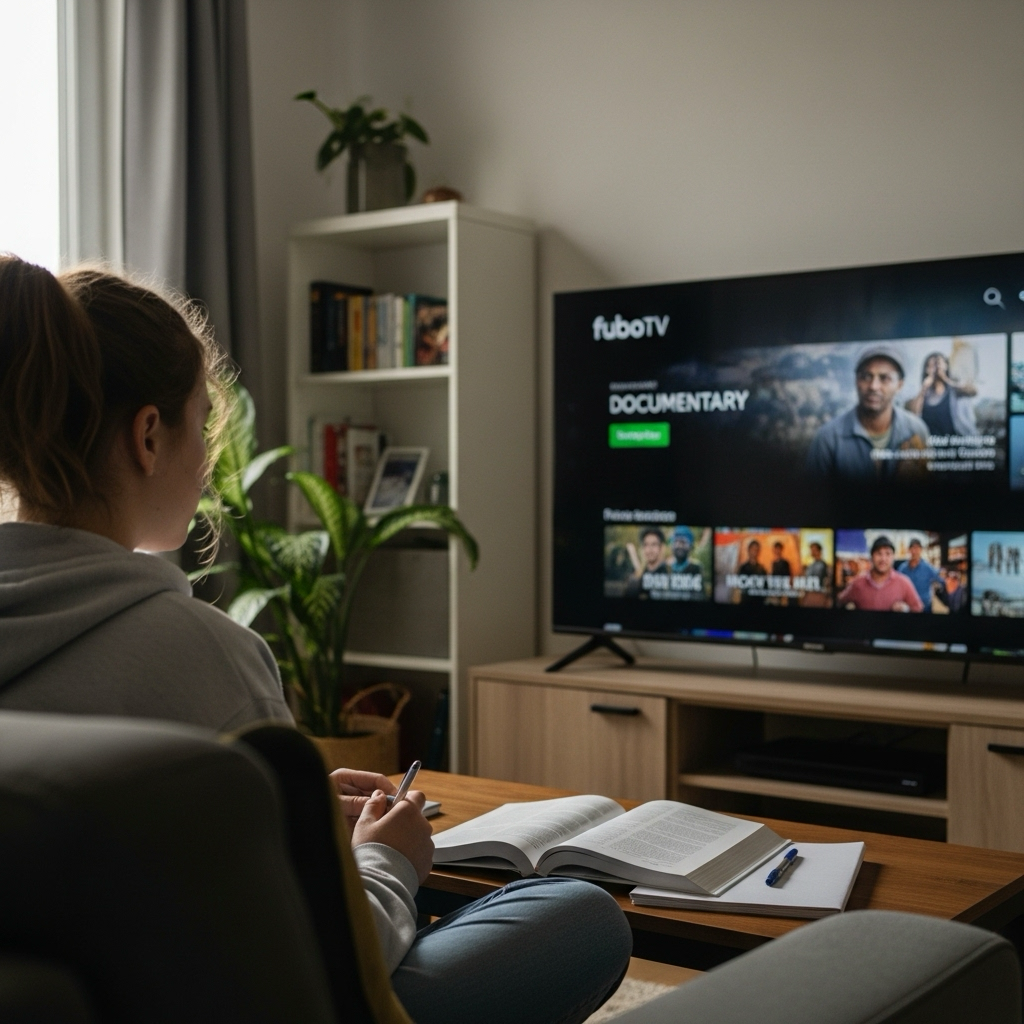
Windscribe’s streaming-optimized infrastructure ensures smooth streaming with minimal buffering.

Windscribe doesn’t just unlock FuboTV wherever you are. It also keeps your connection secure.




Loved & Trusted by Over 100 Million Users
Features

6 Encryption Protocols
Widest Server Reach
Most 10 Gbps Servers
Industry-Leading Ad Blocker
Privacy: Audited & Court-Proven
Features

Other VPNs
6 Encryption Protocols
Widest Server Reach
Most 10 Gbps Servers
Industry-Leading Ad Blocker
Privacy: Audited & Court-Proven


Frequently Asked Questions
Does FuboTV Work With a VPN?


FuboTV actively blocks many VPN connections, but quality VPN services like Windscribe use advanced techniques to maintain reliable access. Success depends on using servers specifically optimized for streaming and VPN providers that regularly update their detection avoidance methods.
How Do I Fix “FuboTV VPN Not Working” Errors?
If you are having trouble using FuboTV with Windscribe VPN, you can try these steps:
Which VPN Works Best With FuboTV?
The best VPN for FuboTV should offer fast, stable servers in the U.S., Canada, and Spain, where FuboTV operates. It should also be able to bypass geo-restrictions and avoid detection by FuboTV’s anti-VPN systems. Windscribe excels at this, providing optimized streaming servers, strong encryption for privacy, and the ability to switch regions seamlessly, so you can access all the content FuboTV has to offer without interruption.
Why Does FuboTV Block VPNs?
FuboTV blocks VPNs due to licensing agreements with content providers and sports leagues, the same rulebook that makes NHL TV play hardball, though Windscribe doesn't blink at either one. These contracts often include geographic restrictions that require blocking access from certain regions. It's about money and broadcasting rights, not user security.
Can I Watch FuboTV Outside the U.S. With a VPN?
FuboTV is available in the US, Canada and Spain, but each country has its own content library and restrictions. A VPN can bypass geo-restrictions, allowing you to access FuboTV from any supported region. However, you’ll still need a valid subscription in the respective country, with a U.S., Canadian, or Spanish payment method to access the service legally.
Will Using a VPN Slow Down My FuboTV Streaming?
Quality VPNs like Windscribe add minimal latency to your connection. Our WireGuard protocol typically adds less than 10ms of delay, which is imperceptible during live streaming. Your internet speed and the VPN server's load have bigger impacts on performance than the VPN technology itself.
What Should I Do if FuboTV Detects My VPN?
Switch to a different server location within your VPN app, clear browser data, including cookies and cache, try incognito/private browsing mode, or contact your VPN provider for updated server recommendations. Windscribe regularly refreshes server IPs to stay ahead of detection systems.
Is Using a VPN With FuboTV Legal?
Using a VPN for privacy and security is legal in most countries. However, accessing geo-restricted content may violate FuboTV's terms of service, which could potentially result in account suspension. VPNs are commonly used for legitimate purposes like protecting privacy on public Wi-Fi and securing business connections.