


Step 1
Step 2
Install the App
Step 3
Sign up
Why Use a VPN for ESPN
Try watching ESPN from outside the U.S. and you'll hit a wall. Windscribe's U.S. servers put you back in the home team's territory.

Local blackout restrictions stopping you from watching the game? Windscribe lets you virtually relocate to a blackout-free zone.

Free streaming sites are crawling with malware. Windscribe’s U.S. servers give you legitimate ESPN access without infesting your computer with viruses.

With Windscribe’s servers across the U.S., you can stream ESPN as if you never left home, even if you're traveling or working abroad.

Windscribe encrypts your ESPN traffic, keeping your streams fast and smooth so your ISP cannot throttle your connection during the game.

Access ESPN With Windscribe

Windscribe gives you multiple U.S. server options so you can quickly switch to the fastest, most convenient location.
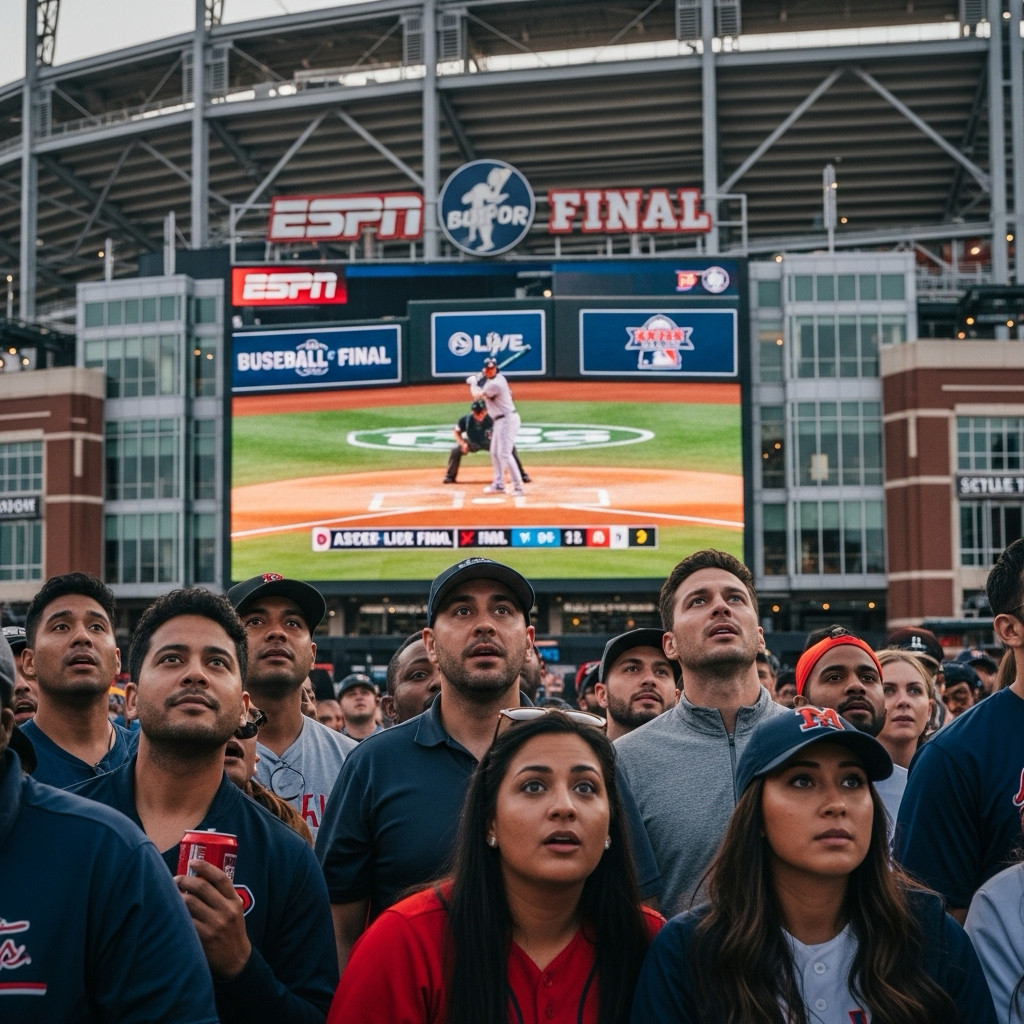
Windscribe’s servers are optimized for streaming, so you catch every moment in crystal-clear quality.

We keep updating our servers, so they're always as reliable as they can be.




Loved & Trusted by Over 100 Million Users
Features

6 Encryption Protocols
Widest Server Reach
Most 10 Gbps Servers
Industry-Leading Ad Blocker
Privacy: Audited & Court-Proven
Features

Other VPNs
6 Encryption Protocols
Widest Server Reach
Most 10 Gbps Servers
Industry-Leading Ad Blocker
Privacy: Audited & Court-Proven


Frequently Asked Questions
Does ESPN Work With a VPN?


Yes, ESPN works with a VPN. A VPN allows you to bypass regional restrictions and access live sports, shows, and events from anywhere in the world. Just connect to a server in the U.S. to enjoy ESPN's full content library, even if you're outside the country.
What Should I Do if My VPN Stops Working With ESPN?
If you are having trouble using ESPN with Windscribe VPN, you can try these steps:
Does ESPN Block VPNs?
ESPN definitely tries to block VPN traffic, but their detection isn't perfect. They use various methods to identify VPN users, including IP blacklists and traffic analysis. Windscribe stays ahead of these blocks by regularly updating our server infrastructure and using advanced techniques to make our traffic look like regular internet browsing.
Which VPN Works Best With ESPN?
The best VPN for ESPN needs fast U.S. servers, reliable streaming optimization, and constant updates to stay ahead of blocking attempts. Windscribe checks all these boxes with dedicated streaming servers, multiple U.S. locations, and a team that monitors platform compatibility 24/7.
Is Using a VPN for ESPN Legal?
Using a VPN with ESPN exists in a legal gray area. VPNs are completely legal tools for privacy and security. However, accessing geo-restricted content may violate ESPN's terms of service. While we've never heard of anyone facing legal consequences for using a VPN to watch sports, you're technically breaking platform rules. Use your best judgment and understand the risks.
Why Is ESPN Blocked in My Country?
ESPN's content restrictions come down to licensing agreements and broadcasting rights. Different countries have different sports broadcasters that pay for exclusive rights to show certain games or leagues. ESPN can only stream content in regions where they own the broadcasting rights, which is why international fans get blocked.
Can I Watch ESPN+ Internationally With a VPN?
ESPN+ is even more restrictive than regular ESPN, but yes, a VPN can help you access it from abroad. You'll need a U.S. IP address and might need to clear your browser data between connection attempts. Keep in mind that ESPN+ requires a US-based payment method for subscription, so international users face additional hurdles beyond just geo-blocking.
Will Using a VPN Slow Down My ESPN Streaming?
Any VPN will add some latency to your connection, but a quality service like Windscribe minimizes the impact. Our streaming-optimized servers typically add less than 10% to your normal connection speed. For most users, this isn't noticeable during streaming, especially on connections faster than 25 Mbps.
Can I Use a Free VPN for ESPN?
Free VPNs are like free tickets behind a pillar. Technically, they work, but the experience is terrible. Free services typically have slow servers, data caps, and poor streaming performance. Worse, ESPN blocks most free VPN IP addresses aggressively. You'll spend more time troubleshooting than watching sports.