


Your LG TV Doesn't Allow VPNs. Here's Why.
LG Smart TVs run webOS. Unlike Android TV or Fire TV, webOS is a closed shop. LG hasn't released a public VPN SDK. In short, they haven't given us (or anyone else) the tools to build a native app.
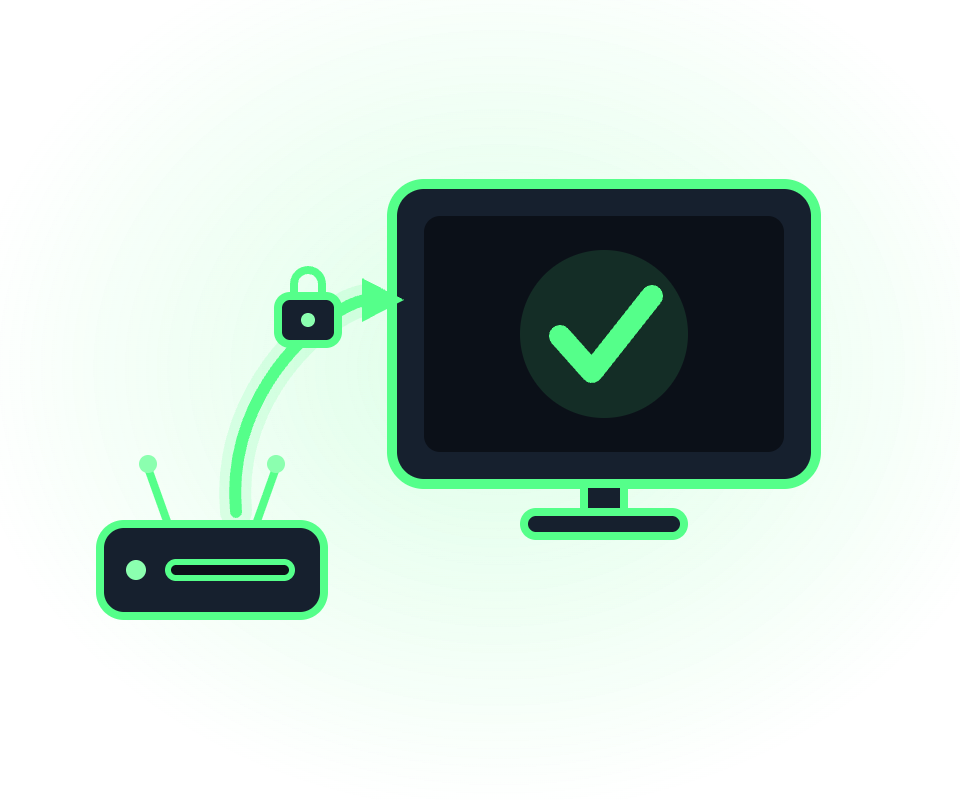
However, you can still protect your LG TV by routing its traffic through Windscribe using a VPN-enabled router, sharing a Secure Hotspot from your computer, plugging in a streaming stick, or using Smart DNS.

The Best VPN for LG TV? It's Windscribe!
We Give You 10GB of Data for Free
Try Windscribe for free and get 10GB of data every month. That's enough to stream about 3 hours of HD content while you decide if we're The One.
We Have a Sister
If you just want a Smart DNS tool without the encryption overhead, that's our sister's job. Control D is a customizable DNS service built by the same team that created Windscribe.
We Let You Pay for What You Need
If you only want to watch a British baking show, you shouldn't have to pay for servers in 69+ countries. Pick the one location you need for $1 and add unlimited data for another $1.
We Answer Only to You
We don't answer to corporate overlords, bribe review sites, or hide behind perfection claims. We're self-funded, open-source, and independently audited.


Features

6 Encryption Protocols
Widest Server Reach
Most 10 Gbps Servers
Industry-Leading Ad Blocker
Privacy: Audited & Court-Proven
Features

Other VPNs
6 Encryption Protocols
Widest Server Reach
Most 10 Gbps Servers
Industry-Leading Ad Blocker
Privacy: Audited & Court-Proven
Loved & Trusted by Over 100 Million Users
Frequently Asked Questions About VPN for LG TV
Can I install Windscribe directly on my LG TV?


No. LG uses webOS, which doesn't support native VPN apps. To get Windscribe working, you'll need to use one of the four methods mentioned above, like a router setup or Smart DNS.
What's the difference between Smart DNS and a VPN?
Smart DNS only swaps your DNS addresses to spoof your location for streaming; it doesn't encrypt your data. A VPN creates a secure, encrypted tunnel for your entire connection. Use Control D for speed and unblocking, or the router method for total privacy.
Will a VPN slow down my LG TV?
It depends on your setup. Smart DNS has zero impact on speed. With a router, your speed is usually limited by the router's processor (cheap ones might max out at 50-150 Mbps), while Secure Hotspot depends on your PC's hardware.
My streaming app still shows local content. Why?
LG apps often cache your region or tie it to your LG account. If a VPN doesn't fix it immediately, try clearing the app's cache, signing out and back in, or, as a last resort, performing a factory reset on the TV.
Does Windscribe work on older LG TVs?
Yes. It works with any TV that has Wi-Fi via router or Secure Hotspot connection methods. On the other hand, Smart DNS works on almost any model running webOS 3.0 or newer, as long as the network settings allow you to enter a DNS address manually.
Is the Bright VPN in the LG Store the same type of VPN as Windscribe?
Not even close. Bright VPN uses a residential proxy model, meaning they use your TV's bandwidth to power their business. Windscribe is a traditional consumer VPN that focuses on your privacy, not selling your idle connection.





"WireGuard" is a registered trademark of Jason A. Donenfeld. Open Source Software Attributions.