


Step 1
Get the App
Step 2
Install the App
Step 3
Sign up
Why Use a VPN for Los Angeles
Switch Your IP to Los Angeles

Access Los Angeles Services

Watch Local TV Anywhere

Stream Every Game Live

Run Localized Testing

Secure Your Connection in the City of Angels

Keep Your Data Safe
Avoid Sketchy Domains

Browse Safely on Free Wi-Fi



Loved & Trusted by Over 100 Million Users
Features

6 Encryption Protocols
Widest Server Reach
Most 10 Gbps Servers
Industry-Leading Ad Blocker
Privacy: Audited & Court-Proven
Features

Other VPNs
6 Encryption Protocols
Widest Server Reach
Most 10 Gbps Servers
Industry-Leading Ad Blocker
Privacy: Audited & Court-Proven
FAQs: Top Questions About Los Angeles VPN Answered
How can I get an LA IP address?


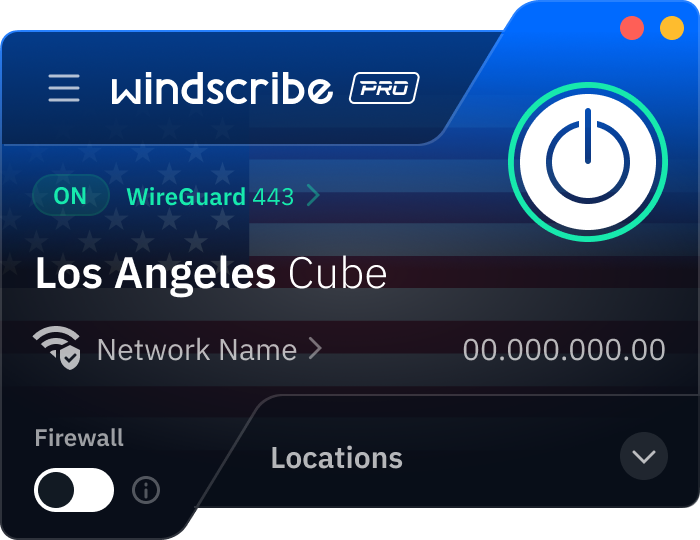
Download Winscribe and create your account, if you haven’t already. Then, open your Windscribe app, scroll through our US locations, and tap on Los Angeles. Once you hit connect, your traffic is routed through the City of Angels, making it look like you're browsing from the heart of the city.
What does a VPN cost in Los Angeles?
In LA, you're usually looking at anywhere from $3 to $16 USD per month for a premium service. While many providers try to lock you into a multi-year commitment, our Build-A-Plan is a favorite for folks who like to keep things flexible. You can add a Los Angeles server and unlimited data for just $3 USD a month. To get a VPN for Los Angeles, check out our upgrade page.
Is using a VPN legal in California?
Yes, absolutely. It is 100% legal to use a VPN in Los Angeles and throughout the state of California. In fact, given California's leadership in digital privacy with the 2026 CCPA/CPPA updates, using a VPN is a standard best practice. It helps you exercise your right to limit the sharing of your 'sensitive personal information,' like your precise geolocation. Still, remember that a VPN is a security tool, not a get-out-of-jail-free card. If an activity is illegal without a VPN, it remains illegal with one. The VPN just adds a layer of privacy to your connection.
Which VPNs offer servers in California?
Most major providers have a presence in major California cities. At Windscribe, we offer multiple servers in California, in Los Angeles, San Francisco, Santa Clara, and San Jose, all fast enough for 4K streaming and gaming. This granularity is essential if you need a specific LA IP for accurate local search results or for testing geo-targeted campaigns in the heart of the entertainment industry.
Does Windscribe have a Los Angeles VPN browser extension?
Yes! If you only need to change your location within your web browser, our extension for Chrome, Firefox, and Edge is a perfect fit. It’s a lightweight way to grab a Los Angeles IP instantly, allowing you to access local California sites or log into LA-based accounts without affecting the rest of your computer’s connection. It also includes Time Warp and Location Warp, which sync your browser time and GPS settings to match LA so you don't get flagged by picky websites. If you want to protect your whole device (like your email app or Spotify), you’ll want to use the full Windscribe app instead.
How do I set up Windscribe to work with an LA location?
It’s as simple as it gets! For PC/Mac, just download the app from the Windscribe site, sign in, and click Los Angeles in the server list. For mobile, grab the app from the App Store or Google Play, log in, and tap the power button after selecting an LA server. Once it goes green, you’re virtually anchored in LA.
Can a VPN help me access the Los Angeles Times securely?
You bet. Sometimes local news sites like the LA Times can be picky about traffic coming from international IPs or suspicious networks. By connecting to a Windscribe Los Angeles server, you get a clean, local IP that makes you look like a regular reader from the city. Plus, our browser extension has a built-in ad and cookie blocker to make your browsing experience cleaner.