
Free plan, no email required.
Trusted by 100+ million users.
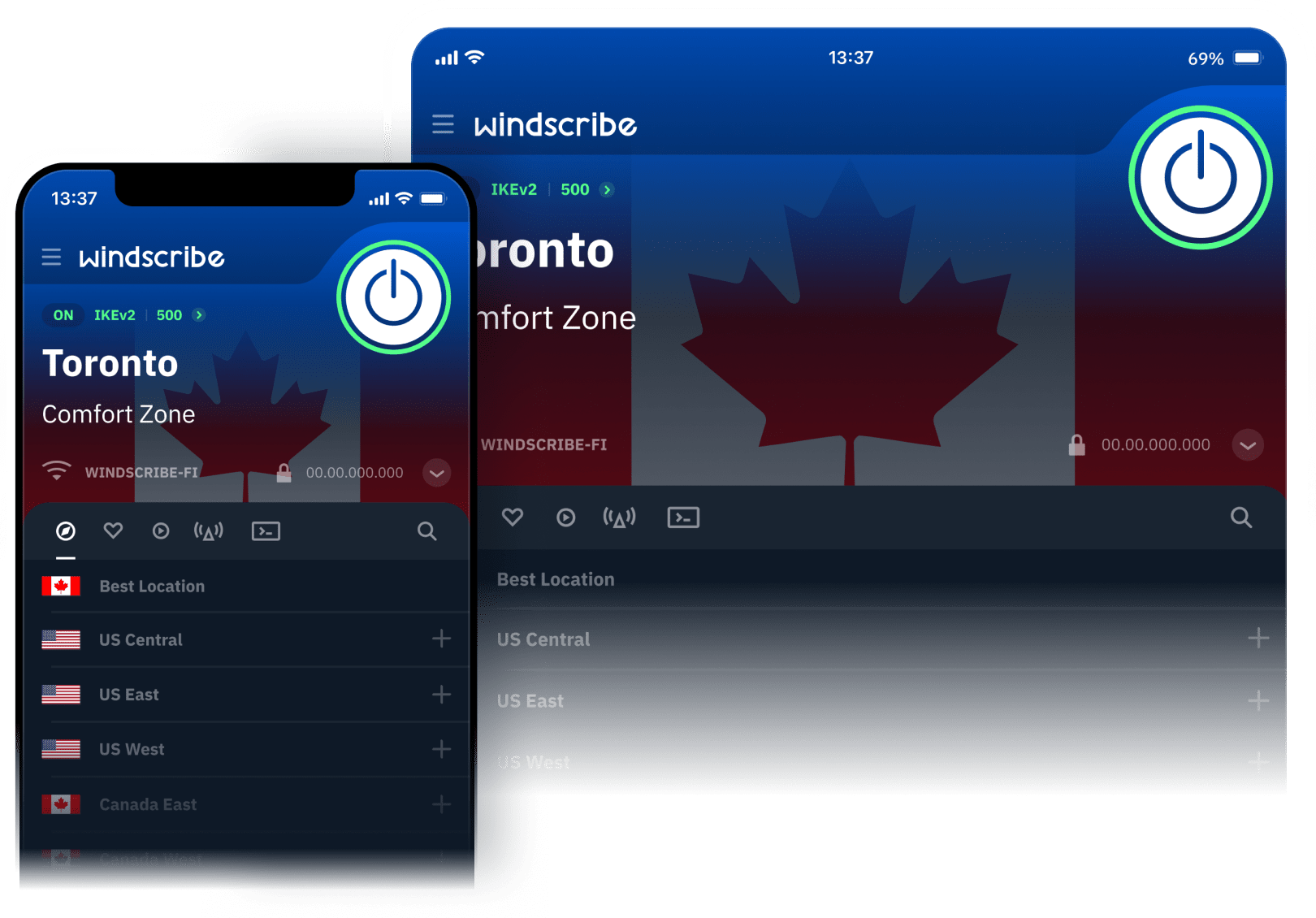
Why You Need a VPN on Your iPhone
Coffee shops, airports, hotels: shared networks, readable traffic. Windscribe encrypts yours before it leaves the phone.
Your provider and your cell carrier log every site you visit. With Windscribe, they see encrypted traffic to a single server and nothing past it.
Free apps are packed with trackers, and streaming is walled off by region. Windscribe hides what you're doing and lets you pick where you appear.

But Isn't My iPhone Already Private?
Built for iPhone, Not Ported to It
We Work With iOS's Rules, Not Around Them.
A lot of iPhone VPNs are someone's Android app in a trench coat. Windscribe's iOS app is built for how an iPhone actually behaves: constant network switching, background limits, and Apple's rules about what a VPN can and can't do.
Native iOS networking APIs. The connection holds when you switch between Wi-Fi and cellular.
Widget and Siri Shortcuts. Connect and disconnect without opening the app.
On-demand connection. Set it once and Windscribe turns on by itself on untrusted networks.
Minimal battery hit. WireGuard was built for mobile in the first place.

Step 1
Get the App
Step 2
Sign Up
Step 3
Connect
Watch the Setup, Start to Finish
Record-breaking speeds and easy on the battery. Best default on iPhone. Six ports.
Fastest to reconnect when you walk from Wi-Fi onto cellular. A solid fallback.
Battle-tested and dependable when you want a known quantity. Six ports.
Slower but more persistent, for networks that drop UDP. Eleven ports.
Wraps your tunnel so it looks like ordinary HTTPS. Gets through most blocks. Eleven ports.
Routes you over WebSocket when even Stealth is filtered. The last resort that works.
Block Ads & Trackers in Every App with R.O.B.E.R.T.
Here's a thing nobody tells iPhone owners: the ad blockers you install from the App Store only work inside Safari. Every other app, every in-app browser, every tracker baked into a free game, sails right past them.
R.O.B.E.R.T. works the other way around. It blocks at the DNS level on our servers, before the junk ever reaches your phone, so ads, trackers, and known-malware domains get filtered across your entire device. Flip on the block lists you want, leave the ones you don't. Pages load faster as a bonus, since roughly half of an average website is stuff you never asked for.

More Control Than Any iPhone VPN Needs
Set a rule once and Windscribe connects the moment you join an unknown network. Mark home and office as trusted and it stays out of your way.
When our servers were seized in 2021, there was nothing to hand over. RAM-only infrastructure, independently audited, open source.
Is a Free VPN for iPhone Actually Safe?
The App Store is full of VPNs promising unlimited, no-logs, free forever. Someone pays for those servers, and if it isn't you, it's whoever is buying your browsing data.
Windscribe is freemium, not free. The free plan runs on the same infrastructure paying users get: same encryption, same no-logs policy, same R.O.B.E.R.T. ad blocking. Pro subscribers cover the cost.

Loved & Trusted by Over 100 Million Users





Frequently Asked Questions
Do I need a VPN on my iPhone?


Yes, if your phone ever leaves your home network. iOS locks down the device itself, but it hands your traffic to whatever Wi-Fi or cell tower is nearby without encrypting it. A VPN closes that gap.
Does the iPhone have a built-in VPN?
No. There's a VPN settings screen, but nothing to connect to until a provider hands you IKEv2 or IPsec credentials. Private Relay only shields Safari. An app is the practical answer.
Is there a free VPN for iPhone?
Yes, and ours has no trial clock on it. Add an email for 10 GB a month, or skip it and keep 2 GB. Grab the app, make an account, tap connect.
Will a VPN drain my iPhone battery?
Barely, if you use WireGuard. It's the most power-efficient protocol we offer and was built for mobile. Older protocols use a little more.
Does Windscribe work on iPad and Apple TV?
Yes. One account covers your iPhone, iPad, Mac, and Apple TV with unlimited simultaneous connections.
What's the best protocol to use on iOS?
WireGuard for most people: fast, secure, easy on the battery. Switch to Stealth or WSTunnel on networks that block VPNs, and IKEv2 if WireGuard won't connect.
What's the best VPN for iPhone?
Weigh four things: how fast it is, whether the no-logs claim has been tested, how wide the server network reaches, and whether the iOS app was actually built for iOS. Windscribe brings strong encryption, unlimited device connections, R.O.B.E.R.T. ad blocking in every app, and a firewall that fails closed rather than reacting after a leak.
"WireGuard" is a registered trademark of Jason A. Donenfeld. Open Source Software Attributions.