


Passo 1
Passo 2
Instalar a Aplicação
Passo 3
Criar conta
Porquê Usar um VPN para World of Warcraft
Expor o teu endereço IP a outros jogadores pode causar-te problemas. A Windscribe mascara o teu endereço IP e substitui-o por um dos nossos, para que a tua localização real e identidade fiquem escondidas.

Algumas redes — como o Wi-Fi escolar ou de escritório — bloqueiam o tráfego de gaming. Os protocolos furtivos da Windscribe contornam bloqueios rigorosos de Wi-Fi escolar e de escritório, para que possas entrar no WoW ou desbloquear o MapleStory em qualquer lugar.

Seres desconectado a meio de uma arena ou raid é brutal. A Windscribe protege-te contra ataques DDoS com encriptação AES-256, tornando a tua ligação mais difícil de atacar.

O lag nem sempre é culpa do teu Wi-Fi. Também pode ser causado por um mau roteamento. Mudar de localização na Windscribe pode por vezes dar-te um caminho mais direto para os servidores do jogo, proporcionando um gameplay mais fluido.

O Wi-Fi público em hotéis, cafés ou aeroportos é arriscado. A Firewall da Windscribe mantém os teus dados selados dentro de um túnel VPN encriptado para que não caiam nas mãos erradas.

Mantém-te Competitivo com um VPN Rápido para World of Warcraft

Servidores de alta largura de banda aguentam atualizações enormes e tráfego MMO intenso sem limitação do teu fornecedor de internet, quer jogues WoW quer jogues Warframe.
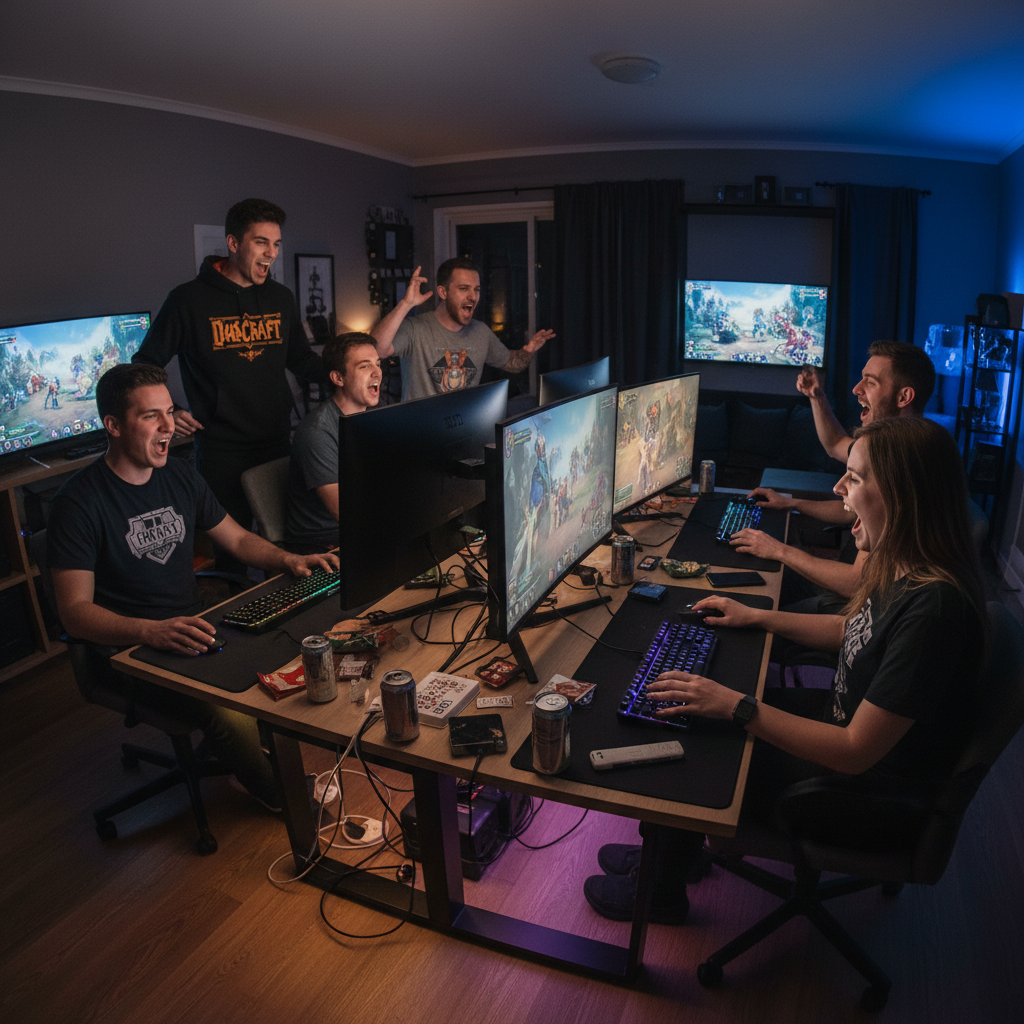
Liga-te em mais de 69 países para otimizar o teu caminho de rede, baixar o ping e jogar Blue Protocol sem bloqueios regionais.

Usa a Windscribe no PC e Mac, e protege mais dispositivos de gaming através de uma configuração de router.




Adorada e confiável por mais de 100 milhões de usuários
Recursos

6 protocolos de criptografia
Maior alcance de servidores
Mais servidores de 10 Gbps
Bloqueador de anúncios líder do setor
Privacidade: auditada e comprovada em juízo
Recursos

Outras VPNs
6 protocolos de criptografia
Maior alcance de servidores
Mais servidores de 10 Gbps
Bloqueador de anúncios líder do setor
Privacidade: auditada e comprovada em juízo


Perguntas frequentes
Podes usar um VPN para World of Warcraft?


Sim, podes usar um VPN com World of Warcraft. A maioria dos jogadores usa-o por privacidade e por vezes para contornar redes bloqueadas ou restritas. Por isso, desde que não uses um VPN para fazer algo que viole as regras da Blizzard, estás bem.
Qual é o melhor VPN para WoW?
Adivinhaste: é a Windscribe! É o melhor VPN para World of Warcraft e para gaming em geral porque tem tudo o que precisas para jogar com segurança: uma política rigorosa de não registo para manter a tua atividade privada, encriptação forte e servidores rápidos em mais de 69 países. Além disso, tens protocolos modernos adaptados ao gaming e suporte para PC, consolas e routers.
E se World of Warcraft não funcionar com o meu VPN?
Se o teu World of Warcraft não está a funcionar com a Windscribe, experimenta estes passos:
- Muda de servidor
- Muda o teu protocolo
- Experimenta outro dispositivo ou rede
Ainda com problemas? A nossa equipa de suporte está disponível 24 horas por dia, 7 dias por semana para te ajudar.
O WoW faz banimentos de IP?
Geralmente, não. A Blizzard normalmente não faz banimentos de IP como as pessoas pensam (tipo banir permanentemente a internet de casa). Por vezes colocam restrições temporárias num IP se algo parecer suspeito (segurança/fraude/conta comprometida), o que pode bloquear o login por algum tempo.
Posso jogar WoW noutro país?
As contas World of Warcraft (e tudo o que está associado a elas) estão bloqueadas por região, por isso se quiseres jogar numa região diferente precisarás de uma licença WoW separada para essa região. Um VPN não muda isso porque a região do WoW está ligada à tua licença de conta Battle.net, não à tua localização física. Um VPN apenas muda o teu endereço IP (de onde parece vir a tua ligação), mas não reescreve o que a Blizzard tem associado à tua conta, como a região da licença, acesso à loja, reinos elegíveis ou compras ligadas à região.
A Blizzard bane os VPN?
A Blizzard Entertainment não proíbe especificamente os VPN no seu Contrato de Licença de Utilizador Final. No entanto, afirmam que fazer batota, manipular ou explorar os jogos vai contra as suas regras, e podes ter problemas por isso.