


Stap 1
Stap 2
Installeer de app
Stap 3
Aanmelden
Waarom een VPN gebruiken voor Pokémon GO
Je IP-adres kan je locatie verraden. Windscribe maskeert je IP-adres zodat je de Pokémon-wereld kunt verkennen zonder je echte identiteit bloot te geven.

Vang Pokémon in verschillende landen met de wereldwijde servers van Windscribe. Wijzig je virtuele locatie om toegang te krijgen tot een grotere verscheidenheid aan Pokémon, gyms en middelen.

Wijzig je virtuele locatie direct om mee te doen aan geografisch vergrendelde Pokémon GO-drops of te strijden in regionale Clash Royale-evenementen.

Slechte routing kan een raid of vangst verpesten. Windscribe optimaliseert je verbindingsroutes voor Pokémon GO en snelle Mobile Legends-wedstrijden.

Speel je onderweg? Openbaar Wi-Fi is niet veilig. De Firewall van Windscribe blokkeert alle connectiviteit buiten de versleutelde tunnel, zodat je gegevens nooit in verkeerde handen vallen.

Vang ze allemaal met een snelle Pokémon GO VPN

Onze servers bieden bliksemsnelle verbindingen zodat je Pokémon kunt vangen zonder problemen.
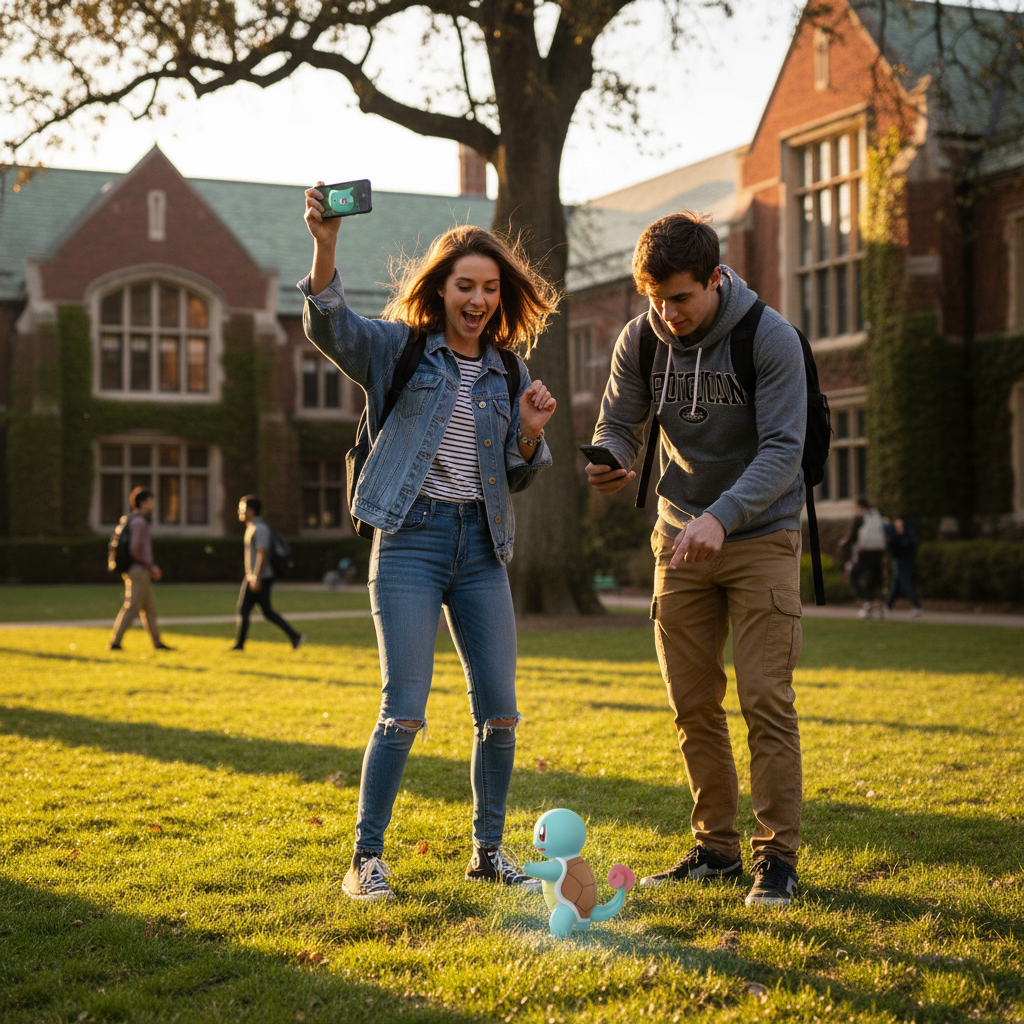
Met servers in 69+ landen helpt Windscribe je veilig te blijven waar je ook bent.

De mobiele apps van Windscribe houden je verbinding privé, of je nu Pokémon jaagt in de stad of online gaat om Among Us te spelen.


Geliefd en vertrouwd door meer dan 100 miljoen gebruikers
Functies

6 versleutelingsprotocollen
Het breedste serverbereik
De meeste 10 Gbps-servers
Toonaangevende ad-blocker
Privacy: geaudit en in de rechtbank bewezen
Functies

Andere VPN's
6 versleutelingsprotocollen
Het breedste serverbereik
De meeste 10 Gbps-servers
Toonaangevende ad-blocker
Privacy: geaudit en in de rechtbank bewezen


Veelgestelde vragen
Zijn VPN's toegestaan in Pokémon GO?


Ja, het gebruik van een VPN in Pokémon GO is toegestaan, maar houd er rekening mee dat Niantic (de spelontwikkelaar) spelers kan verbannen als ze worden betrapt op het vervalsen van locaties of het schenden van de servicevoorwaarden. Een VPN op zich is geen probleem, maar het gebruiken ervan om je locatie te vervalsen kan dat wel zijn. Gebruik het dus bij voorkeur om je verbinding te beveiligen, niet om vals te spelen of op locatie gebaseerde beperkingen te omzeilen.
Wat is de beste VPN voor Pokémon GO?
Windscribe is een van de beste VPN's voor Pokémon GO, met snelle en betrouwbare servers in 69+ landen. Het helpt je verbinding te beschermen met AES-256-versleuteling, zodat je gegevens privé blijven terwijl je speelt. Bovendien biedt Windscribe sterke privacyfuncties, waaronder een no-logsbeleid, een ingebouwde firewall en aanpasbare beveiligingsinstellingen, waardoor het de perfecte keuze is voor zowel casual als serieuze spelers. Ga voor een VPN voor Pokémon GO naar onze upgradepagina.
Wat als Pokémon GO niet werkt met mijn VPN?
Als Pokémon GO niet werkt met Windscribe, probeer dan deze stappen:
- Wissel van serverlocatie
- Verander het protocol
- Probeer een ander apparaat of netwerk
Nog steeds problemen? Ons supportteam is 24/7 beschikbaar om je te helpen.
Verandert een VPN mijn locatie in Pokémon GO?
Ja, een VPN kan je IP-adres wijzigen en het lijken alsof je Pokémon GO speelt vanuit een ander land. Niantic gebruikt echter meer dan alleen IP-adressen om je echte locatie te detecteren, zoals GPS-gegevens, dus het wijzigen van je locatie met alleen een VPN is misschien niet genoeg. Hoewel Windscribe op Android GPS Spoofing aanbiedt, gaat het vervalsen van je locatie met een VPN in tegen Niantics servicevoorwaarden, en Niantic kan accounts die dit doen, bannen of opschorten.
Hoe gebruik ik een VPN om goedkope PokéCoins te kopen?
Je kunt technisch gezien een VPN gebruiken om je virtuele locatie te wijzigen en goedkopere PokéCoins te kopen in landen met lagere prijzen. Je moet echter een betaalmethode uit dat land gebruiken. Als je bijvoorbeeld een VPN gebruikt om verbinding te maken met een server in India, heb je een Indiase betaalmethode nodig (zoals een Indiase creditcard of lokaal betaalsysteem) om PokéCoins tegen Indiase prijzen te kopen. Je kunt geen buitenlandse kaart gebruiken om kortingsprijzen in een ander land te betalen. Er zijn omwegen om PokéCoins uit een goedkoper land te kopen, maar alleen je locatie vervalsen met een VPN is niet genoeg.
Kan Niantic een VPN detecteren?
Ja, Niantic heeft systemen om VPN-gebruik te detecteren, vooral als je een server gebruikt die bekend of veel gebruikt wordt door veel mensen. Als je een hoogwaardig VPN zoals Windscribe gebruikt, kan dat de kans op detectie verminderen, maar het is nooit waterdicht. Niantic kan ook verdacht gedrag in verband met locatievervalsen detecteren, dus speel altijd voorzichtig.
Kun je Pokémon GO spoofen met alleen een VPN?
Een VPN alleen kan je locatie in Pokémon GO niet volledig vervalsen. Hoewel het je IP-adres kan wijzigen, houdt Niantic ook je fysieke GPS-locatie bij. Om je locatie volledig te vervalsen, heb je naast een VPN ook een GPS-spoofing-app of -tool nodig. Houd er rekening mee dat het vervalsen van je locatie tegen de servicevoorwaarden van Pokémon GO ingaat en kan leiden tot sancties voor je account.
Hoe laat je een VPN werken in Pokémon GO?
Om Windscribe te gebruiken met Pokémon GO:
- Verbind met een server in een land van waaruit je wilt spelen
- Open Pokémon GO en zorg ervoor dat je locatie is bijgewerkt
- Geniet van het spelen terwijl je veilig blijft!