


Step 1
Get the App
Step 2
Install the App
Step 3
Sign up
Why Use a VPN for Orlando
Grab an Orlando IP Address

Access Orlando Banking & Services

Skip Regional Game Blackouts

Watch Local Channels Anywhere

Run Geo-Targeted Testing

Secure Your Digital Footprint With Orlando VPN Servers

Encrypt Your Traffic

Avoid Digital Scams

Stay Safe on Free Wi-Fi



Loved & Trusted by Over 100 Million Users
Features

6 Encryption Protocols
Widest Server Reach
Most 10 Gbps Servers
Industry-Leading Ad Blocker
Privacy: Audited & Court-Proven
Features

Other VPNs
6 Encryption Protocols
Widest Server Reach
Most 10 Gbps Servers
Industry-Leading Ad Blocker
Privacy: Audited & Court-Proven
FAQs: Top Questions About Orlando VPN Answered
How can I get an Orlando IP?


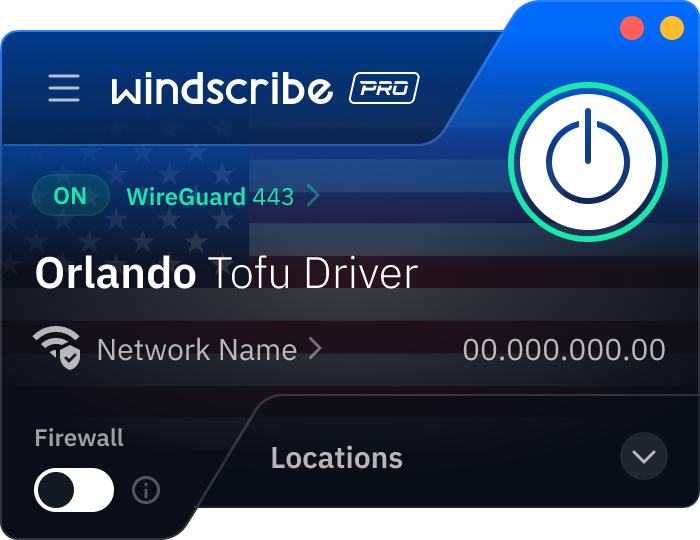
Getting an Orlando IP address is simple. First of all, download Windscribe and create an account. Then, open the Windscribe app, scroll to the United States server list, and select Orlando. Once you hit the power button and it turns green, your device is virtually anchored in Central Florida.
How much does a VPN cost in Orlando?
In 2026, a high-quality VPN in Orlando typically costs between $3 and $15 USD per month. While many services try to lock you into two-year contracts to get the best rate, Windscribe's Build-A-Plan is a favorite for staying flexible. You can add the Orlando server and unlimited data for just $3 USD a month. To get a VPN for Orlando, check out our upgrade page.
Is it legal to use VPNs in Orlando?
Yes, absolutely. It is 100% legal to use a VPN in Orlando and throughout the state of Florida. In fact, following the full implementation of Florida's age-verification and social media laws (like HB 3) in 2025, VPN usage has become a standard practice for residents looking to maintain their digital anonymity. Just keep in mind that a VPN is a privacy tool, not a shield for illegal activity; if an action is against the law without a VPN, it remains illegal while using one.
What’s the best VPN for Orlando?
We’re partial to Windscribe, duh! While many VPNs just group all of Florida into a Miami data center, we have servers physically located in Orlando. We also have global servers in 69+ countries and 135+ cities, a strict no-identifying-logs policy, and a ton of cool privacy features to keep you safe while browsing.
How do I stay private on Universal Orlando public Wi-Fi?
The simplest move is using a VPN. Windscribe encrypts your connection with AES-256, which helps protect logins, messages, and whatever you’re doing on your phone from Wi-Fi snooping. It’s especially useful if you’re checking email, signing into accounts, or making purchases while you’re out all day. Download the Windscribe app from the App Store on iOS or Google Play on Android, connect before you start browsing, and you’re good.