
Step 1
Step 2
Install the App
Step 3
Sign up
Why Use a VPN for Frndly TV
Frndly TV is restricted to the United States, but "restricted" is about to stop meaning anything. Grab an American IP with Windscribe and unlock Frndly TV from wherever you're standing on the globe, and since you're already there, Philo is just as easy to pull up next.

Can't access Frdnly TV on office/school Wi-Fi? No worries! Just connect to Windscribe and reroute your connection through our American servers.

Use Windscribe on your phone, laptop, and smart TV so you can keep Frndly TV running with the same layer of privacy on every screen.

Windscribe hides your traffic with AES-256 encryption, making it harder for ISPs to link your online activity to you.

Streaming on free Wi-Fi is risky, but our Firewall locks your connection inside an encrypted tunnel, so you're always safe.

Access Frndly With Windscribe
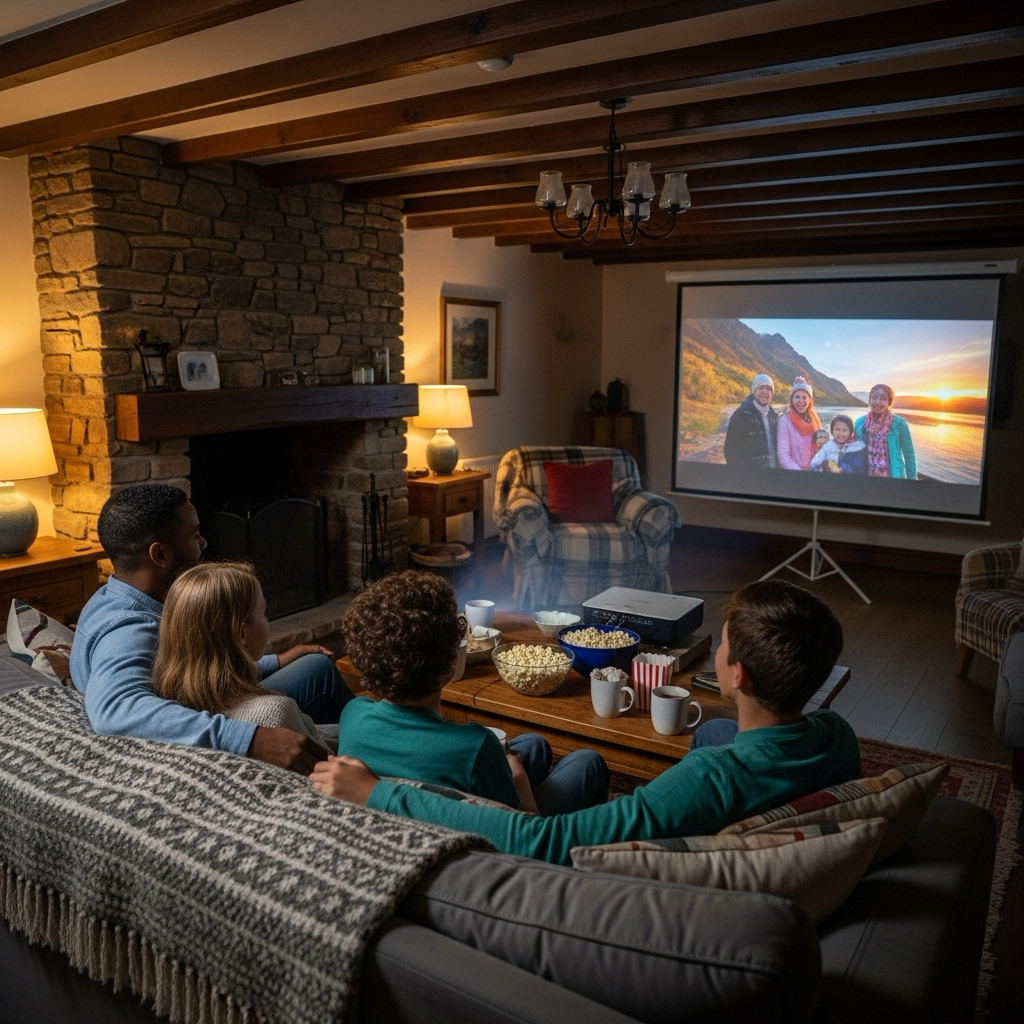
Windscribe runs multiple servers across the United States, so you can connect to the closest one to home.
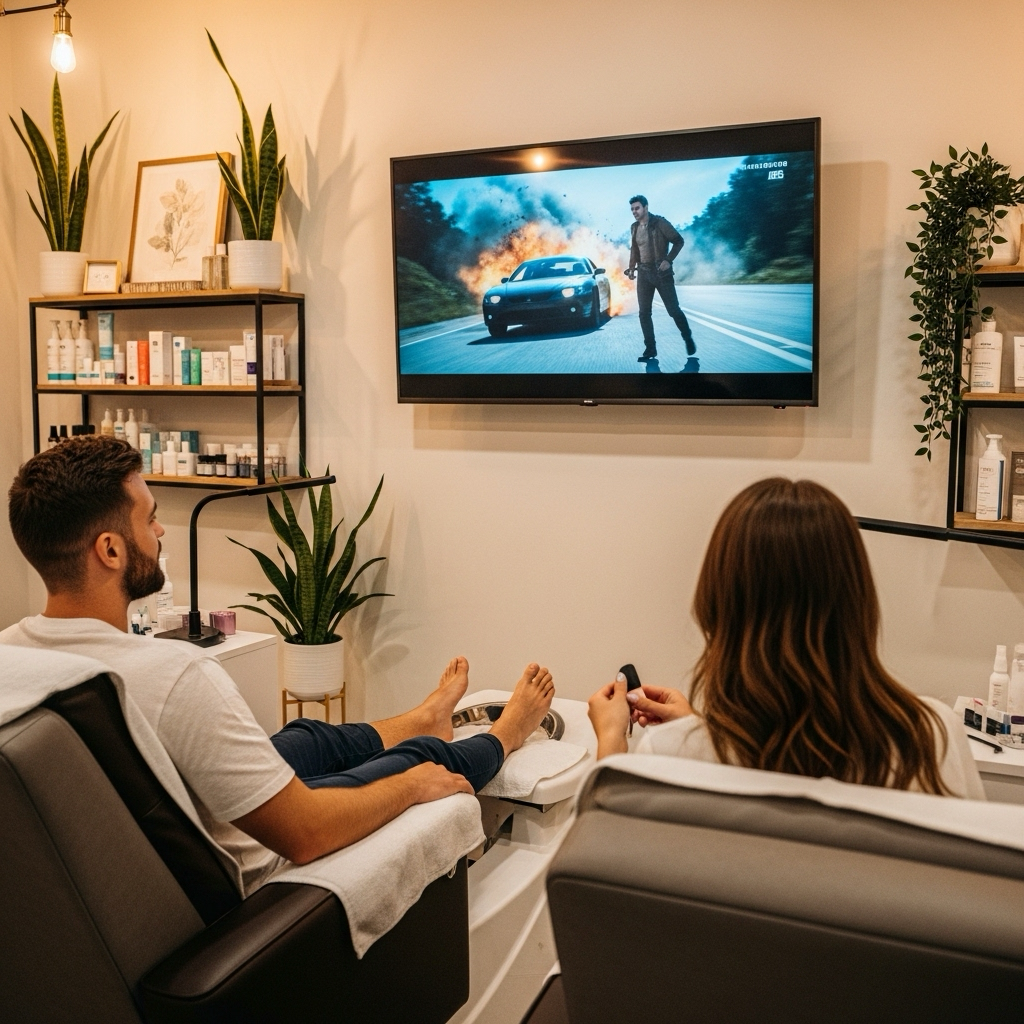
Windscribe’s VPN server network is fine-tuned for speed, adding minimal latency to your connection.

Windscribe pairs strong strong encryption with a strict no-logs policy and R.O.B.E.R.T., our ad and tracker blocker.




Loved & Trusted by Over 100 Million Users
Features

6 Encryption Protocols
Widest Server Reach
Most 10 Gbps Servers
Industry-Leading Ad Blocker
Privacy: Audited & Court-Proven
Features

Other VPNs
6 Encryption Protocols
Widest Server Reach
Most 10 Gbps Servers
Industry-Leading Ad Blocker
Privacy: Audited & Court-Proven


Frequently Asked Questions
Does Frndly TV Work With a VPN?


Yes, Frndly TV can still work when you’re using a VPN, but it isn’t guaranteed on every server. Sometimes a VPN IP will trigger location checks, odd errors, or a channel refusing to load. The trick is using a VPN that has solid U.S. servers and lets you swap locations quickly if one route doesn’t cooperate. With Windscribe, you can try different U.S. endpoints until you find one that plays nice with Frndly TV.
What Should I Do if Frndly TV Detects My VPN?
If you get a geo-blocking error, disconnect from your current server and try a different U.S. location. Use our Chrome, Edge or Firefox extension to access Frndly TV in your browser. Make sure to clear your browser cache and cookies, then reconnect. Windscribe regularly refreshes IP addresses, so a server that's blocked today might work perfectly tomorrow.
Which Is the Best VPN for Frndly TV?
For Frndly TV, the “best” VPN is one that quietly does three things: keeps a stable U.S. connection, doesn’t tank your streaming speed, and doesn’t log what you’re watching. Look for a provider with multiple U.S. locations, strong encryption, and a privacy policy that rules out identifying logs. Windscribe hits those points, giving you fast U.S. servers for Frndly TV plus network-level privacy on home, office, and public Wi-Fi.
Is It Legal to Use a VPN With Frndly TV?
Using a VPN itself is completely legal in most countries. However, accessing geo-restricted content may violate Frndly TV's terms of service. We recommend using VPNs primarily for privacy and security, especially on public networks, and being aware that streaming from restricted locations might risk account issues.
Which Windscribe Servers Work Best for Frndly TV?
U.S. servers in New York, Los Angeles, and Chicago typically provide the best performance for Frndly TV streaming. These locations have robust infrastructure and multiple IP addresses to reduce detection risks. If one server isn't working, try switching to a different U.S. city.
Why Does My Frndly TV Keep Buffering With a VPN?
Buffering usually happens when your VPN connection is too slow or the server is overloaded. Try switching to a different U.S. server location, or change your protocol to WireGuard for better speed. Also, check that you're not running other bandwidth-heavy apps while streaming.
Can I Watch Frndly TV on Multiple Devices With One VPN Account?
Yes! Windscribe's paid plans support unlimited simultaneous connections, so parents can watch on their tablet while kids stream on the smart TV.
How Much Does a Good VPN for Frndly TV Cost?
Windscribe's plans start at $3 per month, which is less than most families spend on coffee in a day. Considering cable alternatives can cost over $50 monthly, a reliable VPN is a small investment for access to family-friendly content from anywhere.
Will Using a VPN Affect My Internet Speed for Other Activities?
Modern VPNs like Windscribe typically add minimal overhead to your connection. You might see a 5% to 10% speed reduction, but proper servers and protocols often make this negligible. Plus, by preventing ISP throttling, your overall streaming experience might actually improve.