

Wat is de Time Warp-functie in de browserextensie?


De Time Warp-functie stelt de tijdzone in uw browser in zodat deze overeenkomt met die van de locatie waarmee u verbonden bent in de extensie.
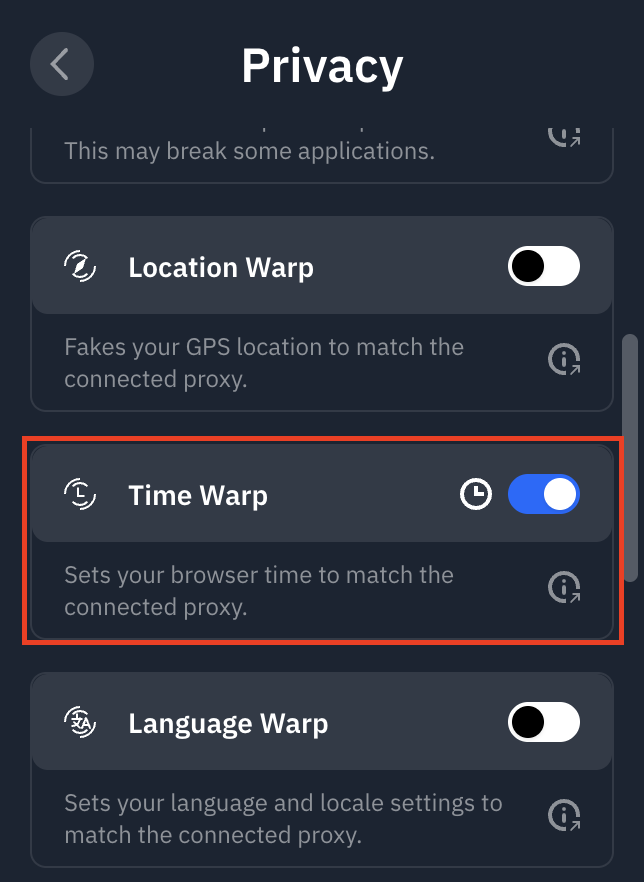
U kunt het openen in de Windscribe-browserextensie door naar Voorkeuren > Privacy te gaan en Time Warp in te schakelen.
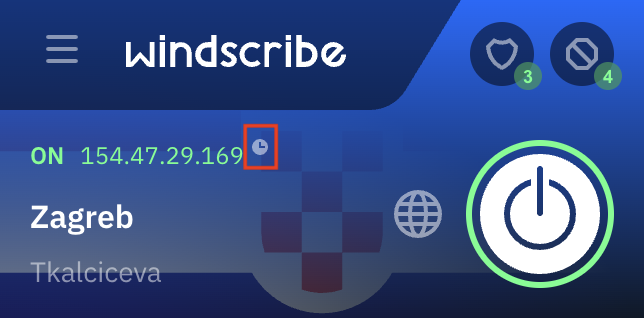
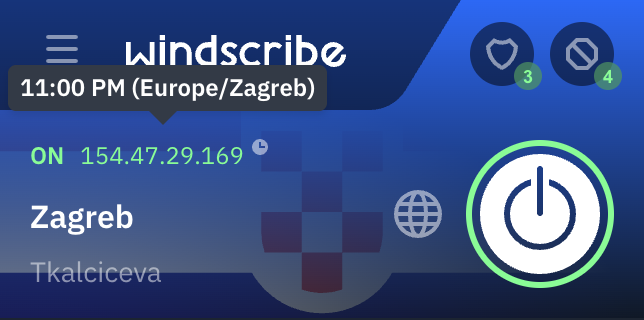
U ziet een klein klokpictogram in de hoofdinterface wanneer Time Warp is ingeschakeld. Door erover te hoveren ziet u de tijd in die regio.
Deze functie is nuttig omdat sommige websites kunnen detecteren dat u een proxy of VPN gebruikt door de tijdzone te controleren die in uw browser is ingesteld. Als u bijvoorbeeld verbonden bent met de Duitsland-locatie, maar de tijdzone van uw computer is ingesteld op Eastern Standard Time (in Noord-Amerika), kan de website dit verschil detecteren en u buitensluiten. De Time Warp-functie voorkomt dit type detectie door ook de browsertijd op Duitsland in te stellen.