

De browserextensie opnieuw installeren

Winder S
Oct 20, 2025

Als je ooit de browserextensie opnieuw moet installeren, zijn de stappen snel en eenvoudig.
Extensie opnieuw installeren in Chrome
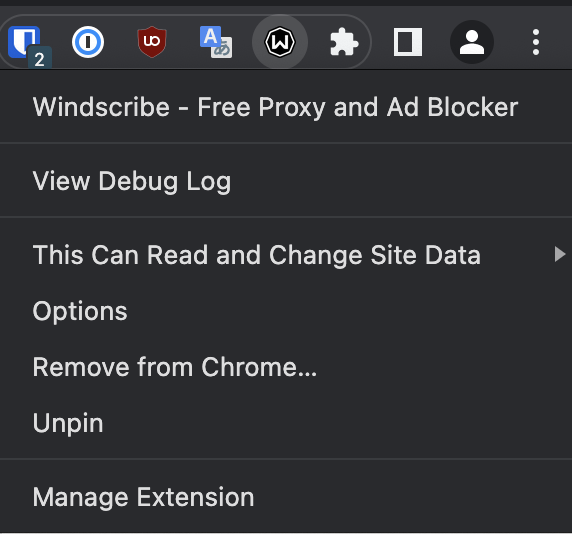
- Klik in de extensiebalk van Chrome met de rechtermuisknop op de Windscribe-browserextensie en selecteer de optie "Verwijderen uit Chrome...". Daarna is de Windscribe-extensie niet meer geïnstalleerd.
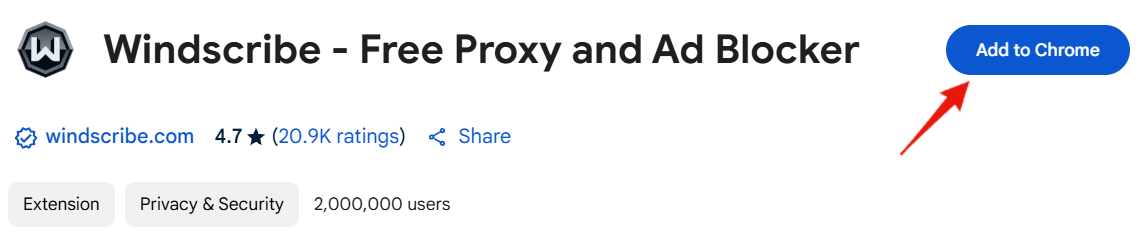
- Om de Windscribe-extensie opnieuw te installeren, bezoek eerst onze Chrome Store-pagina hier.
- Druk ten slotte op de knop Toevoegen aan Chrome om de extensie te installeren:
Extensie opnieuw installeren in Firefox
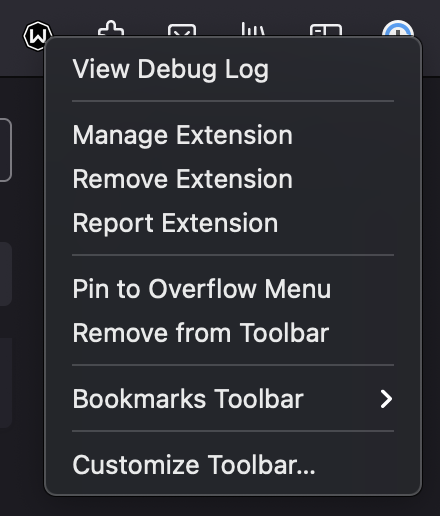
- Klik in de extensiebalk van Firefox met de rechtermuisknop op de Windscribe-extensie en kies de optie "Extensie verwijderen". Daarna is Windscribe niet meer geïnstalleerd in Firefox.
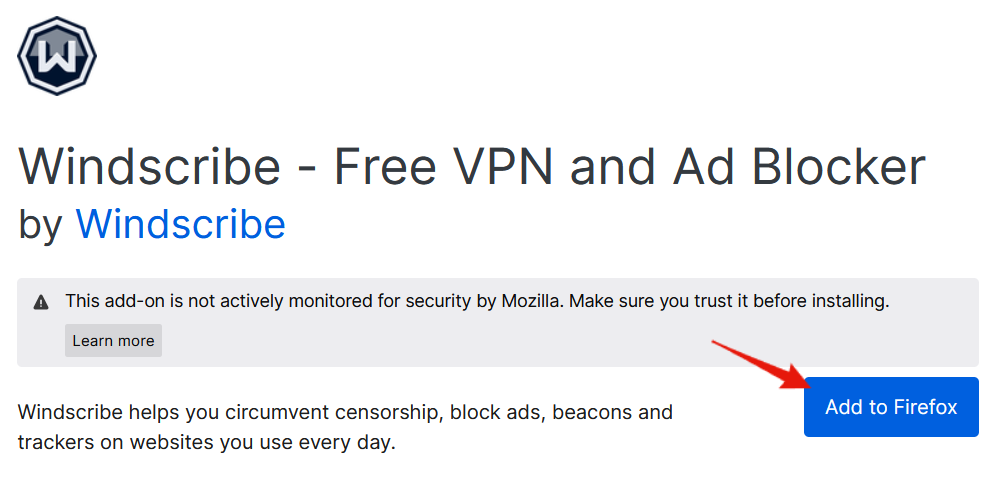
- Bezoek vervolgens de Windscribe Firefox Store-pagina hier.
- Druk ten slotte op de knop Toevoegen aan Firefox om de Windscribe-extensie opnieuw te installeren:
Je kunt ook altijd alle downloadlinks voor Windscribe-extensies en -toepassingen voor desktop en mobiel vinden op de Windscribe-website: https://windscribe.com/download
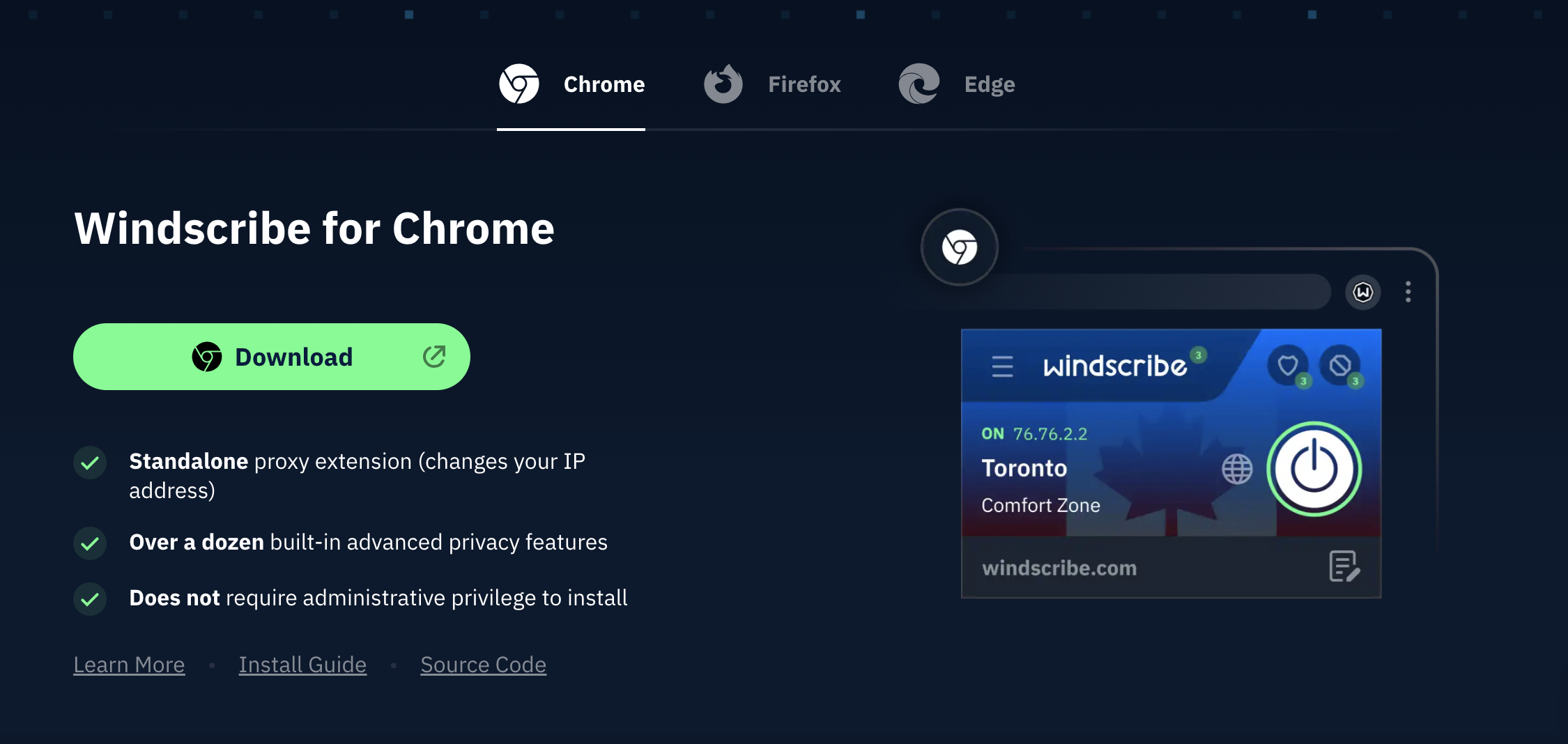
Voor browserspecifieke functies en installatiegidsen, bezoek onze pagina's voor de Edge VPN-browserextensie of het Firefox VPN-add-on.