
Windscribe
FunctiesAbonnementenDownloadenInloggen
Windscribe
DownloadenWijzigingslogboekPrijzenShopOndersteuningStatusFunctiesOpen sourceEen vriend uitnodigenGratis DNSEthiek en filosofieVPN-servers
Apps
VPN voor WindowsVPN voor AndroidVPN voor MacVPN voor LinuxVPN voor ChromeVPN voor FireTVVPN voor FirefoxVPN voor Apple TVVPN voor MS EdgeVPN voor HuaweiVPN voor iPhoneVPN voor routersWindscribe F-Droid
Bedrijf
Over onsPrivacyVoorwaardenVDPVacaturesBlogInfoGang
Windscribe logo
YouTube
Reddit
Discord
Twitter
Telegram
Instagram
TikTok
© 2026 Windscribe Limited
How to reinstall the Windows Windscribe app
Author
Winder S
Oct 24, 2025
Divider
Help
>
Technical Issues

Reinstalling the latest release version

  1. Uninstall Windscribe like you would do any other app. Alternatively, press Start on your computer and type "Uninstall Windscribe'. Then open the uninstall wizard and follow the steps to remove the application. At this point it's good to restart the computer to ensure there's no temporary files left over anywhere.

  2. Now go to the Windscribe downloads page and download the Windscribe app for Windows: https://windscribe.com/download 
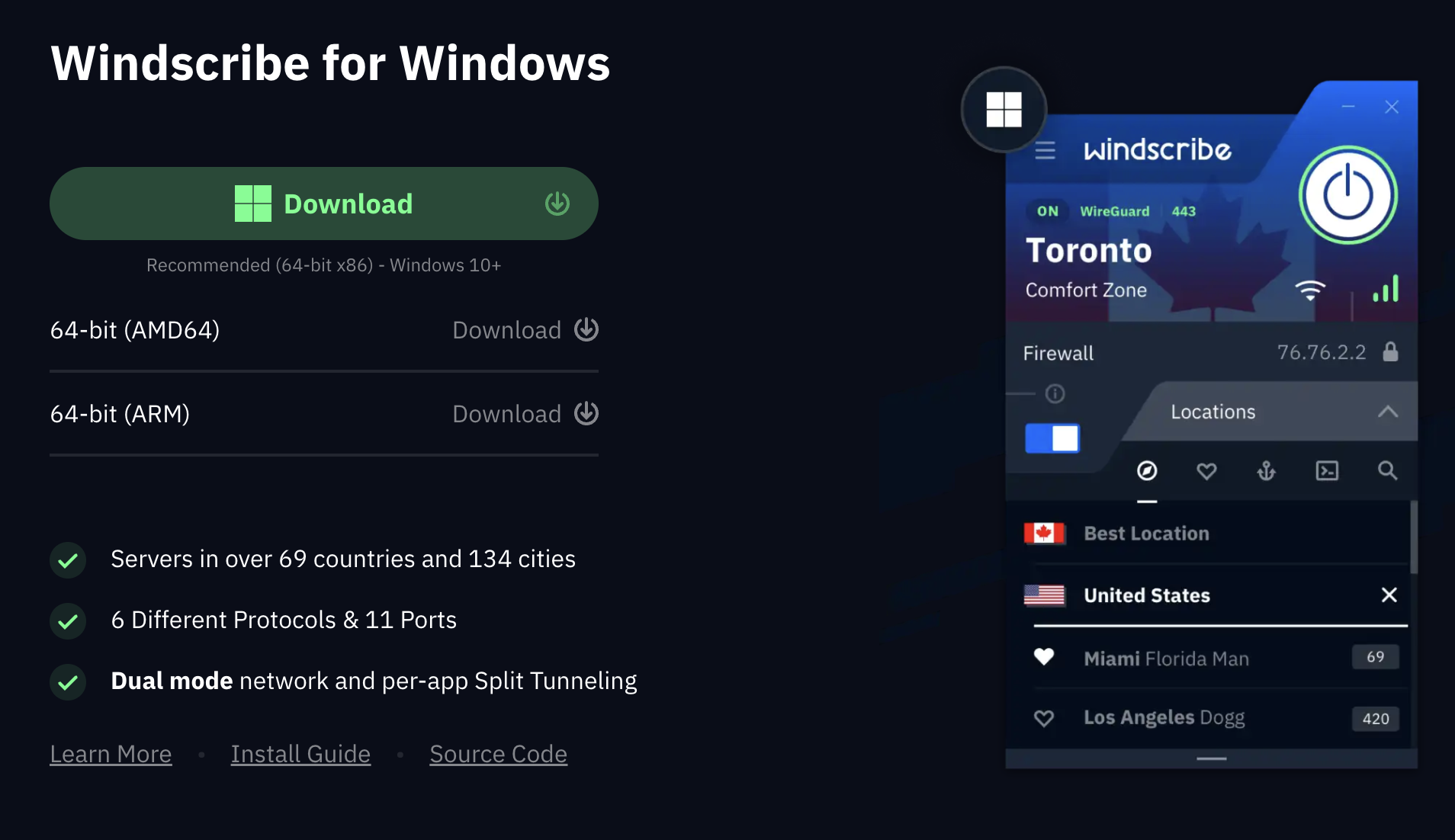
    Windows Download Section

  3. Run the installer that you just downloaded and follow the instructions to install Windscribe.

Reinstalling the same version.

  1. Uninstall Windscribe like you would do any other app.
  2. Locate the installer file for Windscribe that you downloaded from our website and run the installer.

Reinstalling a different version from the Changelog.

  1. Uninstall Windscribe like you would do any other app.
  2. Install the version of your choice from our Windows Changelog: https://windscribe.com/changelog/windows

After reinstallation, explore the full range of features available in our Windows VPN app including advanced security options, network customization, and Windows-specific integrations.

Get in touch

r/Windscribe

Find solutions, discuss ideas and share your feelings on our subreddit.

Discord

Join the discussion with our active community and make real friends!

Contact Support

Feeling completely lost? Contact Support.