Windscribe
FunctiesAbonnementenDownloadenInloggen
Windscribe
DownloadenWijzigingslogboekPrijzenShopOndersteuningFunctiesOpen sourceEen vriend uitnodigenGratis DNSEthiek en filosofieVPN-servers
Apps
VPN voor WindowsVPN voor AndroidVPN voor MacVPN voor LinuxVPN voor ChromeVPN voor FireTVVPN voor FirefoxVPN voor Apple TVVPN voor MS EdgeVPN voor HuaweiVPN voor iPhoneVPN voor routersWindscribe F-Droid
Bedrijf
Over onsPrivacyVoorwaardenVDPVacaturesBlogInfoGang
Windscribe logo
YouTube
Reddit
Discord
X
Telegram
Instagram
TikTok
© 2026 Windscribe Limited
How to connect to a Static IP server
Author
Winder S
Oct 27, 2025
Divider
Help
>
Guides

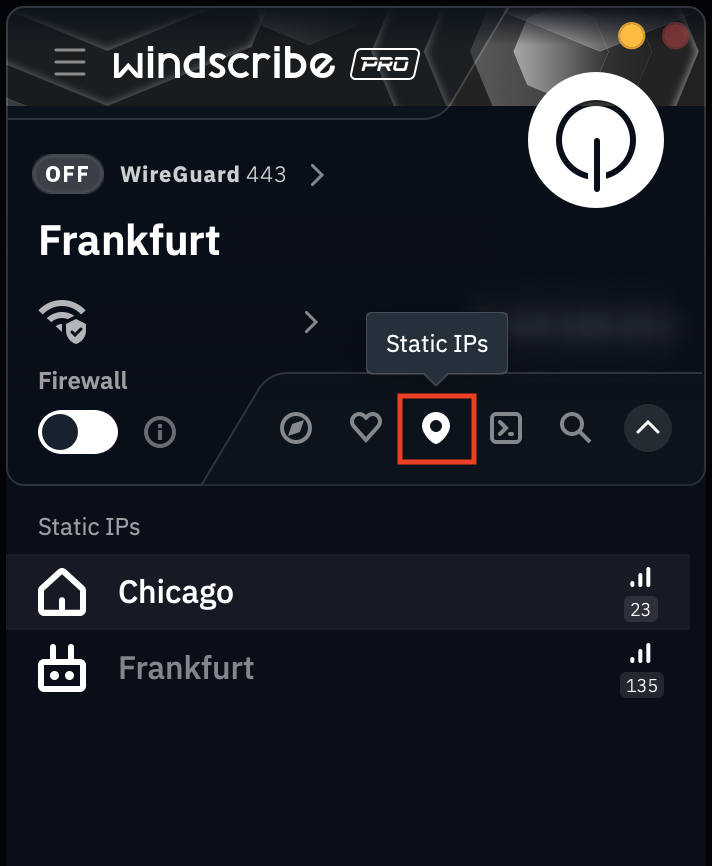
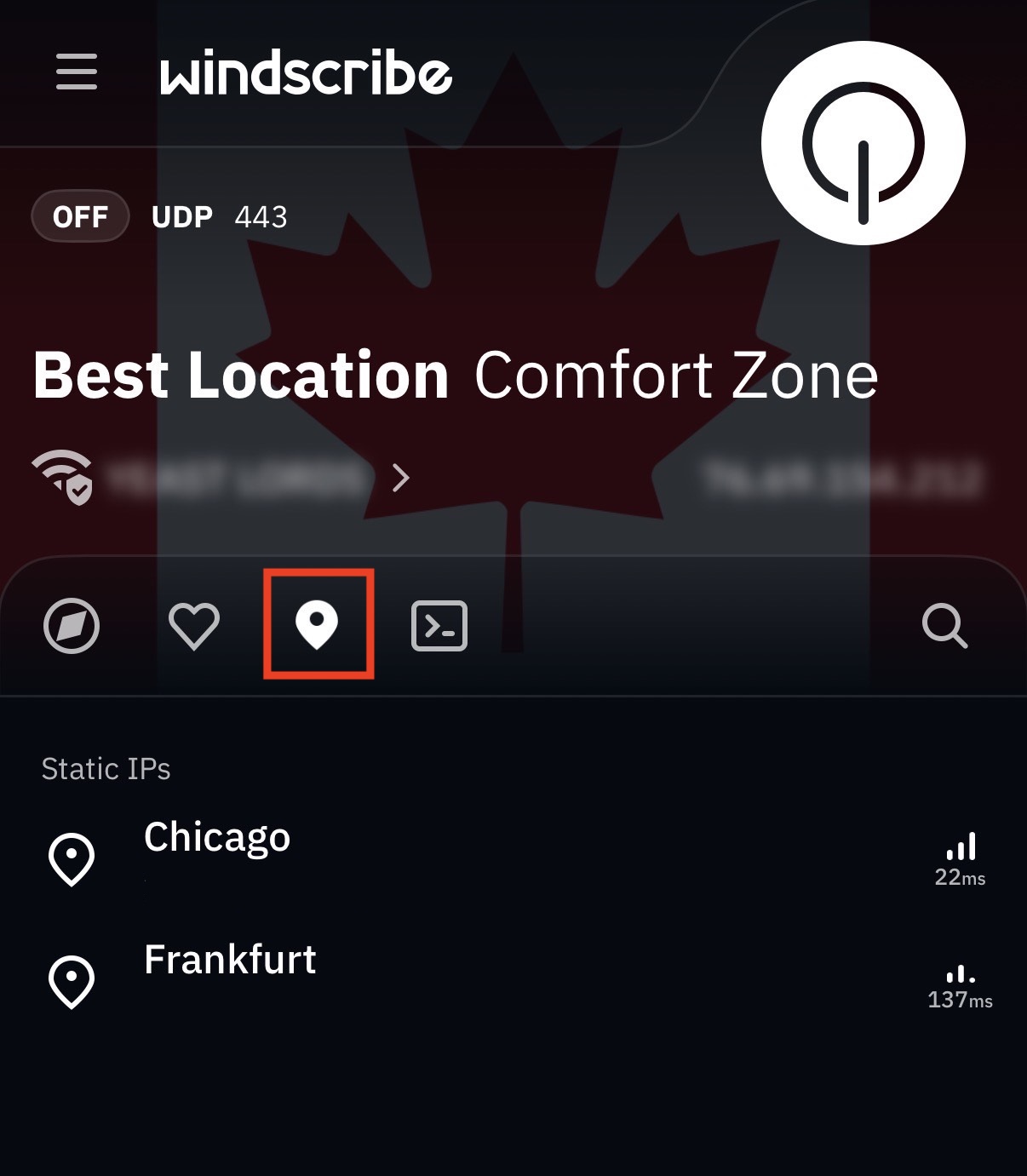
Once you've purchased a Static IP from our website, log into the Windscribe app and you should see your static IP(s) populate the designated Static IP tab in your Locations menu.

Desktop

Static IP menu

Mobile

Static IP location mobile app

The 3rd tab contains your Static IP(s), designated by a waypoint icon

Once you've located your static IP, simply click on it to connect to it as you would any other location.

Get in touch

r/Windscribe

Find solutions, discuss ideas and share your feelings on our subreddit.

Discord

Join the discussion with our active community and make real friends!

Contact Support

Feeling completely lost? Contact Support.