Hoe controleer ik welke versie van de app ik gebruik?


Om de versie van de Windscribe-app voor de desktop- en mobiele apps te controleren, ga naar Voorkeuren > Algemeen en scroll naar beneden naar 'Versie'.
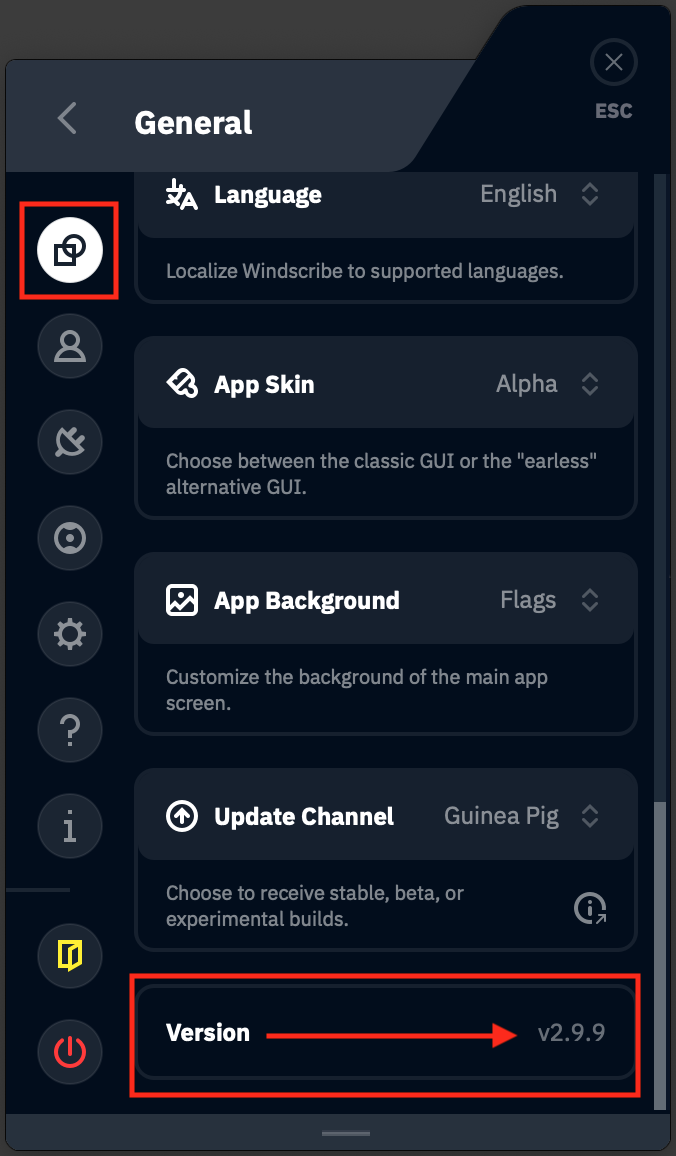
De app geeft je ook een melding als er een nieuwe versie beschikbaar is. Je kunt vroeg toegang krijgen tot bèta- en alfaversies als je dat wilt. Dit is te vinden onder Voorkeuren > Algemeen > Updatekanaal. Je kunt kiezen om een melding te ontvangen als er een nieuwe bèta- of proefkonijn (alfa-)versie is. De standaard Stabiele versie is de versie die we voor iedereen uitbrengen zodra een build de bètatests heeft doorstaan.
Om de versie van je Windscribe-browserextensie te controleren, klik je met de rechtermuisknop op de extensie en selecteer je 'Extensies beheren'. Je wordt dan naar een pagina geleid die de gebruikte versie toont.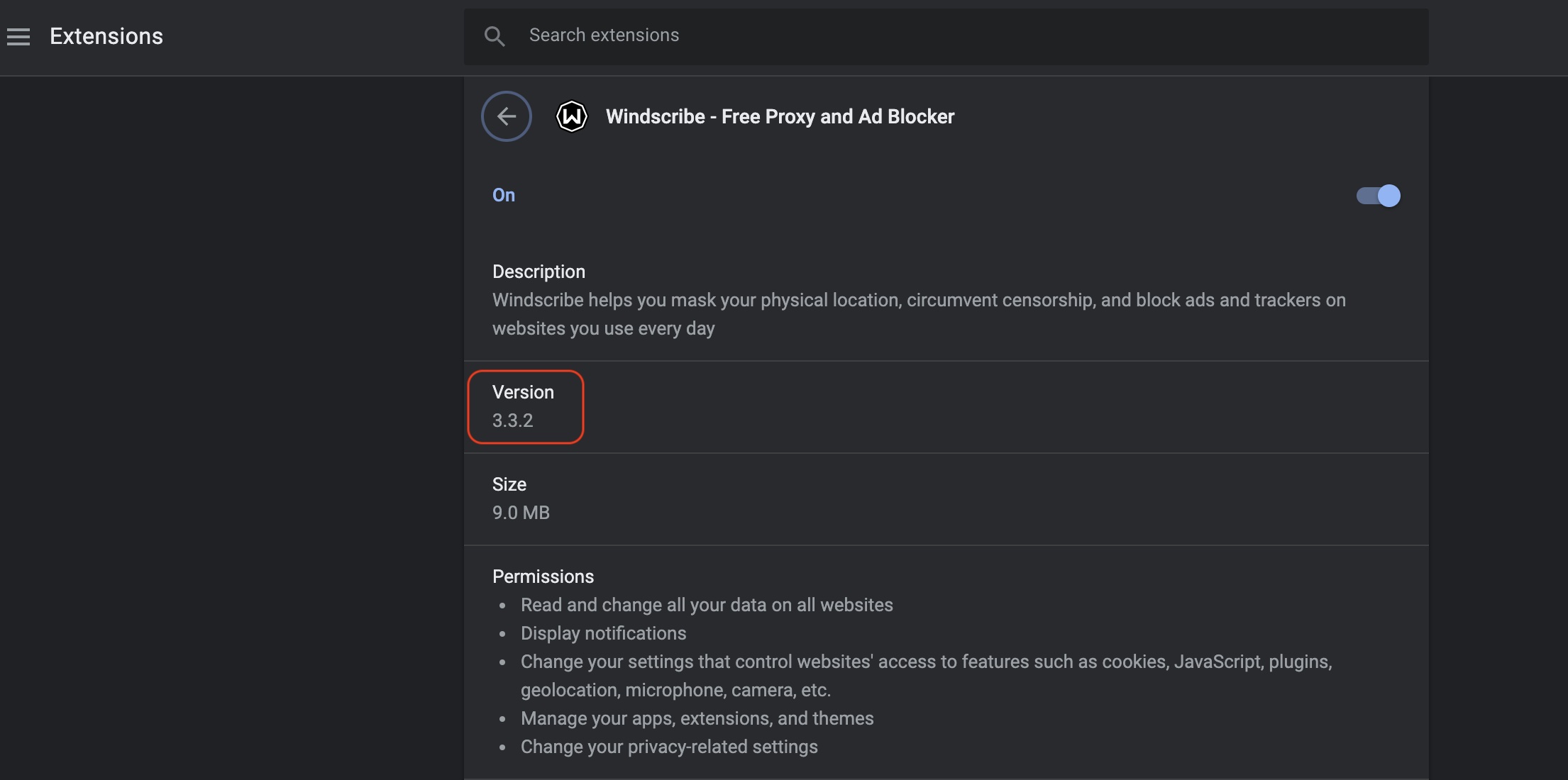
Voor Linux-gebruikers die de CLI gebruiken, typ windscribe help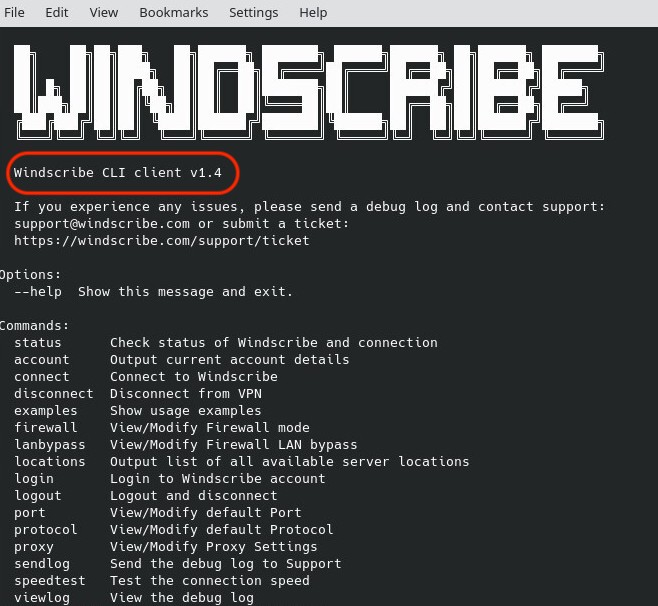
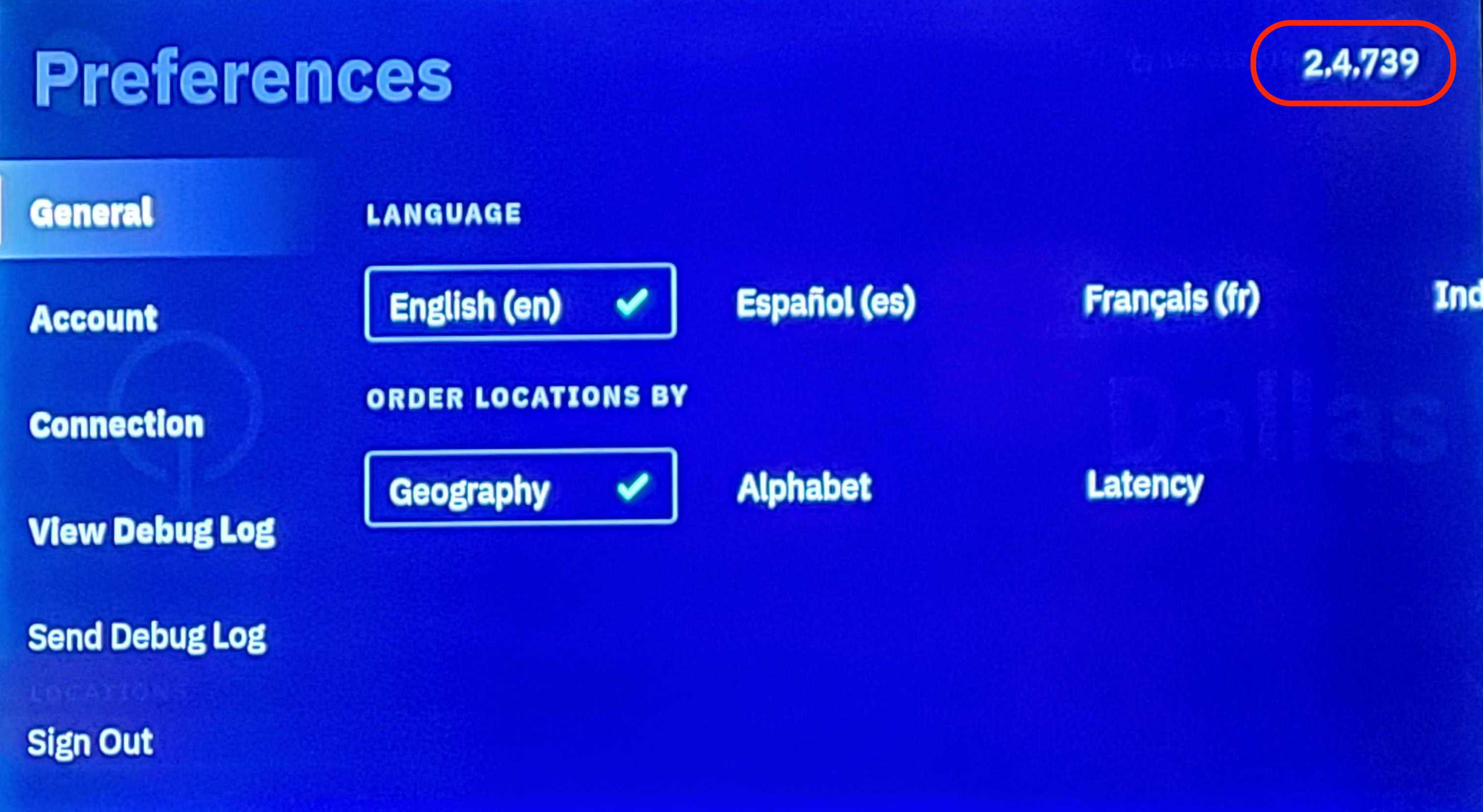
Voor de Windscribe-app op je Smart TV, klik op Voorkeuren (tandwielpictogram in de linkerbovenhoek) en je ziet de versie in de rechterbovenhoek