

Hoe annuleer ik mijn statisch IP-abonnement?

Winder S
Mar 18, 2026

Sinds maart 2026 kunt u uw Static IP-abonnement op elk moment opzeggen via Abonnementen onder Facturering in Mijn account (u moet ingelogd zijn om deze pagina te zien).
Een statisch IP-abonnement annuleren
- Open Abonnementen onder Facturering op uw Mijn account-pagina (1). Zoek uw Static IP-abonnement in de lijst, klik op ⋮ naast de prijs en kies Abonnement opzeggen (2).
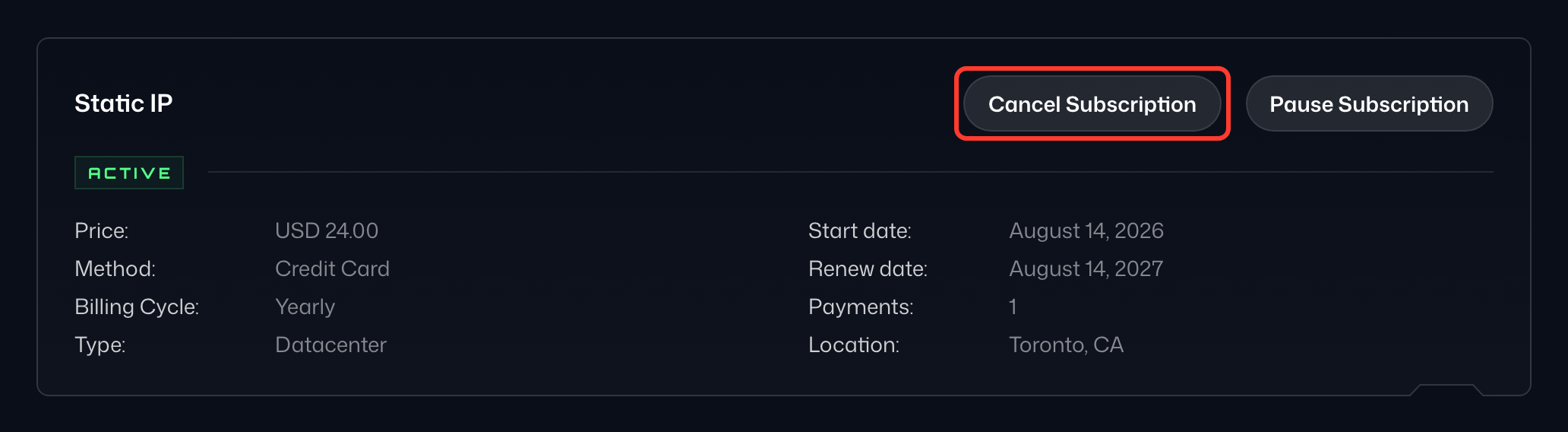
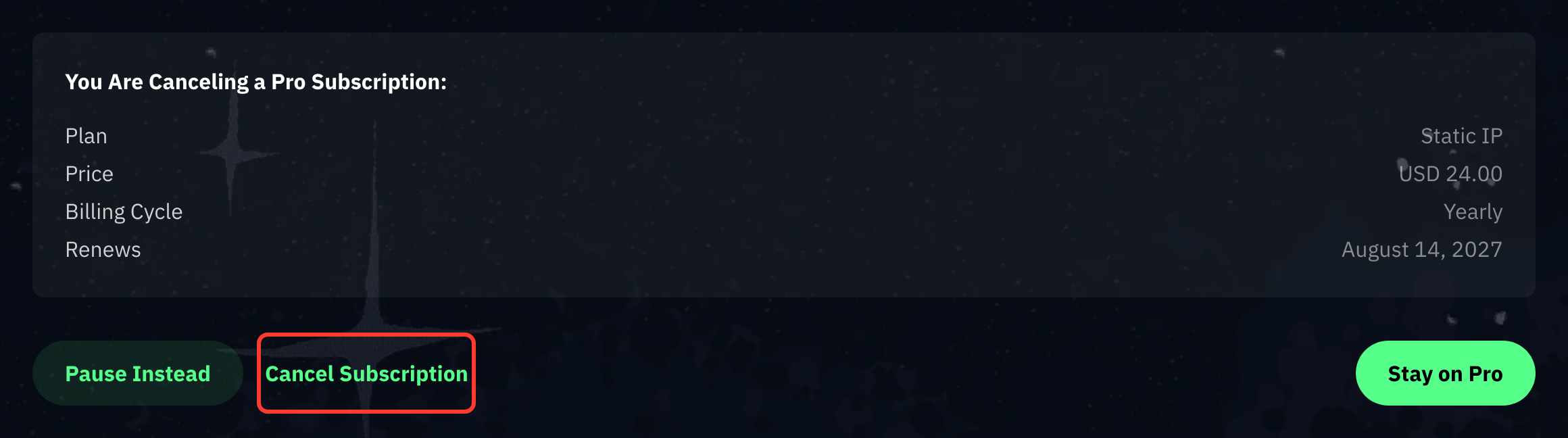
- Controleer op de pagina Denk na voordat je opzegt of de samenvatting uw Static IP toont en selecteer daarna onderaan Doorgaan met opzeggen.
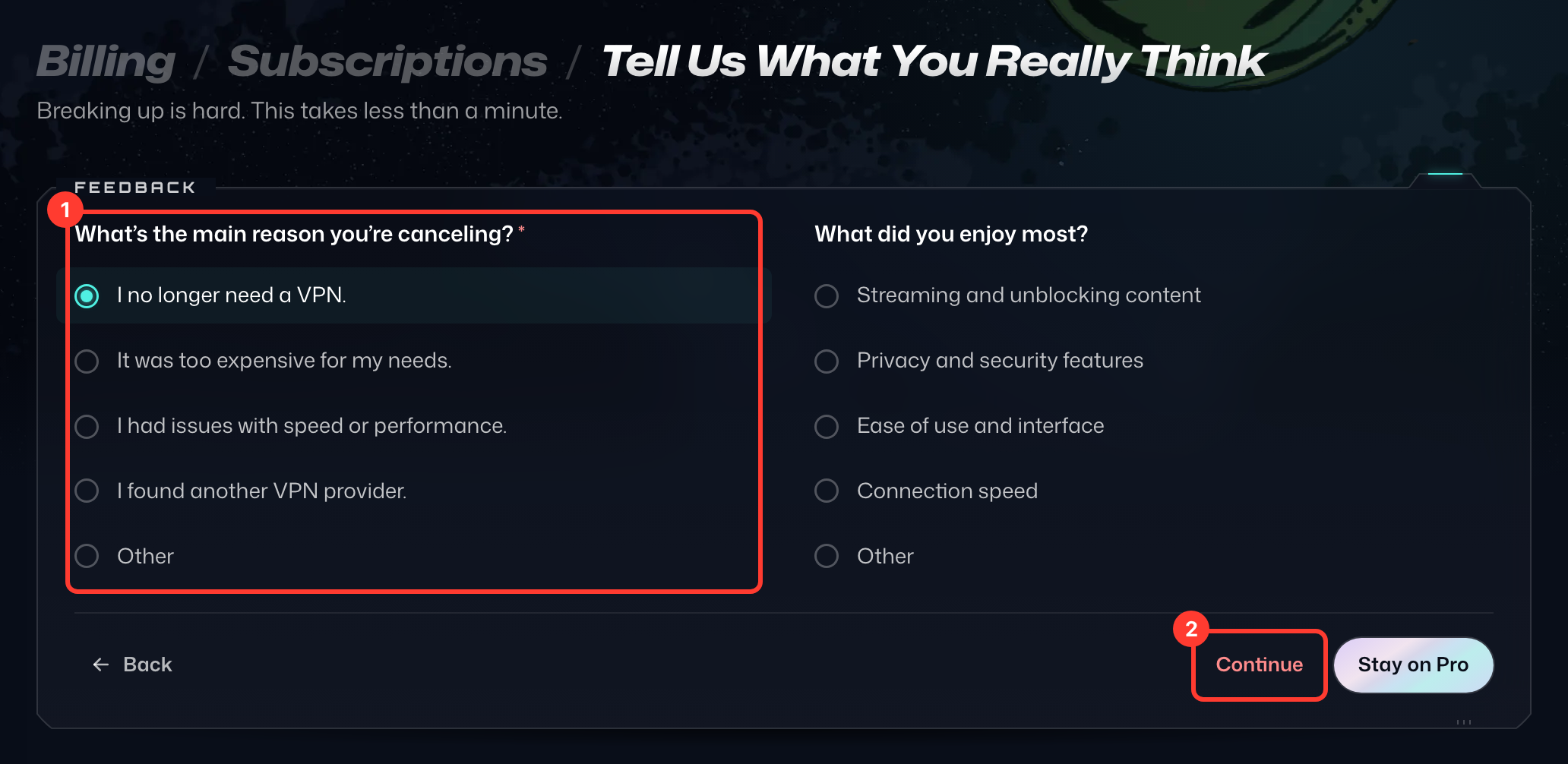
- Kies op de pagina Vertel ons wat je er echt van vindt de belangrijkste reden van uw opzegging (1) en selecteer daarna Doorgaan (2). Verschijnt er een speciale aanbieding, selecteer dan Nee bedankt, opzeggen om verder te gaan.
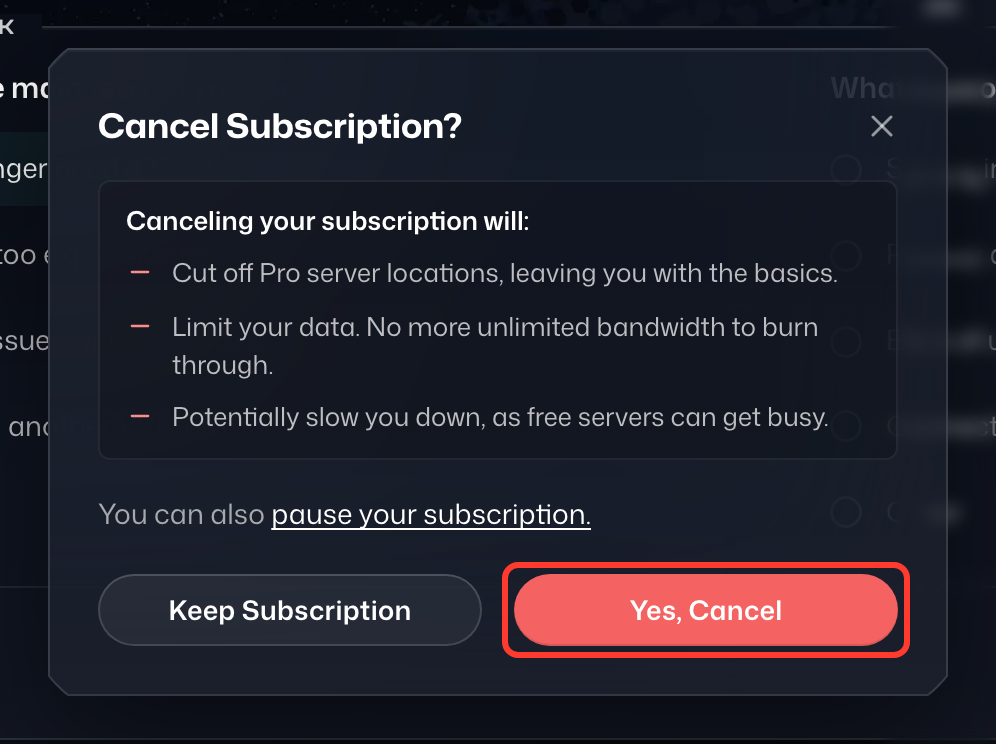
- Selecteer in het venster Abonnement opzeggen? de optie Ja, opzeggen.
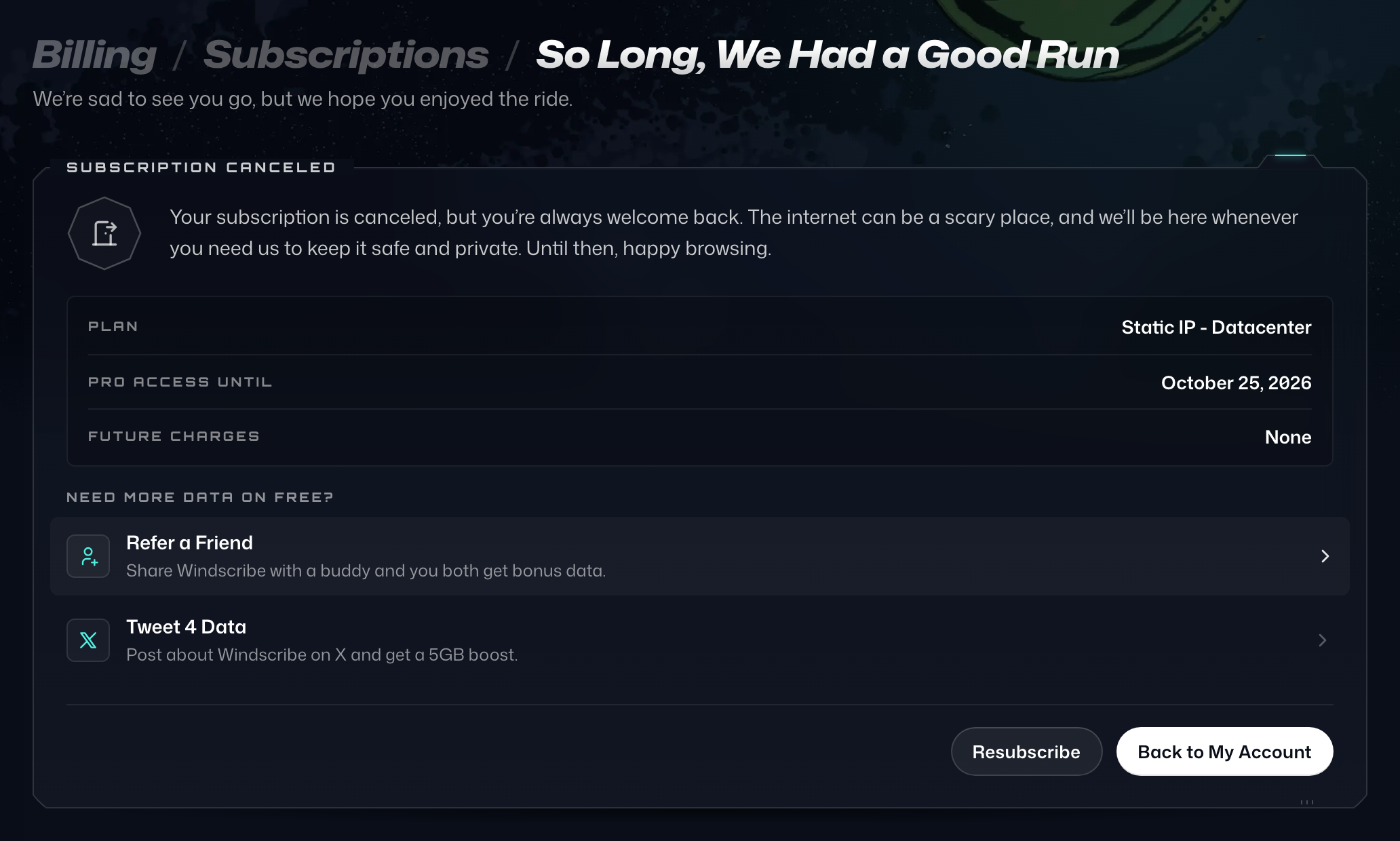
- U ziet de bevestigingspagina Tot ziens, het was een mooie rit.
Als u wilt annuleren maar gewoon een pauze nodig heeft, overweeg dan om uw abonnement te pauzeren.
Als u problemen heeft met dit proces, neem dan contact op met ons supportteam en wij helpen u graag.