Hoe kan ik nauwkeurig controleren of de VPN-tunnel actief is en correct werkt?

Winder S
Oct 31, 2025

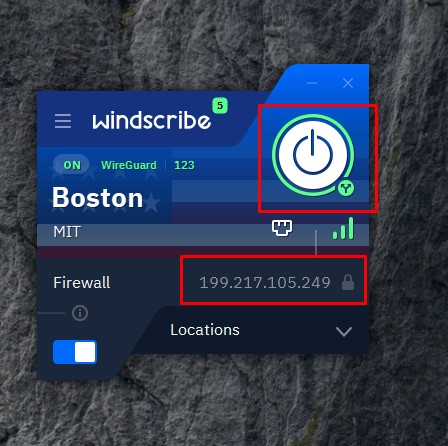
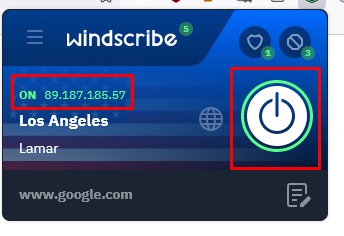
Ten eerste kun je de app zelf raadplegen om te zien of deze aangeeft dat je verbonden bent. In de eigen apps en extensies van Windscribe zie je een grote groene aan/uit-knop als er een verbinding tot stand is gebracht. Andere aangepaste apps hebben vergelijkbare passende indicatoren over je verbinding.
Ten tweede kun je een site bezoeken zoals https://ipalyzer.com/, die je uitgebreide en gedetailleerde informatie geeft over je huidige IP (zoals aangegeven in de Windscribe-app/extensie). Als je verbinding met Windscribe tot stand is gebracht en veilig is, zou het IP op de website moeten overeenkomen met wat er in de app of extensie staat. Dezelfde methode is ook van toepassing op routergebaseerde verbindingen met Windscribe.