

Step 1
Step 2
Install the App
Step 3
Sign up
Why Use a VPN for Steam
Windscribe hides your real IP address behind our encrypted servers, so your activity stays private and harder to trace.

Windscribe lets you change your virtual location so you can access international store pages or play CS2 on your usual home servers.

Suddenly logging in from five countries in a week looks sketchy. Windscribe helps keep your location consistent while traveling, so Steam doesn’t freak out and lock things down.

Windscribe encrypts your traffic so your ISP can’t slow you down. That means faster downloads and smoother gaming without artificial limits.

Free Wi-Fi can be a hacker’s dream for stealing logins. Our Firewall keeps your data safe by blocking all connectivity outside the VPN tunnel when your connection drops.
Get Steam Everywhere With Windscribe
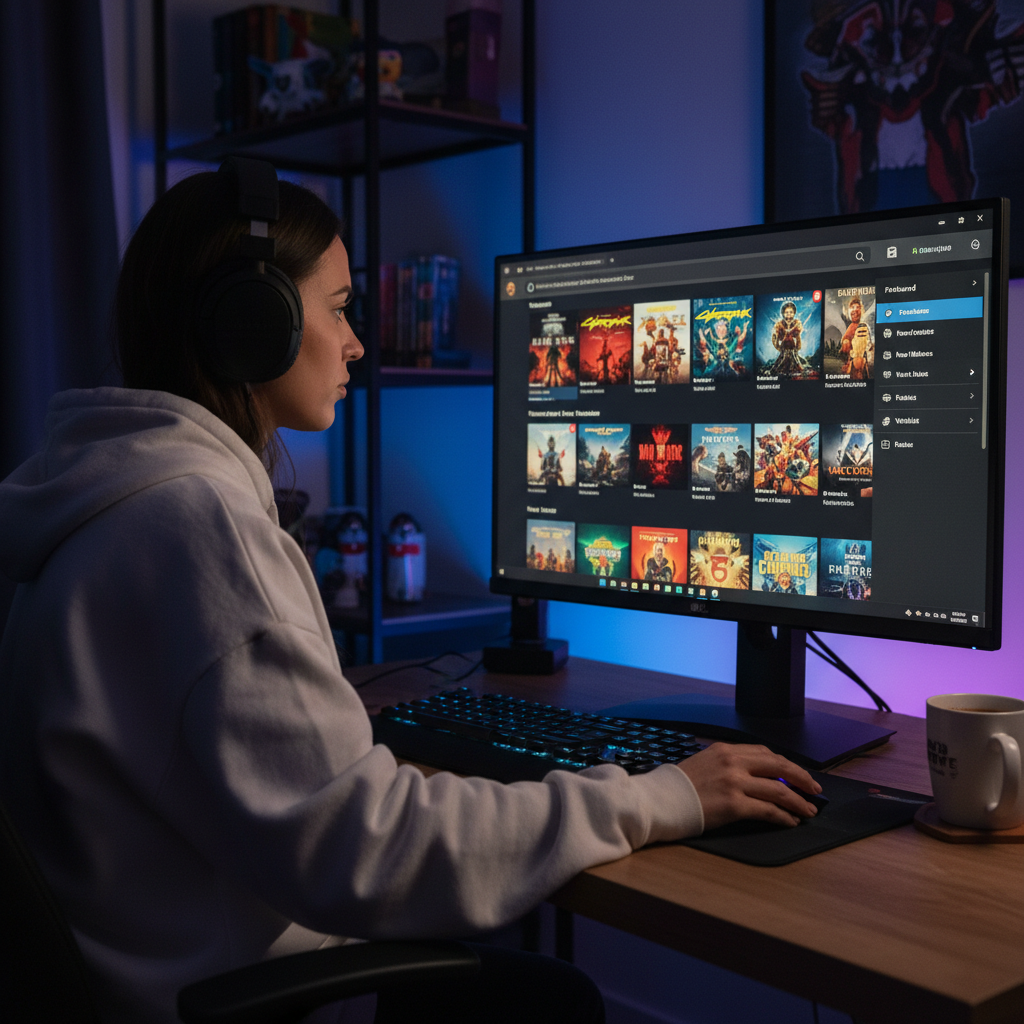
Route your connection through global locations so Steam loads, updates, and connects wherever you are.

Windscribe’s servers are optimized for speed, so downloads finish faster and connections stay stable.

Use Windscribe on your PC, laptop, phone, or router so Steam stays protected across all your devices and consoles like Xbox.



Loved & Trusted by Over 100 Million Users
Features

6 Encryption Protocols
Widest Server Reach
Most 10 Gbps Servers
Industry-Leading Ad Blocker
Privacy: Audited & Court-Proven
Features

Other VPNs
6 Encryption Protocols
Widest Server Reach
Most 10 Gbps Servers
Industry-Leading Ad Blocker
Privacy: Audited & Court-Proven


Frequently Asked Questions
Can you use a VPN on Steam?


Yes, Steam works with a VPN in most cases. Many players use a VPN to bypass restricted networks or keep their IP addresses hidden while fragging away. However, using a VPN to switch your Steam store region and buy your games cheaper might get your account in trouble, fast. So, use a VPN for privacy and access, not to play Steam’s pricing system like a fiddle.
What is the best VPN for Steam?
The best VPN for Steam should be fast enough to handle giant game downloads without making you wait forever. It should also have servers in key regions to lower ping and solid privacy features to keep your account safe. Bonus points for obfuscation to sneak past school or ISP blocks. Windscribe’s got all that, and more – 69+ countries, gaming-optimized protocols, and setup so easy, even your grandma could use it. To get a VPN for Steam, check out our upgrade page.
What if Steam doesn’t work with my VPN?
If your Steam isn’t working with Windscribe, try these steps:
- Switch server locations
- Change your protocol
- Try another device or network
Still having trouble? Our support team is available 24/7 to assist you.
Can you get banned if you use a VPN for Steam?
Steam's policy is more nuanced than "VPNs = instant ban." They mainly care about payment fraud, not VPN usage itself. Using a VPN to access games or browse the store is generally fine, but buying games with foreign payment methods to exploit regional pricing violates their terms. Stick to legitimate payment methods from your actual region, and you're unlikely to face issues.
How to change the Steam region using a VPN?
Steam doesn’t let you manually flip a “region” switch just by using a VPN. Your store region is tied to where you actually make a purchase, not just your IP address. A VPN can change your visible location, but Steam usually updates your region only when you complete a transaction from that country.
How do I buy Steam games from another country?
Short answer: carefully. Steam determines store regions based on location and payment method. Even if you use a VPN, Steam may block the purchase if your payment method doesn’t match the region you’re trying to buy from. This is why region hopping works inconsistently and why Steam has tightened the rules over the years. A VPN helps with access, but it’s not a guaranteed loophole.
How do I gift games on Steam to another country?
Steam gifting is region-restricted. If the price difference between regions is too large, gifting will be blocked, VPN or not. This is enforced at the Steam account level, not just the IP level. A VPN won’t bypass gifting limits, but it can help you access the store or view availability while traveling.
How does Steam detect VPNs?
Steam uses a mix of IP reputation databases, traffic patterns, and account behavior. If an IP is clearly associated with VPNs or data centers, Steam may flag it, limit purchases, or throw errors. This doesn’t usually affect gameplay, but store access and payments are where VPN detection shows up most.
Can I use a VPN to get cheaper games on Steam India?
Unfortunately, not really. Steam store prices games by region, but it doesn’t base pricing on IP address alone. Steam looks at where you make purchases and what payment method you use. Even if you connect to an Indian server with a VPN, Steam will usually block the purchase if your payment method doesn’t match India. This is why people sometimes see lower prices but can’t actually check out. Steam tightened these rules specifically to stop regional price hopping. A VPN can show you regional pricing while traveling, but it’s not a magic “cheap games” button.