





Windscribe

Free VPN for NVIDIA Shield.

10 GB/Month.On Google Play.

Windscribe installs on NVIDIA Shield straight from Google Play. Use Lazy Login, connect, and stream without thumb-wrestling your remote.
Download for NVIDIA Shield TV
Rated 4.7 by Trustpilot • 13K reviews
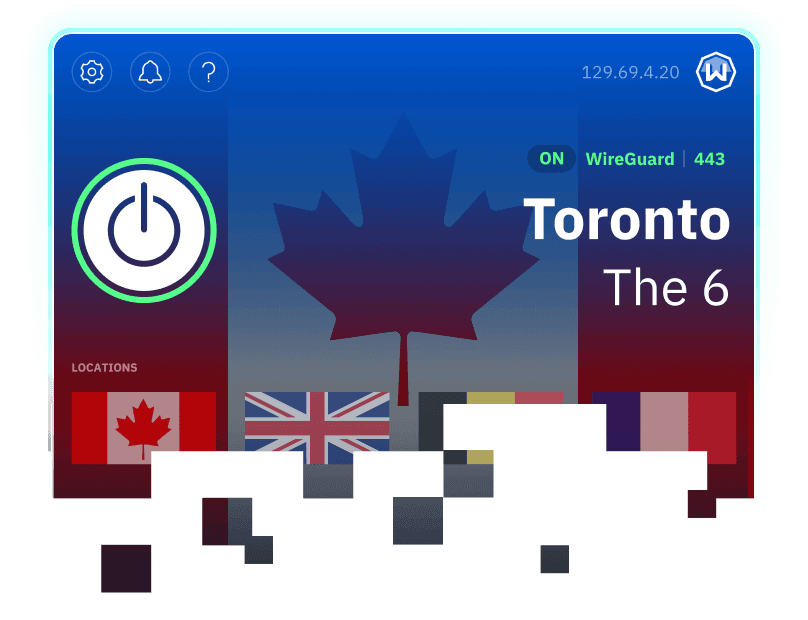
Windscribe for NVIDIA Shield TV, connected and sitting over the planet

Built for Every Shield TV Since 2015

If your Shield has Google Play, setup is beautifully boring.
  • Operating System
    Android TV
  • Hardware
    Shield TV & Shield TV Pro (2015 & Later)
  • Installation
    Google Play or APK sideload
  • Sign-In
    Lazy Login, 6-Digit Code
Not actually a Shield? Plenty of Android TV boxes get called "NVIDIA TV." If yours has Google Play, install Windscribe there. If not, sideload the official APK or use your router.
Windscribe on NVIDIA Shield TV specifications

Privacy You Can Verify

How to install

Set Up Windscribe on NVIDIA Shield TV

  1. 1. Open Google Play
    Find Windscribe on your Shield and install it.
  2. 2. Sign In Sofa-Style via Lazy Login
    Enter the code on your phone.
  3. 3. Allow and Connect
    Accept the VPN prompt, pick a location, and start streaming.
Free vs Pro

What You Get for Free (and What Pro Adds)

Windscribe Free is the same TV app and same encryption as Pro, with a monthly data cap and fewer locations.
Data
Locations
Devices
Sign-In
Extras
PopularFree$0, forever
Data
10 GB data per month: 2 GB before you confirm your email
Locations
10 countries: US, Canada, Germany, Switzerland and 6 more
Devices
Unlimited devices: No cap on devices you can use at once
Sign-In
Lazy Login: Sign in with a 6-digit code, no remote typing
Extras
Same encryption as Pro: AES-256 and a strict no-logs policy

RecommendedProfrom $3/mo
Data
Unlimited data: No strings attached
Locations
69+ countries, 135+ cities: The full suite of Windscribe locations
Devices
Unlimited devices: No cap on devices you can use at once
Sign-In
Lazy Login: Sign in with a 6-digit code, no remote typing
Extras
Static IP add-on: The same IP every time for fewer proxy errors

Free Forever. Why?

Free is our marketing budget. We don't run ads, sell your data, or sneak you into a paid trial.
Need more data or countries? Go Pro. Post about us on X and get an extra 5 GB every month. Yes, really.
Download for NVIDIA Shield TV

4 Ways to Use Windscribe With NVIDIA Shield TV

  • Google Play
    Search, install, connect. The standard route.
  • APK Sideload
    No Play Store? Sideload the official Windscribe APK from USB.
  • Router
    Covers your NVIDIA Shield TV and every other device at home.
  • Secure Hotspot
    Need another workaround? Turn your Windows PC with Windscribe into a hotspot.

Stream What You Actually Want to Watch

Part of Windscribe's job is bringing the shows that aren't always available in your region to your living room.

Get Windscribe for NVIDIA Shield TV

Player one: Shield. Player two: Windscribe. Press start on private streaming.

Frequently Asked Questions

What does "VPN for NVIDIA TV" actually mean?

Usually, it means the NVIDIA Shield TV or Shield TV Pro. Both run Android TV, so you can install Windscribe from Google Play and turn your streaming box into a more private one.

Does NVIDIA Shield have a built-in VPN?

No. Android TV on the Shield supports VPN apps, but NVIDIA doesn't include one. Install Windscribe from Google Play to add it.

How do I install a VPN on NVIDIA Shield?

Open Google Play on your Shield, search for Windscribe, and install it. Sign in with Lazy Login, accept the VPN permission prompt the first time you connect, and pick a server. If Google Play won't cooperate, sideload the APK.

What's the best VPN for NVIDIA Shield?

One with a native Android TV app, an easy sign-in, and code you can actually inspect. Windscribe's Android app is open source, signs in with Lazy Login, and covers unlimited devices. The free plan lets you test it on your Shield first.

Is Windscribe Free enough for streaming on my Shield?

For testing and light viewing, yes. You get 10 GB a month with a confirmed email (2 GB without), about 3 hours of HD. If your Shield runs 4K most nights, Pro removes the cap.

Can I use Windscribe with Kodi on my Shield?

Yes. Connect to Windscribe first, then open Kodi. Your Kodi traffic goes through the encrypted tunnel, so your ISP sees a VPN connection instead of a parade of add-on domains.

Does Windscribe have a kill switch on NVIDIA Shield?

Not a true system-wide one, yet. Android TV doesn't let VPN apps enforce it, and our tunnel-level alternative isn't ready to ship. For a stricter fail-closed setup today, run Windscribe on your router or use Secure Hotspot from a Windows PC.

Does a VPN slow down my Shield's streaming?

A bit, sometimes. Encryption and a longer route add some overhead, so results depend on the server, protocol, and distance. Use WireGuard and a nearby server; your Shield doesn't need a trip across the ocean.

My Shield is the original 2015 model. Does the app still work?

Usually, yes. Try Google Play first. If Windscribe doesn't show up on your older Shield, sideload the APK or run Windscribe on your router instead.

Why does Netflix show a proxy error on my Shield?

Because Netflix has blocked that server's IP. Switch to another Windscribe server in the same country and try again. A Static IP can cut down on repeat blocks, though no VPN can promise they'll never happen.