





Windscribe

Free VPN for Hisense TV.

10 GB/Month.No Credit Card.

Google TV, Android TV, or Fire TV? Run Windscribe natively. VIDAA or Roku? Use a streaming stick, a Windows hotspot, or a paid router.
Get Windscribe
Rated 4.7 by Trustpilot • 13K reviews
Windscribe for Hisense TV, connected and sitting over the planet

Built for Hisense Google TV, Android TV & Fire TV

Got one of these? Install Windscribe straight from your TV's app store.
  • Operating System
    Google TV, Android TV & Fire TV
  • Hardware
    Hisense U6, U7 & U8 Series (Select Models)
  • Installation
    Google Play or Amazon Appstore
  • Sign-In
    Lazy Login, 6-Digit Code
VIDAA or Roku home screen? Neither one allows VPN apps. Plug a streaming stick into HDMI or set up Windscribe on your router instead.
Windscribe on Hisense TV specifications

Privacy You Can Verify

How to install

Set Up Windscribe on Hisense TV

  1. 1. Find Your App Store
    Google Play on Google TV and Android TV, Amazon Appstore on Fire TV.
  2. 2. Skip the Remote Typing
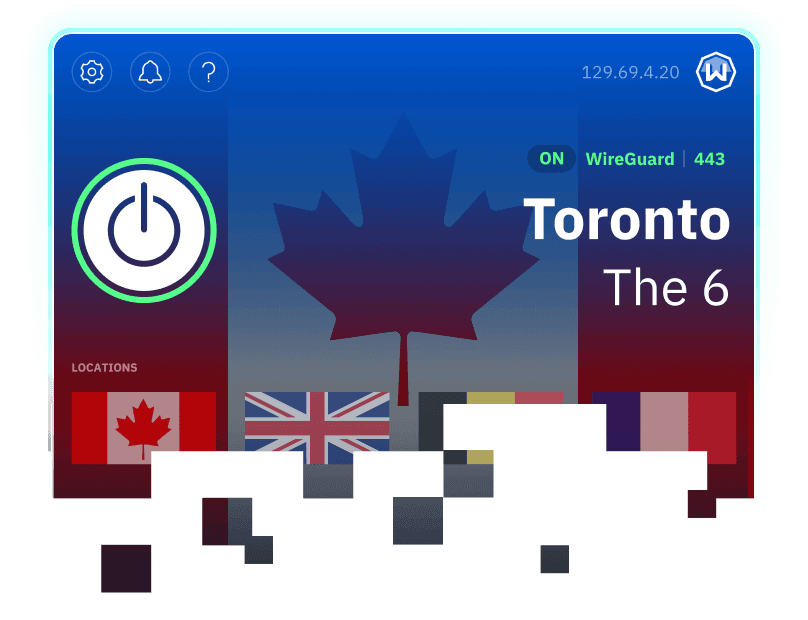
    Pick Lazy Login and enter the TV's 6-digit code on your phone.
  3. 3. Pick a Country
    Hit connect and start streaming from there.
Free vs Pro

What You Get for Free (and What Pro Adds)

Windscribe Free is the same TV app and same encryption as Pro, with a monthly data cap and fewer locations.
Data
Locations
Devices
Setup
Extras
PopularFree$0, forever
Data
10 GB data per month: 2 GB before you confirm your email
Locations
10 countries: US, Canada, Germany, Switzerland and 6 more
Devices
Unlimited devices: No cap on devices you can use at once
Setup
Lazy Login: 6-digit sign-in on Google TV, Android TV & Fire TV models
Extras
Same encryption as Pro: AES-256 and a strict no-logs policy

RecommendedProfrom $3/mo
Data
Unlimited data: No strings attached
Locations
69+ countries, 135+ cities: The full suite of Windscribe locations
Devices
Unlimited devices: No cap on devices you can use at once
Setup
Router Configs: Cover VIDAA and Roku models, plus your whole home
Extras
Static IP add-on: The same IP every time for fewer proxy errors

Free Forever. Why?

Free is our marketing budget. We don't run ads, sell your data, or sneak you into a paid trial.
Need more data or countries? Go Pro. Post about us on X and get an extra 5 GB every month. Yes, really.
Get Windscribe

4 Ways to Use Windscribe With Hisense TV

  • Google Play
    For Hisense Google TV and Android TV models.
  • Amazon Appstore
    For Hisense Fire TV models, with our Fire TV build.
  • Streaming Stick
    VIDAA or Roku? Plug a Fire TV Stick into HDMI.
  • Router
    Covers VIDAA and Roku models, plus every other device.

Stream What You Actually Want to Watch

Part of Windscribe's job is bringing the shows that aren't always available in your region to your living room.

Get Windscribe for Hisense TV

Five platforms. Zero dead ends. One VPN for whichever Hisense model you've got.

Frequently Asked Questions

Can I install a VPN app directly on my Hisense TV?

On some models, yes. Hisense TVs running Google TV, Android TV, or Fire TV can install Windscribe from their app store. VIDAA and Roku models can't run VPN apps, so they need a streaming stick, router, Secure Hotspot, or Smart DNS instead.

Which Hisense TV do I have?

Check the home screen. Rows of Google recommendations mean Google TV, an Alexa button on the remote means Fire TV, a purple grid means Roku, and a simple, fast-loading app row usually means VIDAA. You can confirm the operating system in your TV's Settings or About menu.

How do I install a VPN on my Hisense TV?

On Google TV and Android TV models, install Windscribe from Google Play; on Fire TV models, use the Amazon Appstore. Sign in with Lazy Login, pick a server, and connect. VIDAA and Roku models need one of the workarounds on this page.

Why can't VIDAA run VPN apps?

VIDAA isn't based on Android, so it can't install Android VPN apps, and its own store doesn't offer real VPNs. Hisense is gradually rebranding VIDAA as HomeOS, but unless it adds VPN support, the same workarounds apply.

I found a "VPN" app for my VIDAA TV or an APK site. Should I use it?

We wouldn't. Anything that installs natively on VIDAA and calls itself a VPN is most likely a proxy without real encryption, and APK files from mirror sites can carry malware. On VIDAA and Roku, a real VPN has to run on your router or an external device.

What's the best VPN for Hisense TV?

One that covers every Hisense platform, not just the easy ones. Windscribe has native apps for Google TV, Android TV, and Fire TV models, real workarounds for VIDAA and Roku, unlimited devices, and a strict no-logs policy. The free plan lets you try it with no time limit.

Is the free plan enough for streaming on a Hisense TV?

For light viewing, yes. You get 10 GB a month with a confirmed email (2 GB without), roughly three hours of HD. If you stream most nights, Pro or Build-A-Plan removes the cap.

What's the difference between Smart DNS and a VPN?

Smart DNS only changes where your TV appears to be browsing from: no encryption, no privacy. A VPN does both. Control D, our sister DNS service, can be set directly in the network settings on many VIDAA models, but use the router or hotspot methods if privacy matters.

Why does Netflix show a proxy error on my Hisense TV?

Netflix has flagged that server's IP. Switch to another Windscribe server in the same country and reload. If you're using ControlD, change your location in its dashboard instead.

Does Windscribe have a kill switch on Hisense TVs?

Not a system-wide one in the native apps. Google TV, Android TV, and Fire TV don't let third-party apps enforce it, so traffic can briefly slip out if the app drops. For fail-closed protection, use a router setup or Secure Hotspot.