


Paso 1
Paso 2
Instala la Aplicación
Paso 3
Regístrate
Por Qué Usar una VPN para League of Legends
Exponer tu dirección IP real puede llevar al doxing y otras amenazas IRL. Windscribe mantiene tu identidad segura mientras juegas, enmascarando tu IP.

Los ataques DDoS pueden interrumpir tu partida. Windscribe asegura tu conexión con cifrado AES-256, haciéndote más difícil de atacar.

Cambia de región para encontrar los mejores servidores para tu estilo de juego. Windscribe te da acceso a una red global de servidores, facilitando encontrar la conexión más rápida, ya sea que juegues League en PC o juegues Mobile Legends.

Un ping alto puede causar retrasos frustrantes y afectar tu gameplay. Windscribe enruta tu conexión a través de rutas más rápidas y directas hacia los servidores del juego, ofreciendo respuesta en tiempo real y una VPN de baja latencia para el juego competitivo.

Los ISPs suelen limitar el tráfico de gaming. Windscribe oculta tu actividad online para que tu ISP no pueda ralentizarte durante tus partidas.
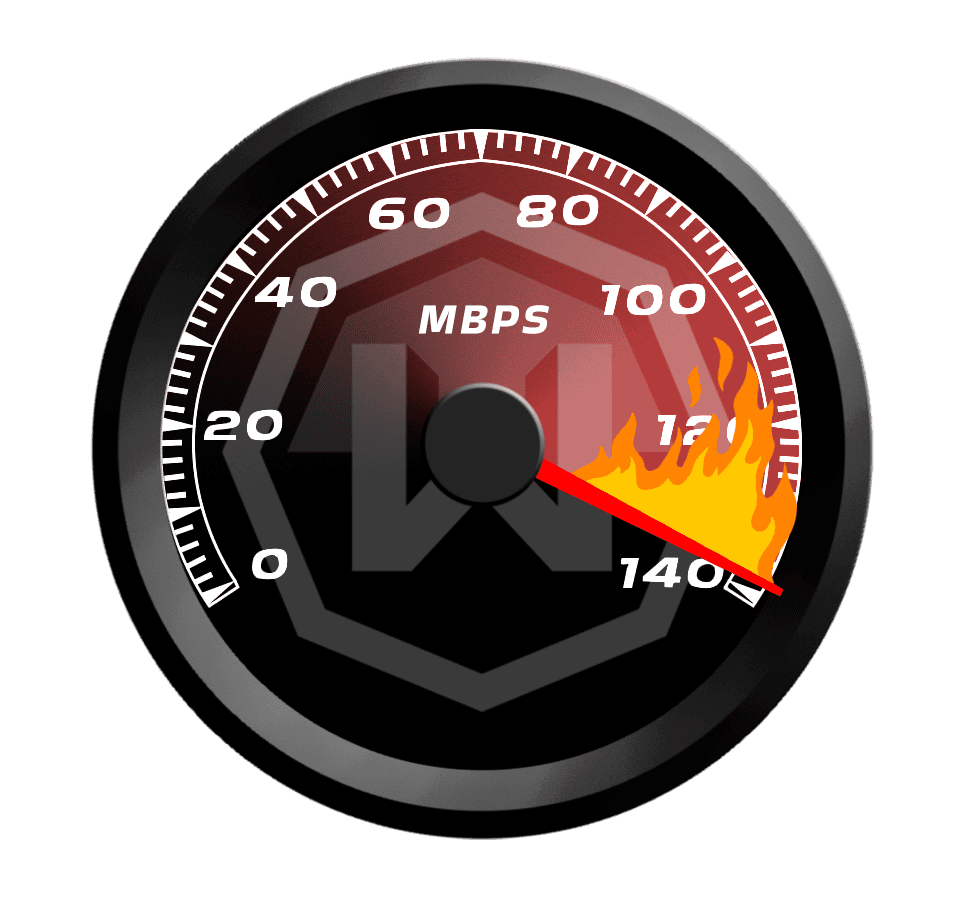
Mantente a la Cabeza del Juego con una VPN Rápida para League of Legends

Los servidores de Windscribe están diseñados para gaming de alta velocidad, para que te mantengas por delante de la competencia.

Conéctate a servidores de baja latencia en las principales regiones de LoL, dondequiera que estés.

Tanto si juegas LoL en PC como en Mac, nuestras aplicaciones de escritorio te tienen cubierto.




Querido y con la confianza de más de 100 millones de usuarios
Funciones

6 protocolos de cifrado
El mayor alcance de servidores
Más servidores de 10 Gbps
Bloqueador de anuncios líder del sector
Privacidad: auditada y probada en tribunales
Funciones

Otras VPN
6 protocolos de cifrado
El mayor alcance de servidores
Más servidores de 10 Gbps
Bloqueador de anuncios líder del sector
Privacidad: auditada y probada en tribunales


Preguntas frecuentes
¿Puedo usar una VPN para jugar League of Legends?


Sí, puedes usar una VPN para jugar League of Legends. Muchos jugadores lo hacen, principalmente para privacidad, para prevenir ataques DDoS y para enmascarar su dirección IP. Los Términos de Servicio de Riot Games no prohíben explícitamente el uso de VPNs, pero sí establecen que hacer trampa de cualquier forma, como manipular el matchmaking o explotar el juego, puede «justificar acciones disciplinarias».
¿Cuál es la mejor VPN para League of Legends?
Windscribe es una excelente opción para League of Legends (¡obvio!). Con servidores en 69+ países, te ayuda a encontrar las mejores conexiones para un gameplay de baja latencia. Además, Windscribe prioriza tu privacidad con una estricta política de no registros (lo que significa que no registramos nada que pueda vincularse a tu identidad detrás de la pantalla). Nuestra función R.O.B.E.R.T. bloquea anuncios, rastreadores y contenido malicioso, brindándote una experiencia de gaming más fluida y segura. Así que, sea lo que sea que busques en una VPN, ¡te tenemos cubierto!
¿Qué hago si League of Legends no funciona con mi VPN?
Si tu League of Legends no funciona con Windscribe, prueba estos pasos:
- Cambia de ubicación de servidor
- Cambia tu protocolo
- Prueba con otro dispositivo o red
¿Sigues teniendo problemas? Nuestro equipo de soporte está disponible las 24/7 para ayudarte.
¿Una VPN ayuda con el ping en League of Legends?
Sí, una VPN puede ayudar con el ping conectándote a un servidor más rápido o más estable. Si tienes problemas con el ping alto, usar una VPN para encontrar un servidor más cercano a los servidores regionales de League of Legends puede ayudar a reducir el lag y mejorar tu conexión.
¿Es ilegal usar una VPN para gaming?
Usar una VPN para gaming está bien. Muchos jugadores usan VPNs para seguridad y privacidad. Pero si usas una VPN para hacer trampa, manipular el matchmaking o colarte en bloqueos regionales, podrías ser baneado más rápido que un Teemo en una jungla llena de setas. Así que usa tu VPN con responsabilidad y no hagas nada sospechoso o ilegal.
¿Cómo cambiar la región en LoL?
Sabemos lo que realmente preguntas: ¿Es suficiente una VPN para cambiar tu región en LoL? Y la respuesta es: no exactamente. Una VPN puede permitirte enmascarar tu IP y acceder a contenido de diferentes regiones, pero cambiar la región de tu cuenta en sí debe hacerse a través del cliente League of Legends.
¿Puede Riot detectar una VPN?
Riot Games, el desarrollador de League of Legends, puede detectar el uso de VPN, especialmente si estás usando un servidor conocido o frecuentemente utilizado. Sin embargo, siempre y cuando no estés violando ninguna regla del juego (como falsificar la ubicación o manipular el matchmaking), usar una VPN debería estar bien. Además, Windscribe utiliza protocolos bastante inteligentes para evitar la detección en la medida de lo posible.