


Paso 1
Paso 2
Instala la aplicación
Paso 3
Regístrate
Por Qué Usar una VPN para FFXIV
Tu IP puede revelar tu ubicación aproximada y hacerte más fácil de atacar. Windscribe te da una IP diferente, para que la tuya real permanezca oculta.

Windscribe enmascara tu dirección IP para protegerte de ataques DDoS y doxing durante los raids de FFXIV o los escuadrones cooperativos de Warframe.

Windscribe te permite saltarte las restricciones regionales con servidores en 69+ países, para que puedas jugar a FFXIV o jugar a Lost Ark desde cualquier lugar del mundo.

El lag no siempre se debe a tu velocidad de internet. A veces es la ruta que toma tu tráfico. Cambiar de ubicación en Windscribe puede darte a veces una ruta más limpia para jugar más rápido.

Algunos ISP reducen el tráfico de gaming en horas pico. Windscribe oculta tu actividad online, para que tu ISP no pueda ver lo que haces y no pueda limitarlo.
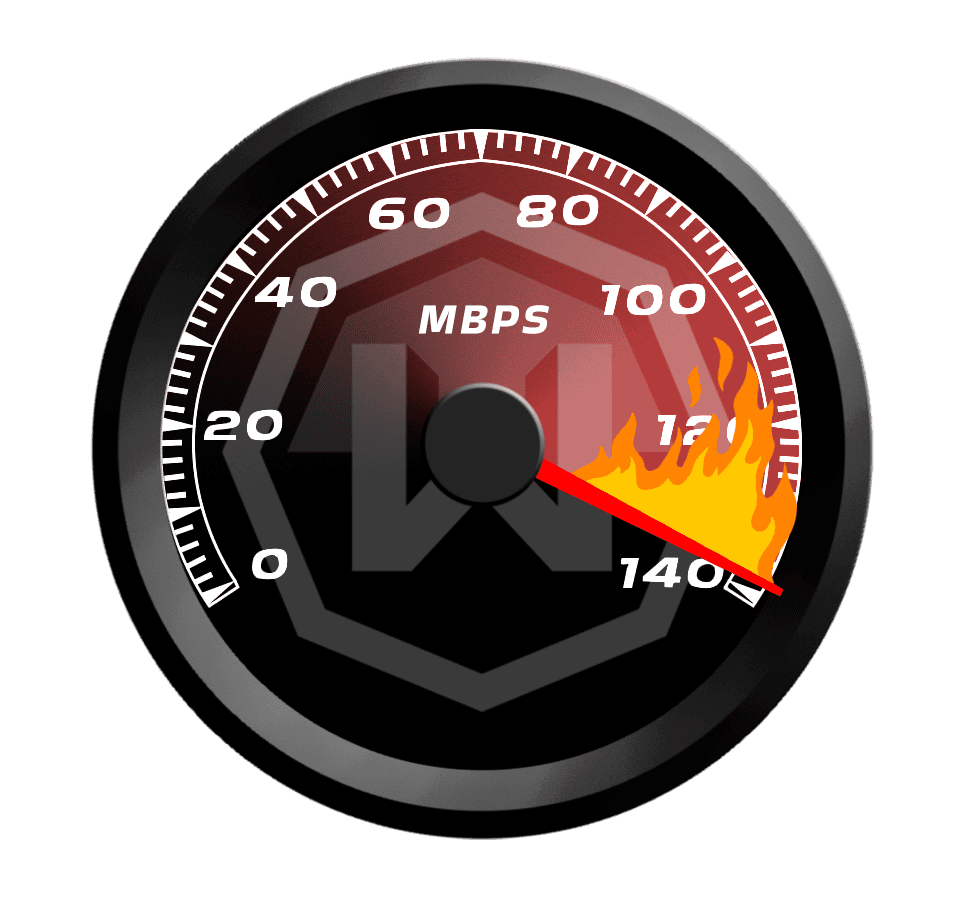
Mantente Competitivo con una VPN FFXIV Rápida

Nuestros servidores están optimizados para baja latencia y gameplay rápido, para que el lag nunca te frene.

Elige entre servidores en 69+ países y 135+ ciudades para encontrar una ubicación cercana o probar una ruta mejor.
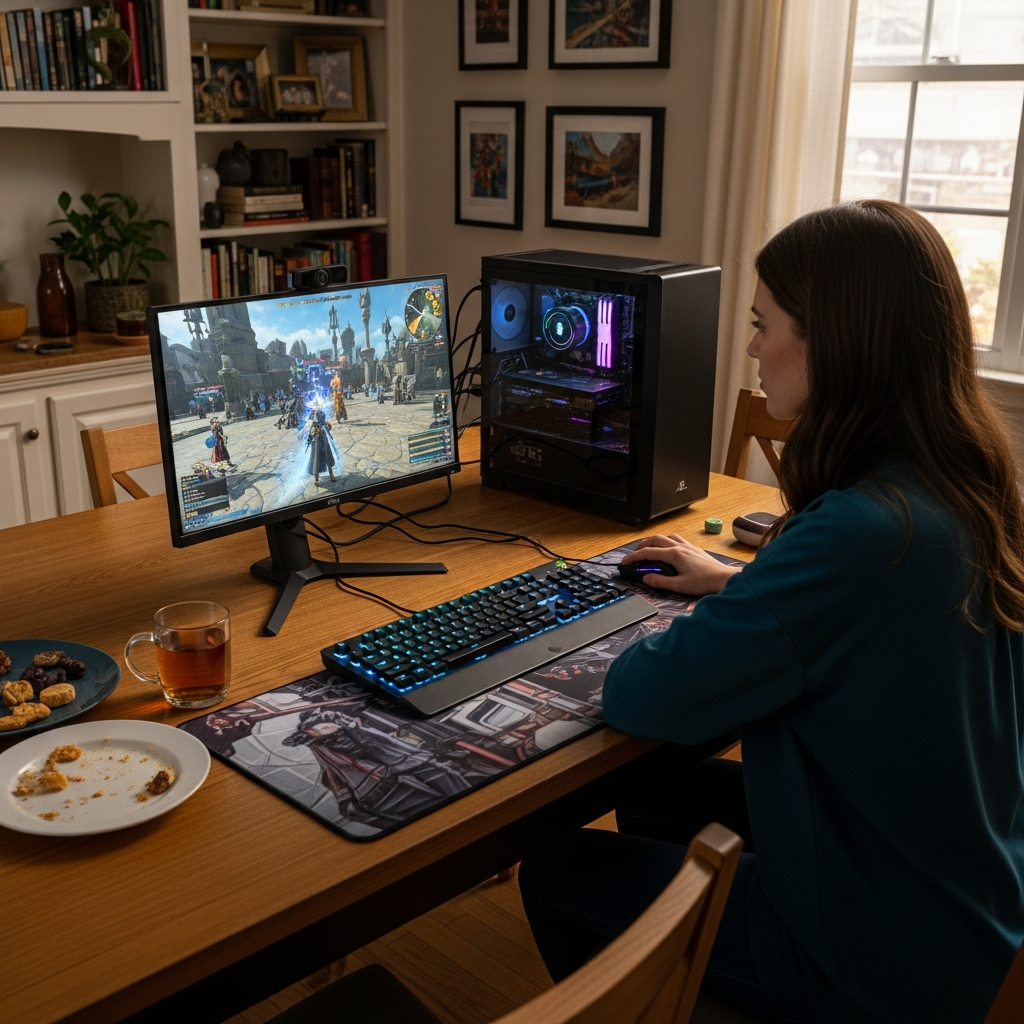
Instala Windscribe en tu ordenador o router para jugar a FFXIV de forma segura en cualquier plataforma, o cambia de tercio para jugar a RuneScape de forma segura.




Querido y con la confianza de más de 100 millones de usuarios
Funciones

6 protocolos de cifrado
El mayor alcance de servidores
Más servidores de 10 Gbps
Bloqueador de anuncios líder del sector
Privacidad: auditada y probada en tribunales
Funciones

Otras VPN
6 protocolos de cifrado
El mayor alcance de servidores
Más servidores de 10 Gbps
Bloqueador de anuncios líder del sector
Privacidad: auditada y probada en tribunales


Preguntas frecuentes
¿Se puede jugar a FFXIV con una VPN?


Sí, puedes usar una VPN mientras juegas a FFXIV. Los Términos de Servicio de Square Enix no prohíben el uso de VPN, aunque debes tener cuidado de no usarla para saltarte las restricciones del juego. La mayoría de los jugadores de Final Fantasy usan una VPN para ocultar su dirección IP, protegerse contra ataques DDoS y doxing, y reducir el lag.
¿Cuál es la mejor VPN para FF?
Windscribe es obviamente la mejor VPN para FF. Es rápida, fácil de usar, tiene servidores en 69+ países y un montón de funciones centradas en la privacidad, como cifrado AES-256, un potente Firewall y nuestro bloqueador de malware R.O.B.E.R.T. Además, nuestros servidores están optimizados para gaming y streaming.
¿Qué pasa si FFXIV no funciona con mi VPN?
Si FFXIV no funciona con Windscribe, prueba estos pasos:
- Cambia de servidor
- Cambia tu protocolo
- Prueba con otro dispositivo o red
¿Sigues teniendo problemas? Nuestro equipo de soporte está disponible 24/7 para ayudarte.
¿Es legal usar una VPN para gaming?
La mayoría de las veces, sí. En la mayoría de los países, usar una VPN para gaming es totalmente legal. Es simplemente una herramienta de privacidad y seguridad. Las excepciones son los países donde las VPN están completamente prohibidas o muy restringidas (como los que solo permiten VPN aprobadas por el gobierno).
¿Me pueden banear por usar una VPN en Final Fantasy?
Usar una VPN para jugar a FFXIV generalmente no te dará un ban. Muchos jugadores usan una para mayor privacidad o mejor enrutamiento. El mayor riesgo es lo que haces con ella: si está vinculada a trampas, fraude, evadir restricciones de formas que rompen las reglas u otras violaciones de los ToS, ahí es cuando pueden tomarse acciones. Además, a veces una IP de VPN puede activar verificaciones de seguridad adicionales o bloqueos temporales de cuenta.