


Step 1
Get the App
Step 2
Install the App
Step 3
Sign up
Why Use a VPN for Hawaii
Claim a Hawaii IP Address

Log Into Hawaii’s Online Portals

Stay in the Home Broadcast Zone

Take Hawaii TV With You

Test Hawaii Search Results Like a Local

Fortify Your Connection in the Aloha State

Scramble Your Traffic

Block the Internet Gremlins
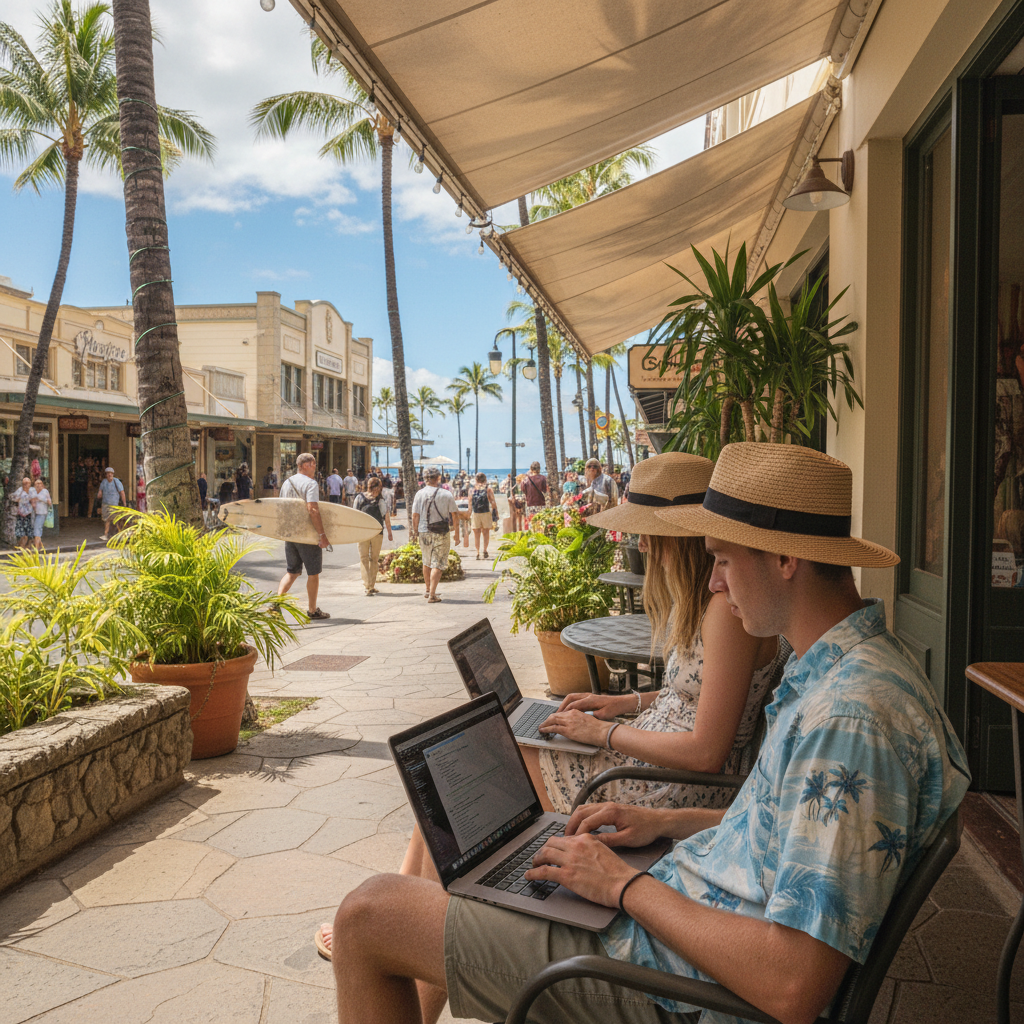
Stay Safe on Public Wi-Fi



Loved & Trusted by Over 100 Million Users
Features

6 Encryption Protocols
Widest Server Reach
Most 10 Gbps Servers
Industry-Leading Ad Blocker
Privacy: Audited & Court-Proven
Features

Other VPNs
6 Encryption Protocols
Widest Server Reach
Most 10 Gbps Servers
Industry-Leading Ad Blocker
Privacy: Audited & Court-Proven
FAQs: Top Questions About Hawaii VPN Answered
How can I change my IP address to Hawaii?


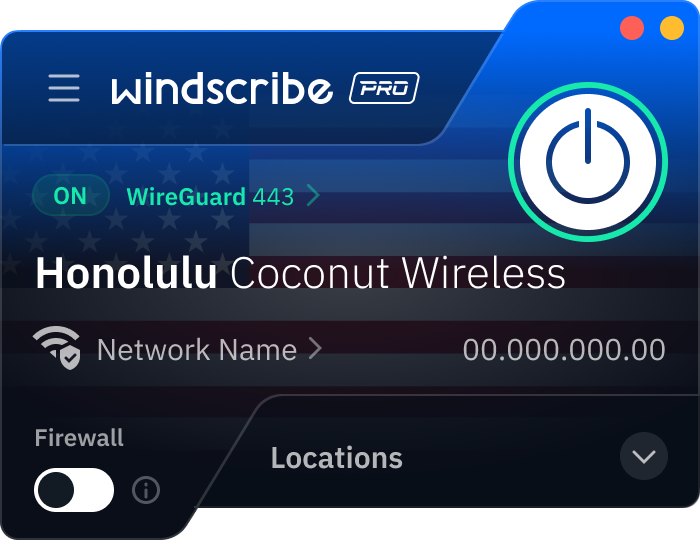
Changing your digital location to the islands is instantaneous with Windscribe. First of all, download Windscribe if you haven’t already. Then, open the Windscribe app, scroll through our United States server list, and select the Honolulu servers. Once you click to connect, the big ON button will turn green, and your real IP address is masked by a local Hawaiian one.
Is it legal to use a VPN in Hawaii?
Yes. It is 100% legal to use a VPN in Hawaii. In fact, following the 2026 introduction of the Hawaii Drop and Delete Act (HB 2463), which empowers residents to request that data brokers delete their personal information, many in the islands use VPNs as a proactive tool to prevent that data from being harvested in the first place. While a VPN is a legal and recommended tool for digital privacy under the Hawaii State Constitution, it does not grant immunity for illegal acts. Remember that anything prohibited by law without a VPN remains illegal while using one.
How much does a VPN cost per month in Hawaii?
A VPN in Hawaii costs the same as it does everywhere else, which is roughly between $3 to $15 USD per month, depending on the provider and plan you choose. Windscribe offers flexible, monthly plans starting at $3 USD. To get a VPN for Hawaii, check out our upgrade page.
Which VPN has a Hawaii server?
We do! At Windscribe, we have physical VPN servers in Honolulu. This means that you can get a Honolulu IP address instantly, whenever you need it!
What is the best Hawaii VPN?
It’s Windscribe, of course! Aside from the fact that we have VPN servers right there in Honolulu, we also offer servers in 69+ countries and 135+ cities around the world. Plus, we offer cool privacy features, browser extensions, and a strict no-identifying-logs policy.
Should I use a VPN for the University of Hawaii?
Yes, depending on the task. For 95% of your life at UH, like using Laulima, STAR, or Google@UH, you don’t actually need the school's VPN. Windscribe is the faster, more private way to stay secure on campus Wi-Fi without the university IT department looking over your shoulder. You only need the school's Cisco VPN for rare, enterprise stuff like internal faculty servers or specific financial aid tools. Also, for personal privacy on the university Wi-Fi networks, you should use a personal VPN like Windscribe. It wraps your social media, banking, and private messages in AES-256 encryption, hiding your personal browsing habits from university logs.
Can a VPN help with TikTok, Facebook, and Instagram in Hawaii?
Yep. A VPN can make social media use more private on public or shared Wi-Fi by encrypting your traffic, so the network can’t easily watch what you’re doing. It can also help if a school, hotel, or workplace blocks social apps or throttles video. Just keep in mind: it protects you from the network, not from the apps themselves (TikTok/Meta still see your activity inside their platforms).
Can a VPN improve my Warzone connection in Hawaii?
Sometimes. If your ISP routing is messy or a network is blocking/throttling gaming traffic, a VPN can occasionally give you a cleaner route that feels more stable. Connect first, play a match, then switch servers if it’s not better. VPNs can help with routing issues, but they won’t fix weak Wi-Fi or magically eliminate latency.