


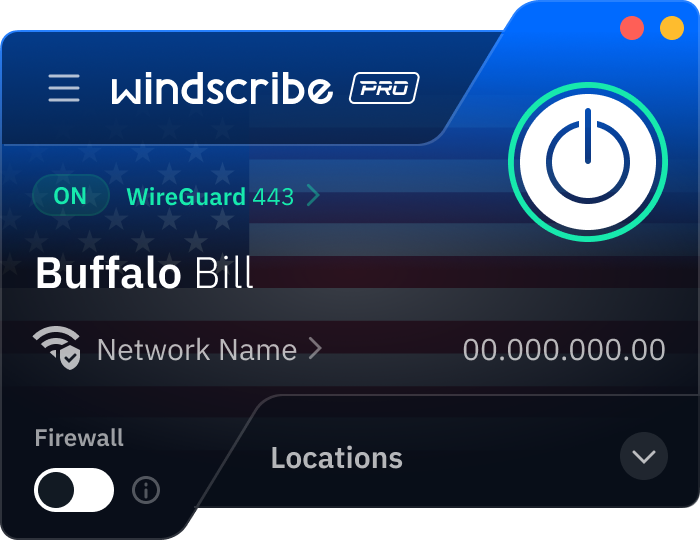
Step 1
Get the App
Step 2
Install the App
Step 3
Sign up
Why Use a VPN for Buffalo
Switch Your IP to Buffalo

Access Buffalo-Hosted Services

Avoid Regional Sports Blackouts

Watch Local Channels Anywhere

Run Geo-Targeted Testing

Stay Safe Online With Buffalo VPN Servers

Secure Your Connection

Dodge Cyberthreats
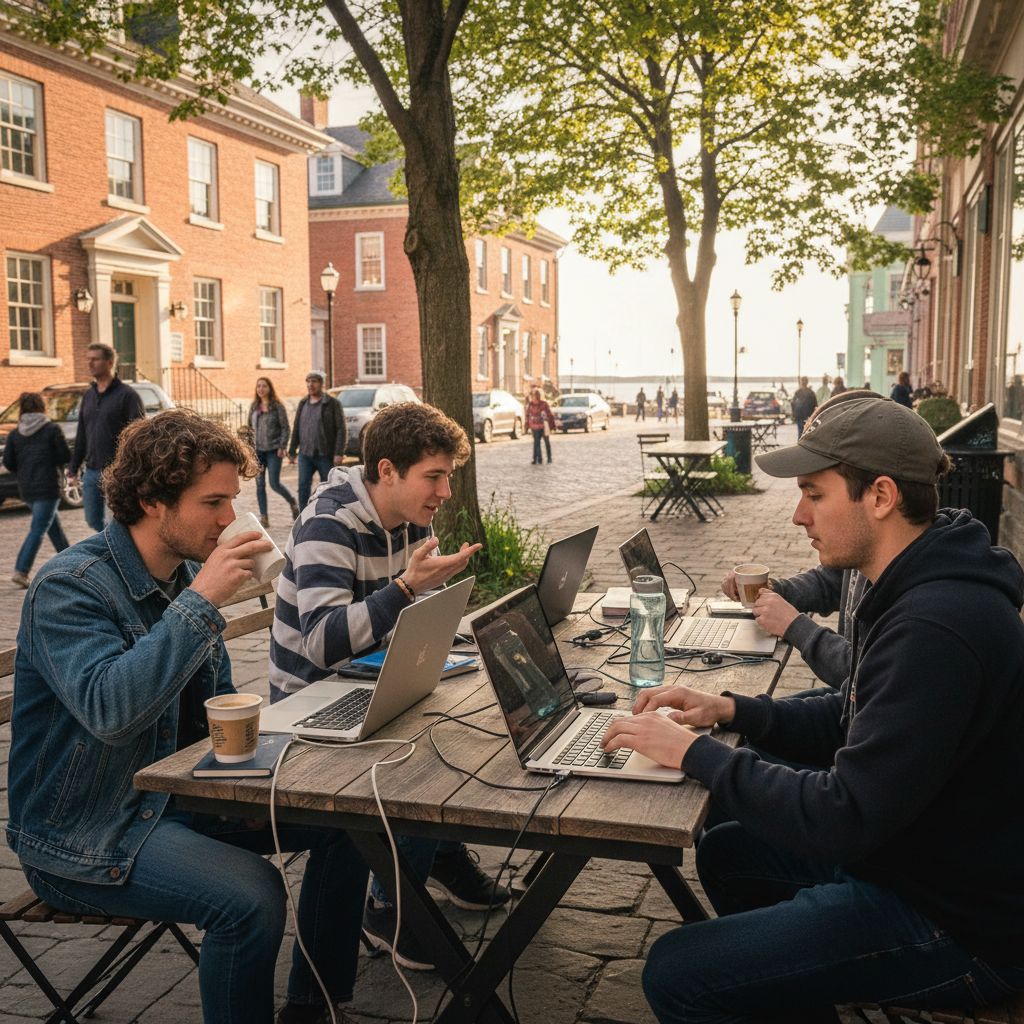
Browse Securely on Free Wi-Fi



Loved & Trusted by Over 100 Million Users
Features

6 Encryption Protocols
Widest Server Reach
Most 10 Gbps Servers
Industry-Leading Ad Blocker
Privacy: Audited & Court-Proven
Features

Other VPNs
6 Encryption Protocols
Widest Server Reach
Most 10 Gbps Servers
Industry-Leading Ad Blocker
Privacy: Audited & Court-Proven
FAQs: Top Questions About Buffalo VPN Answered
How can I switch my IP to Buffalo?


It’s simple! First of all, download Windscribe. Then, open the Windscribe app on your desktop or phone, scroll through our United States server locations, and select Buffalo. Once the power button turns green, your device is virtually anchored in Western New York.
How much does a VPN cost for Buffalo?
Expect to pay roughly $3 to $16 USD monthly. While major providers push multi-year bundles, Windscribe’s Build-A-Plan is a common pick for those who don’t want a big commitment or access to all servers. You can get the Buffalo server and unlimited data for as little as $3 USD a month. To get a VPN for Buffalo, check out our upgrade page.
Is it legal to use a VPN in Buffalo?
Yes. There are no laws in Buffalo or New York State prohibiting VPNs. However, in 2026, New York’s Department of Financial Services (NYDFS) ramped up cybersecurity requirements for local businesses. While a VPN is legal and encouraged for privacy, using one doesn't exempt you from these evolving state-level data handling and multi-factor authentication regulations.
What is the best VPN for Buffalo?
It’s Windscribe, duh! We have servers in Buffalo, which isn’t that common among VPN providers. Aside from that, we have servers in 69+ countries and 135+ cities, a strict no-identifying-logs policy, and a ton of cool privacy features like R.O.B.E.R.T. (our malware blockers), Split Tunneling, and browser extensions.
How can I configure a VPN on Buffalo LinkStation?
To secure your Buffalo LinkStation in 2026, you should install a VPN directly on your home router to create an encrypted tunnel for all connected devices, effectively shielding the NAS from the open internet without needing native client software. If you require remote access to your files while away, you must also enable the WebAccess feature within the LinkStation's advanced settings and specifically toggle on HTTPS/SSL Encryption to ensure that any data transferred remains private and protected from interception.
Should I use a VPN for the University at Buffalo?
Yes, specifically for privacy. UB’s campus Wi-Fi (UBIT) logs significant metadata, including your device hostname and IP history. While you’ll still need the school’s official Cisco Secure Client to access internal UBfs files or specific academic databases, running Windscribe alongside it prevents the university from tracking your personal browsing habits, social media usage, and private accounts while you're on the North or South campus networks.