


Step 1
Get the App
Step 2
Install the App
Step 3
Sign up
Why Use a VPN for Arizona
Grab an Arizona IP

Reach Arizona Services Anywhere

Beat Arizona Sports Blackouts

Take Arizona TV With You

Test Ads Like a Local

Secure Your Connection in the Silicon Desert

Browse Safely

Block the Unwanted Stuff

Safer Public Wi-Fi



Loved & Trusted by Over 100 Million Users
Features

6 Encryption Protocols
Widest Server Reach
Most 10 Gbps Servers
Industry-Leading Ad Blocker
Privacy: Audited & Court-Proven
Features

Other VPNs
6 Encryption Protocols
Widest Server Reach
Most 10 Gbps Servers
Industry-Leading Ad Blocker
Privacy: Audited & Court-Proven
FAQs: Top Questions About Arizona VPN Answered
How do I change my VPN to Arizona?


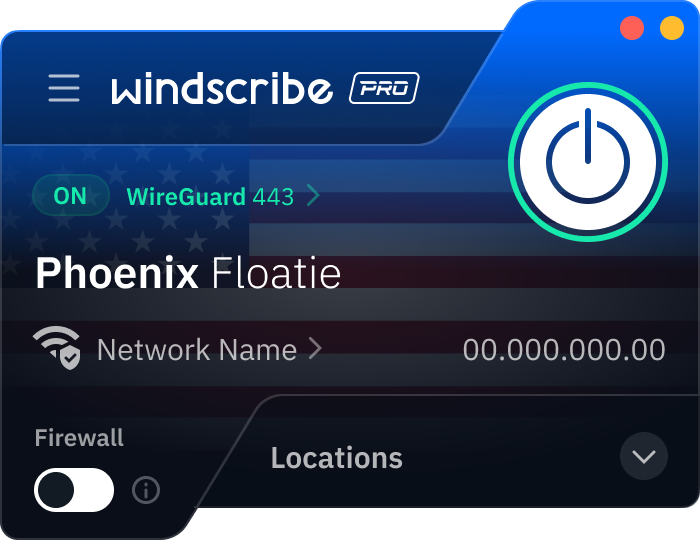
Open the Windscribe app, scroll through our United States server locations, and select Phoenix. Once the power button turns green, your real IP is masked and replaced with one from Arizona.
How much is a VPN per month in Arizona?
VPN pricing in Arizona is the same as anywhere else since it’s sold online. Most paid VPNs run about $3 to $15 USD per month, depending on the plan length and features. Free plans exist, but they usually have limits. Windscribe has flexible plans that start at $3 USD per month. To get a VPN for Arizona, check out our upgrade page.
Which VPN has Arizona?
We do! Windscribe offers physical 10 Gbps servers in Phoenix, Arizona. In fact, Windscribe is the best VPN for Arizona. We offer solid privacy features, a strict no-identifying-logs policy, and global servers in 69+ countries and 135+ cities.
How to get an Arizona VPN?
To get started, visit the Windscribe website to download the app for your Windows, macOS, Android, or iOS device. After a quick installation and account setup, you simply search for Phoenix in the server list and click connect. For those who only need privacy while browsing the web, you can also use the Windscribe browser extension for Chrome or Firefox, which allows you to toggle your location to Arizona with a single click without affecting your other apps.
Can I use a VPN in Arizona?
Yes. It is 100% legal to use a VPN in Arizona. In fact, since House Bill 2112 (the age-verification law for adult content) went into full effect in late 2025, many Arizonans have turned to VPNs as a primary tool to protect their personal identity and avoid uploading government IDs to third-party verification sites. While a VPN is a legal and recommended tool for digital privacy, it does not grant immunity for illegal acts. Anything prohibited by Arizona law without a VPN remains illegal while using one.
Do UA students and staff need a VPN on campus Wi-Fi?
It’s a good idea. A VPN encrypts your traffic, which helps keep your logins, emails, and browsing more private on campus Wi-Fi and other shared networks. For UA-only systems, you may still need the university’s official VPN.
How do I install a VPN on my iPhone or Android in Arizona?
Download a VPN app from the App Store (iPhone) or Google Play (Android), sign in, and tap connect. That’s it. You can also install the same VPN on your laptop (Windows/macOS/Linux) for full coverage.
Can a VPN help if DraftKings is blocked on a network in Arizona?
Sometimes, yeah. If your work or school Wi-Fi blocks access to sports apps, a VPN can help you reach the platform by encrypting your connection. However, keep in mind that DraftKings uses advanced geolocation checks that may still require you to be physically present in a legal state.