


Step 1
Step 2
Install the App
Step 3
Sign up
Why Use a VPN for Telegram
Authoritarian regimes treat Telegram like kryptonite. Windscribe lets you reroute your connection through other countries to prevent censorship.

Windscribe's AES-256 encryption turns your traffic into digital gibberish that your ISP won’t be able to decode.

Corporate and school firewalls often block Telegram. Windscribe gets around these restrictions with smart protocols.

One fake network and your data is fried. Windscribe's Firewall seals your data so nothing leaks.

Windscribe disguises your VPN connection as regular browsing so Telegram can't tell you're using a VPN.

Access Telegram With Windscribe
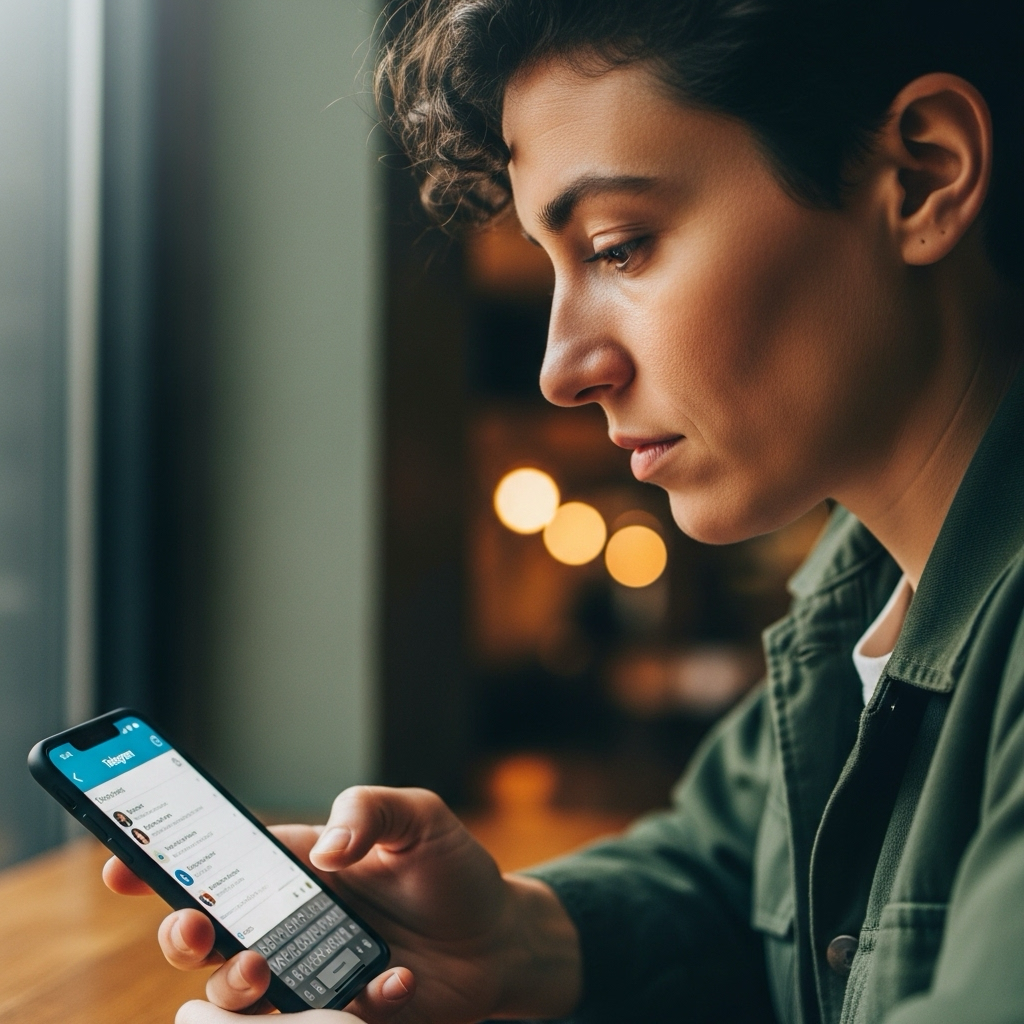
Windscribe operates in 69+ countries, giving you multiple routing options to unblock Telegram and other messaging platforms like WhatsApp, LINE, Signal, and Discord.

Windscribe's protocols add minimal latency to your Telegram connection, so your chats and files download fast.





Loved & Trusted by Over 100 Million Users
Features

6 Encryption Protocols
Widest Server Reach
Most 10 Gbps Servers
Industry-Leading Ad Blocker
Privacy: Audited & Court-Proven
Features

Other VPNs
6 Encryption Protocols
Widest Server Reach
Most 10 Gbps Servers
Industry-Leading Ad Blocker
Privacy: Audited & Court-Proven


Frequently Asked Questions
Does Telegram Work With a VPN?


Telegram works smoothly with a VPN, ensuring your messages and channels are private and secure. Whether you’re in a country with strict internet censorship or need to hide your location, a VPN can enhance your Telegram experience.
What if Telegram Doesn’t Work With a VPN?
If you are having trouble using Telegram with Windscribe VPN, you can try these steps:
- Switch to a different server if Telegram isn’t connecting
- Restart the app or your device after connecting to Windscribe
- Clear app cache or desktop data to refresh connections
- Make sure Windscribe is updated to the latest version
- Check your internet speed
Will Using a VPN Slow Down My Telegram Messages?
A quality VPN like Windscribe typically adds only 10-20ms of latency, which is imperceptible for messaging. Voice calls and video sharing might see slight delays, but you'll often get better overall performance thanks to bypassing ISP throttling and routing optimization.
Is It Legal to Use a VPN With Telegram?
In most countries, yes. Using VPNs for privacy and security is legal in the majority of the world. However, if Telegram itself is banned in your country, using a VPN to access it might violate local laws. We're not lawyers, but we believe access to communication shouldn't be a privilege.
Which Windscribe Server Should I Use for Telegram?
For pure speed, choose the geographically closest server. For privacy, consider servers in privacy-friendly countries like Switzerland or Canada. For accessing region-specific Telegram channels, you might want servers in specific countries.
Can I Use Telegram Web With a VPN?
Yes, Telegram Web works perfectly through VPN connections. In fact, it's often more reliable than the desktop app in heavily restricted networks since it's harder to distinguish web-based Telegram traffic from regular web browsing. Try using our Chrome, Edge or Firefox extension to access Telegram directly in your browser.
What is the Best VPN for Telegram?
For Telegram, look for a VPN that provides reliable access in regions with restrictions, strong encryption to protect your messages, and multi-device support so you can use Telegram on your phone, tablet, and desktop. Windscribe offers global servers, advanced protocols, and a strict no-logs policy to keep your conversations private and uninterrupted.
Can My Government Detect That I’m Using Telegram Through a VPN?
They'll see encrypted VPN traffic but won't know it's specifically Telegram. Windscribe's Stealth protocol makes VPN traffic look like regular HTTPS web browsing, adding another layer of obfuscation. However, remember that persistent surveillance states have sophisticated tools. A VPN improves privacy, but it isn't invisible.
Does Windscribe Log My Telegram Activity?
Nope. We don't log what apps you use, what websites you visit, or what messages you send. Our no logs policy means we couldn't hand over your Telegram activity even if someone really, really wanted us to.
What Happens if My VPN Disconnects While Using Telegram?
Windscribe's Firewall prevents any unprotected traffic from leaving your device if the VPN connection drops. Your Telegram messages simply won't send until the VPN reconnects, protecting you from accidental exposure.