


Step 1
Step 2
Install the App
Step 3
Sign up
Why Use a VPN for LinkedIn
Windscribe's Split Tunneling lets you route LinkedIn through the VPN while keeping work apps on the company network.

Windscribe encrypts your traffic and masks your real IP address and location, so no one knows where you're actually browsing from.

Windscribe disguises your VPN traffic and slides past network firewalls, letting you access LinkedIn even when it's blocked.

Windscribe's AES-256 encryption keeps your activity private, so no one knows what you’re doing online.

Windscribe's Firewall seals your data inside an encrypted VPN tunnel, even on the sketchiest of networks.

Access LinkedIn With Windscribe
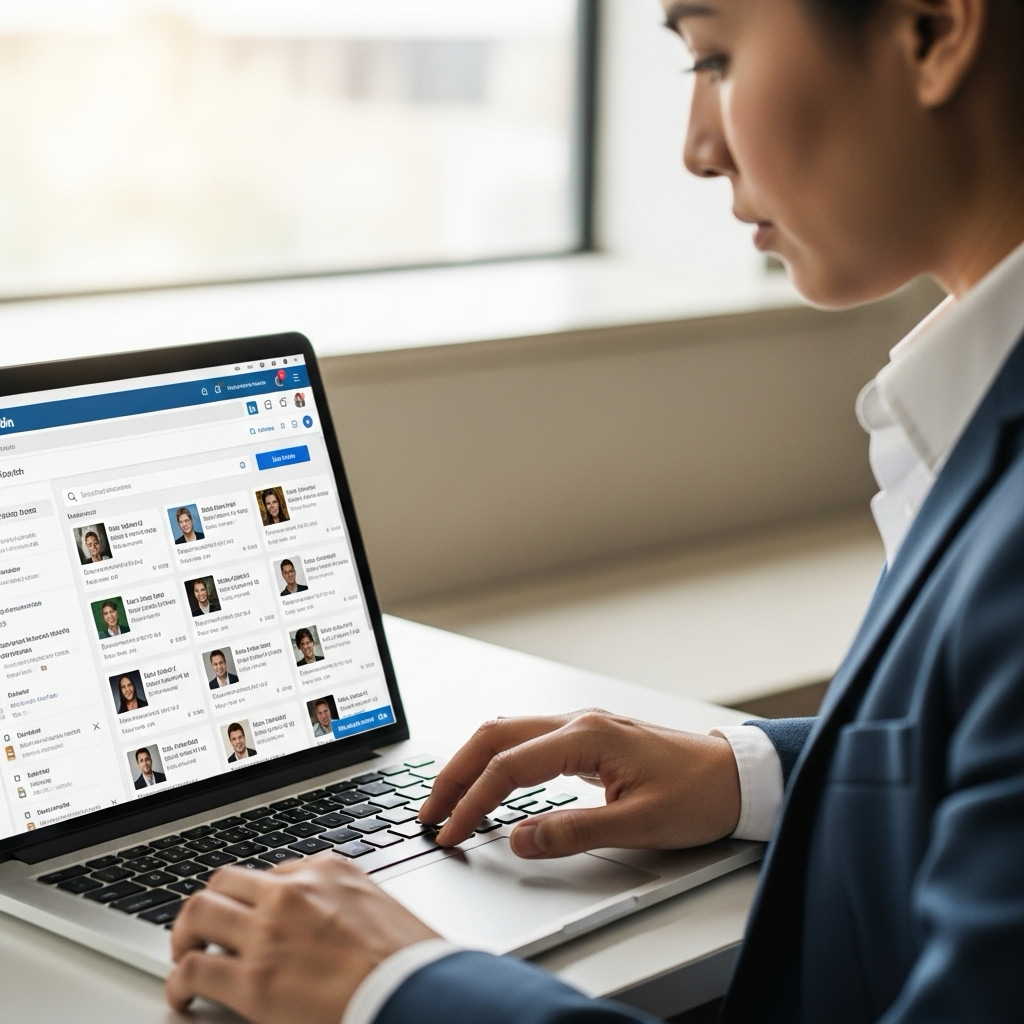
Windscribe adds minimal latency to your VPN connection, so it's nearly as fast as the regular one.


LinkedIn doesn't like VPNs, but Windscribe makes your VPN traffic look like regular HTTPS browsing.




Loved & Trusted by Over 100 Million Users
Features

6 Encryption Protocols
Widest Server Reach
Most 10 Gbps Servers
Industry-Leading Ad Blocker
Privacy: Audited & Court-Proven
Features

Other VPNs
6 Encryption Protocols
Widest Server Reach
Most 10 Gbps Servers
Industry-Leading Ad Blocker
Privacy: Audited & Court-Proven


Frequently Asked Questions
Does LinkedIn Work With a VPN?


Yes, LinkedIn works with a VPN. A VPN lets you log into LinkedIn from anywhere, even if it's blocked where you are. Whether you're networking on the go or accessing job opportunities abroad, a VPN keeps your connection private and lets you stay connected without any hiccups.
What if LinkedIn Doesn’t Work With a VPN?
If you are having trouble using Linkedin with Windscribe VPN, you can try these steps:
- Use our Chrome, Edge or Firefox extension to access LinkedIn in your browser
- Switch to a different server if LinkedIn isn’t connecting
- Restart the app or your device after connecting to Windscribe
- Clear app cache or desktop data to refresh connections
- Make sure Windscribe is updated to the latest version
- Still having trouble? Reach out to our support team, they've got you covered
Which VPN Works Best With LinkedIn?
The right VPN for LinkedIn should keep your connection fast, stable, and secure. Look for strong encryption, a no-logs policy, and reliable servers that won’t drop mid-meeting. Windscribe delivers all that, so your professional reputation never takes a hit.
Can I Get Banned for Using a VPN With LinkedIn?
Using a VPN with LinkedIn isn't against their terms of service when used for legitimate purposes like privacy protection, security on public Wi-Fi, or accessing your account while traveling. LinkedIn's terms prohibit creating fake accounts or misrepresenting your location for deceptive purposes, but using a VPN for privacy and security is perfectly acceptable. Millions of professionals use VPNs daily for legitimate business reasons.
Which VPN Server Location Works Best for LinkedIn?
Does LinkedIn Work With Free VPNs?
Free VPNs often struggle with LinkedIn's security systems and may trigger account warnings due to shared IP addresses and poor connection quality. LinkedIn can detect and block traffic from overcrowded free VPN servers. Premium VPN services like Windscribe offer dedicated servers and better compatibility with professional platforms.
Why Does LinkedIn Sometimes Ask for Additional Verification When I Use a VPN?
LinkedIn's security systems may request additional verification when they detect login attempts from new IP addresses or locations. This is normal security behavior, not a VPN ban. Simply complete the verification process (usually email or phone confirmation), and LinkedIn will recognize your new connection as legitimate.
Can I Use LinkedIn’s Mobile App With a VPN?
Yes, LinkedIn's mobile app works perfectly with VPN connections. Install your VPN app first, connect to your preferred server, then open LinkedIn normally. The mobile app follows the same connection rules as the desktop version and benefits from the same privacy protections.
Will a VPN Slow Down LinkedIn’s Video Features?
A quality VPN like Windscribe adds minimal latency to your connection. LinkedIn's video features, including LinkedIn Live, video messages, and LinkedIn Learning courses, should stream smoothly on a good VPN connection. Choose a nearby server location for the best video performance.
How Do I Fix “LinkedIn Not Loading” Errors With My VPN?
First, try connecting to a different server location. If problems persist, switch VPN protocols (try WireGuard or IKEv2 for better LinkedIn compatibility). Clear your browser cache and cookies, or try accessing LinkedIn in an incognito/private browsing window. Most loading issues get resolved by switching to a less crowded server.
Is It Legal to Use a VPN With LinkedIn?
VPN usage is legal in most countries, and LinkedIn doesn't prohibit VPN connections for legitimate use. However, always respect local laws and LinkedIn's terms of service. Don't use a VPN to create fake accounts, misrepresent your location for business purposes, or violate any platform policies.
Can My Employer See I’m Using LinkedIn With a VPN?
Your employer can see that you're connected to a VPN, but cannot see which specific websites you're visiting while the VPN is active. However, if you're on a company device or network, check your workplace IT policies before using personal VPN services. Many companies allow VPN use for legitimate privacy and security purposes.
Does Windscribe Work With LinkedIn Learning and Other LinkedIn Features?
Absolutely. Windscribe supports all LinkedIn features, including LinkedIn Learning courses, InMail messaging, Sales Navigator, and Recruiter tools. Our optimized servers ensure smooth performance across LinkedIn's entire professional ecosystem without feature limitations or compatibility issues.