


Step 1
Step 2
Install the App
Step 3
Sign up
Why Use a VPN for Deezer
Windscribe's servers in 69+ countries let you virtually relocate, unlocking music libraries on Deezer, Spotify, Apple Music, Napster, Qobuz, and more that you never knew existed.

Windscribe gives you a static IP from the region you want, so your playlist don't get rewritten by geography every time you move.

Your internet activity is nobody's business. Windscribe encrypts your traffic with AES-256, so you data stays yours.

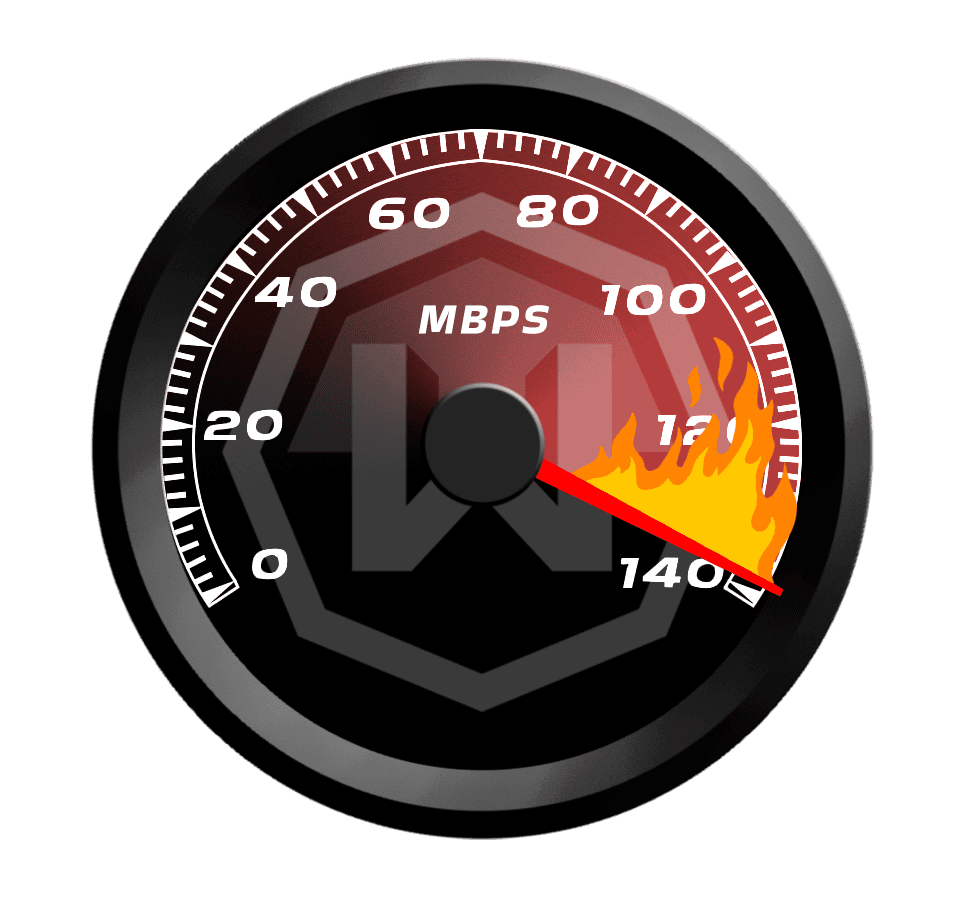
ISPs often throttle streaming traffic at peak hours. Windscribe masks your activity so your connection runs at full speed.
Free Wi-Fi is a hunting ground for cybercriminals. Windscribe’s Firewall protect your data from leaking outside of the VPN tunnel.

Access Deezer With Windscribe


Windscribe adds barely any latency to your connection so it's nearly as fast as the regular one.
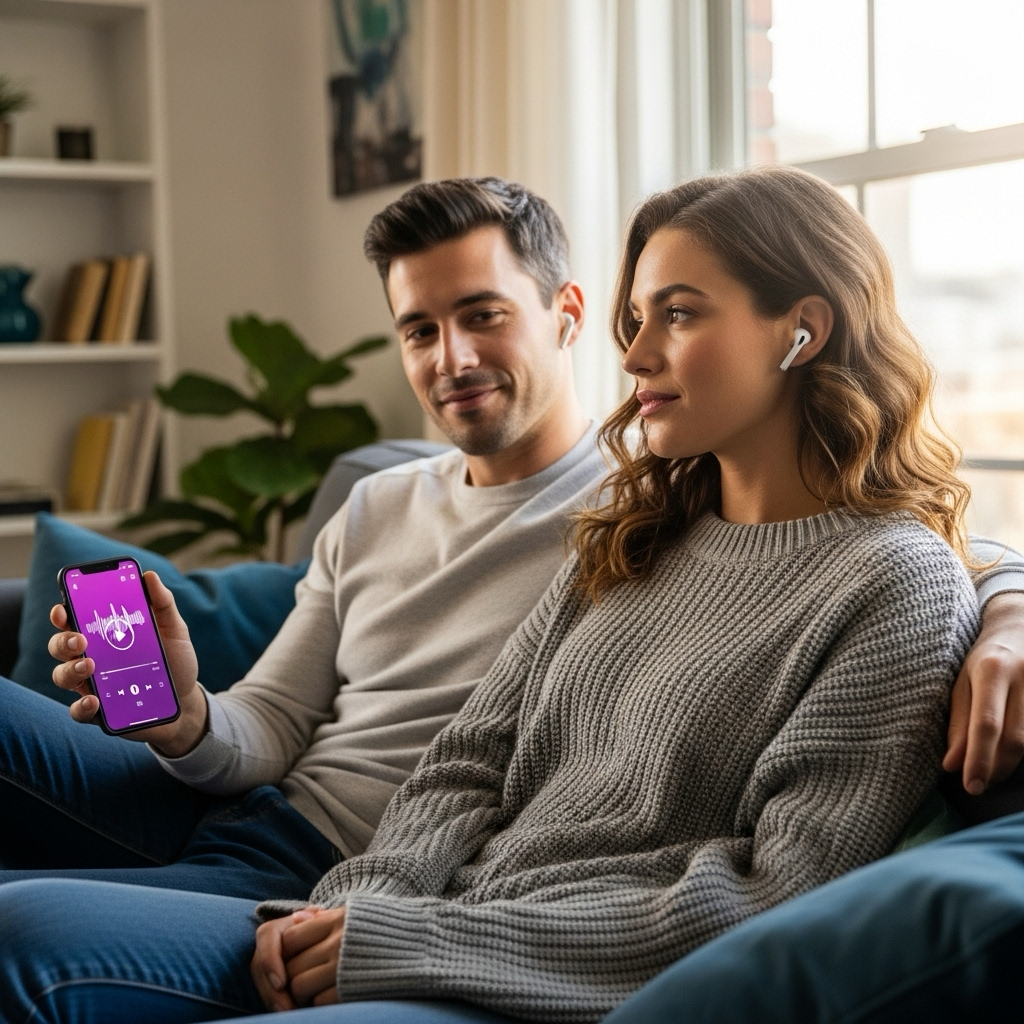




Loved & Trusted by Over 100 Million Users
Features

6 Encryption Protocols
Widest Server Reach
Most 10 Gbps Servers
Industry-Leading Ad Blocker
Privacy: Audited & Court-Proven
Features

Other VPNs
6 Encryption Protocols
Widest Server Reach
Most 10 Gbps Servers
Industry-Leading Ad Blocker
Privacy: Audited & Court-Proven


Frequently Asked Questions
Does Deezer Work With a VPN?


Yes, Deezer can work with a VPN, and many users rely on one to access it when it’s blocked or limited. A VPN can help you reach Deezer on restricted Wi-Fi networks (like work, school, or public hotspots) and in regions where certain tracks or features aren’t available. With Windscribe, your Deezer traffic is encrypted and your real IP is hidden, which adds a layer of privacy while you stream. As with any service, availability can change over time if Deezer or local networks introduce new blocks or restrictions.
What if Deezer Doesn’t Work With a VPN?
If you are having trouble using Deezer with Windscribe VPN, you can try these steps:
Is It Legal to Use a VPN With Deezer?
Using a VPN is legal in most countries, but you should review both your local laws and Deezer's terms of service. We don't encourage violating any platform's terms of use. A VPN can protect your privacy and security while streaming, but you're responsible for using services appropriately.
Can Deezer Detect That I’m Using a VPN?
Streaming platforms continuously update their detection methods, but Windscribe's servers are optimized to work reliably with music streaming services. If you encounter issues, try switching to a different server location or contact our support team for the most current server recommendations.
Will My Deezer Account Get Suspended for Using a VPN?
While account suspension is possible if a platform detects VPN usage that violates their terms, this is relatively rare for music streaming compared to other services. To minimize risks, use VPNs responsibly and avoid activities that clearly violate the terms of service.
Can I Use Windscribe to Access Different Deezer Regional Catalogs?
Yes, different regions often have different music catalogs due to licensing agreements. Connect to various Windscribe servers to explore Deezer's regional libraries, and you might discover amazing artists and exclusive releases not available in your home region.
How Do I Choose the Right VPN for Deezer?
The best VPN for Deezer should give you fast, stable connections, global server coverage, and strong privacy. Look for unlimited bandwidth, streaming-optimized servers, and support across all your devices. Windscribe delivers all three, plus a strict no identifying logs policy to keep your listening habits private.
Can I Use a VPN to Access Deezer if It’s Blocked in My Country?
Yes, a VPN like Windscribe can help you access Deezer from regions where it's geo-restricted. Connect to a server in a country where Deezer operates, and you can stream normally. Just remember that you're responsible for following both local laws and Deezer's terms of service.
Which VPN Server Locations Work Best With Deezer?
Will Using a VPN Slow Down My Deezer Streaming?
Not with Windscribe. Our WireGuard protocol adds minimal latency – usually less than 10ms – while maintaining full encryption. You can stream Deezer's Hi-Fi quality tracks without buffering or quality drops. If you experience slowdowns, try connecting to a server closer to your physical location.
How Much Does a Good Deezer VPN Cost?
Windscribe's plans start at $3 USD per month, making it affordable for music lovers who want unrestricted access to Deezer. Consider it the price of a single premium track for a month of unlimited, private streaming from anywhere in the world.