

Step 1
Step 2
Install the App
Step 3
Sign up
Why Use a VPN for CapCut
Some countries block CapCut, but with Windscribe, you can change your virtual location to a country where it's accessible.

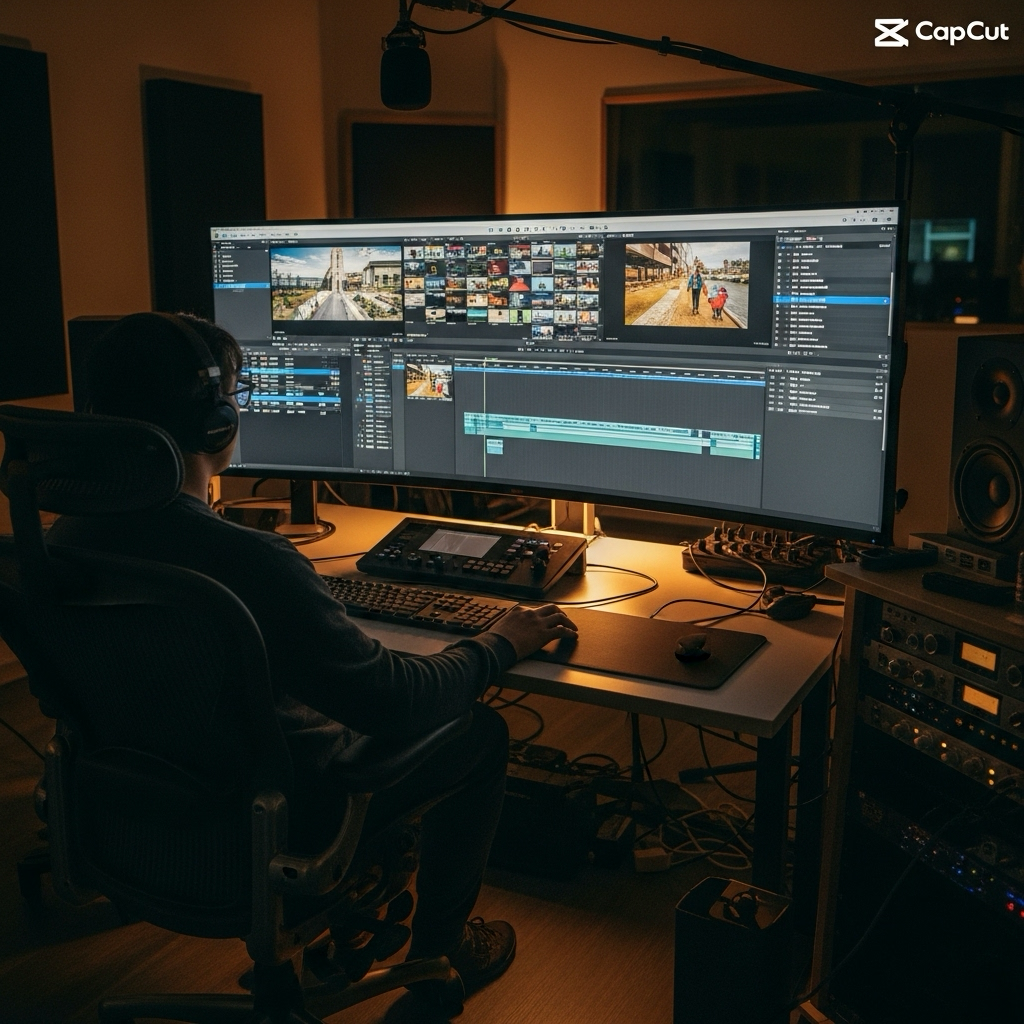
Access CapCut from restrictive networks like work or school, where video editing apps like these are often blocked.

Windscribe uses AES-256 encryption to keep your connection secure, ensuring your data stays private, no matter where you are.


Windscribe’s Firewall keeps all your data within the VPN tunnel, so no one on the same network can see your traffic.

Access CapCut With Windscribe
At Windscribe, we follow a strict no-logs policy, meaning we don’t track anything that has to do with you.
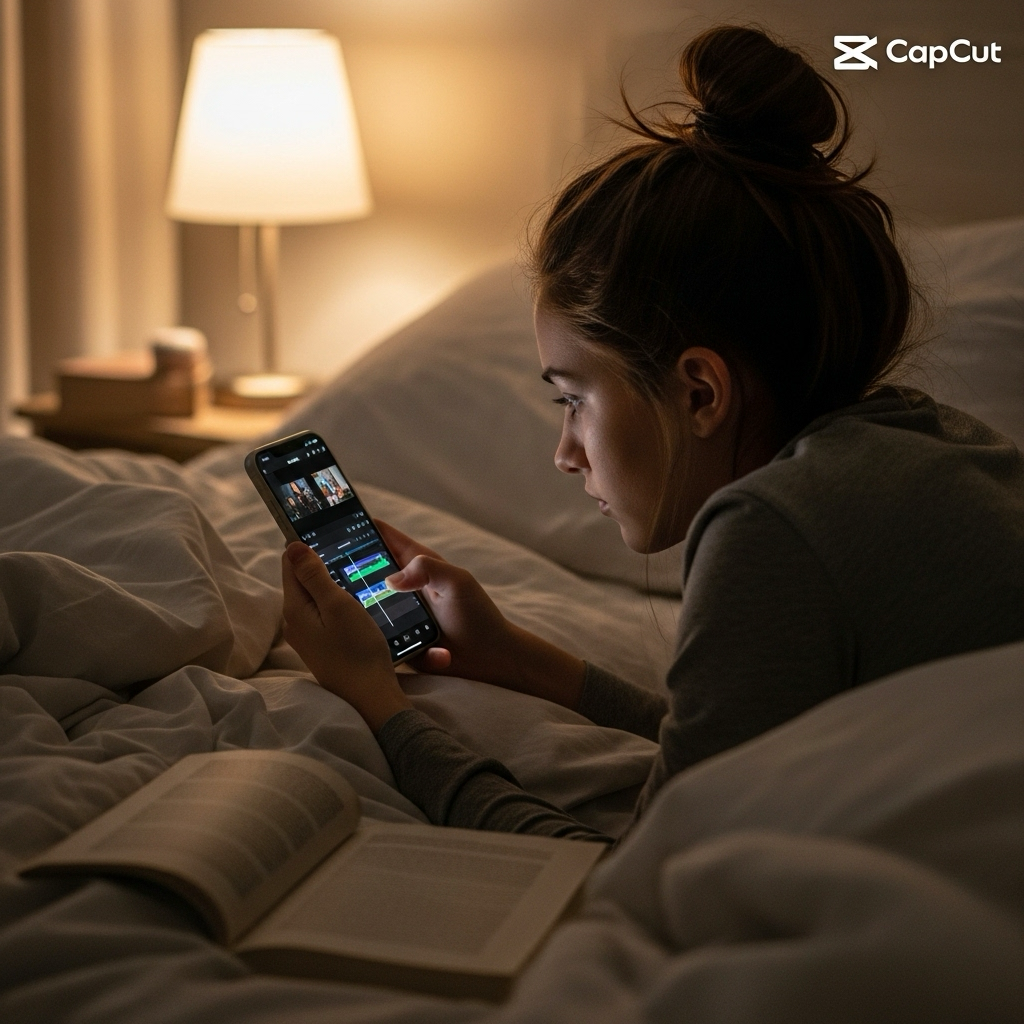
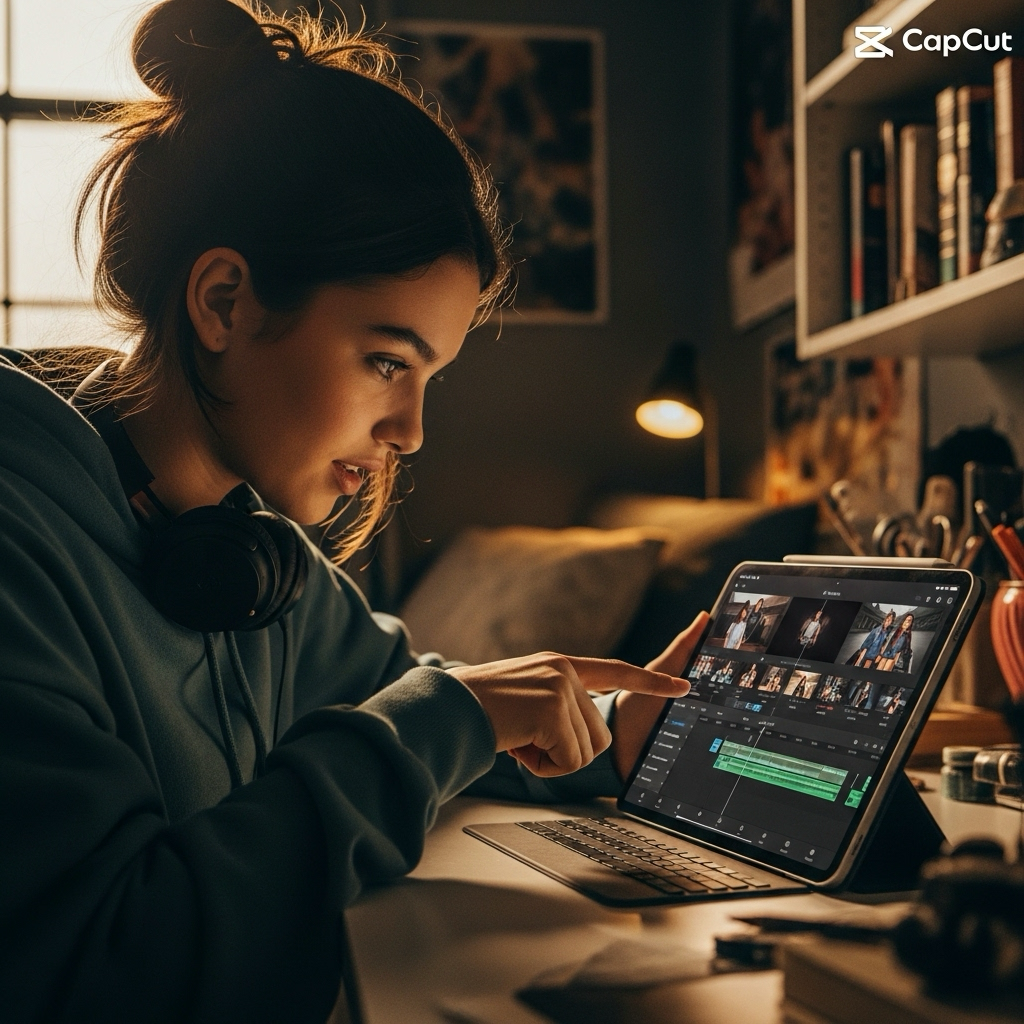
Edit your CapCut videos on your laptop, phone, or tablet with full Windscribe protection on every device.




Loved & Trusted by Over 100 Million Users
Features

6 Encryption Protocols
Widest Server Reach
Most 10 Gbps Servers
Industry-Leading Ad Blocker
Privacy: Audited & Court-Proven
Features

Other VPNs
6 Encryption Protocols
Widest Server Reach
Most 10 Gbps Servers
Industry-Leading Ad Blocker
Privacy: Audited & Court-Proven


Frequently Asked Questions
Does CapCut Work With a VPN?


Yep, CapCut works fine with a VPN! You just connect to a server in a country where it’s available, and boom, you can use all the features. If you’re having trouble, just switch servers or protocols, and you should be good to go.
What if CapCut Doesn’t Work With a VPN?
If CapCut isn’t working with Windscribe, you can try a few things. First, switch to a server closer to you for faster speeds. If you’ve been jumping between locations, clear your CapCut cache. You can also try accessing it from another device or make sure your Windscribe app is up to date. Still stuck? Our support team is here 24/7 to help you out and get you back to editing.
What Is the Best VPN for CapCut?
For CapCut, you want a VPN with fast servers, good encryption, and no logs. Windscribe is perfect! It has servers in loads of places, keeps your data private, and is super reliable for streaming and editing videos.
Is Using a VPN With CapCut Legal?
Using a VPN with CapCut is legal in most places, as long as you’re following CapCut’s terms and your local laws. A VPN just gives you more privacy and lets you access the app from places where it might be blocked.
Can a VPN Bypass the CapCut Ban?
Yep, a VPN can bypass CapCut’s ban in places where it’s blocked. Just connect to a server in a country where CapCut is available, and you’ll be able to use the app without issues.
Does CapCut Block VPNs?
CapCut might block some VPN IPs, but with Windscribe, you can easily switch servers or protocols to get around that. It’s quick and usually solves the problem, so you can keep editing away.