

Шаг 1
Шаг 2
Установи приложение
Шаг 3
Зарегистрируйся
Зачем использовать VPN для Amazon Luna
Amazon Luna доступен лишь в ограниченном количестве стран. Если ты находишься за их пределами, приложение Luna вообще не откроется. Windscribe позволяет подключиться через поддерживаемые страны.

Windscribe использует шифрование AES-256 для защиты твоего трафика, чтобы интернет-провайдеры, сети и публичный Wi-Fi не могли шпионить за твоим игровым потоком или мешать ему.

В путешествиях твоё подключение может быстро менять страну. Windscribe привязывает соединение к одной стране, чтобы Amazon Luna не путался.

Windscribe шифрует твой трафик, чтобы провайдер не мог замедлять твои облачные игровые сессии в часы пик, — каждый матч Fortnite на Luna остаётся плавным и без лагов.

Публичные сети непредсказуемы. Наш Firewall защищает твоё соединение, чтобы приложение Luna работало надёжнее, а твой аккаунт оставался в безопасности.

Получи Amazon Luna везде с Windscribe
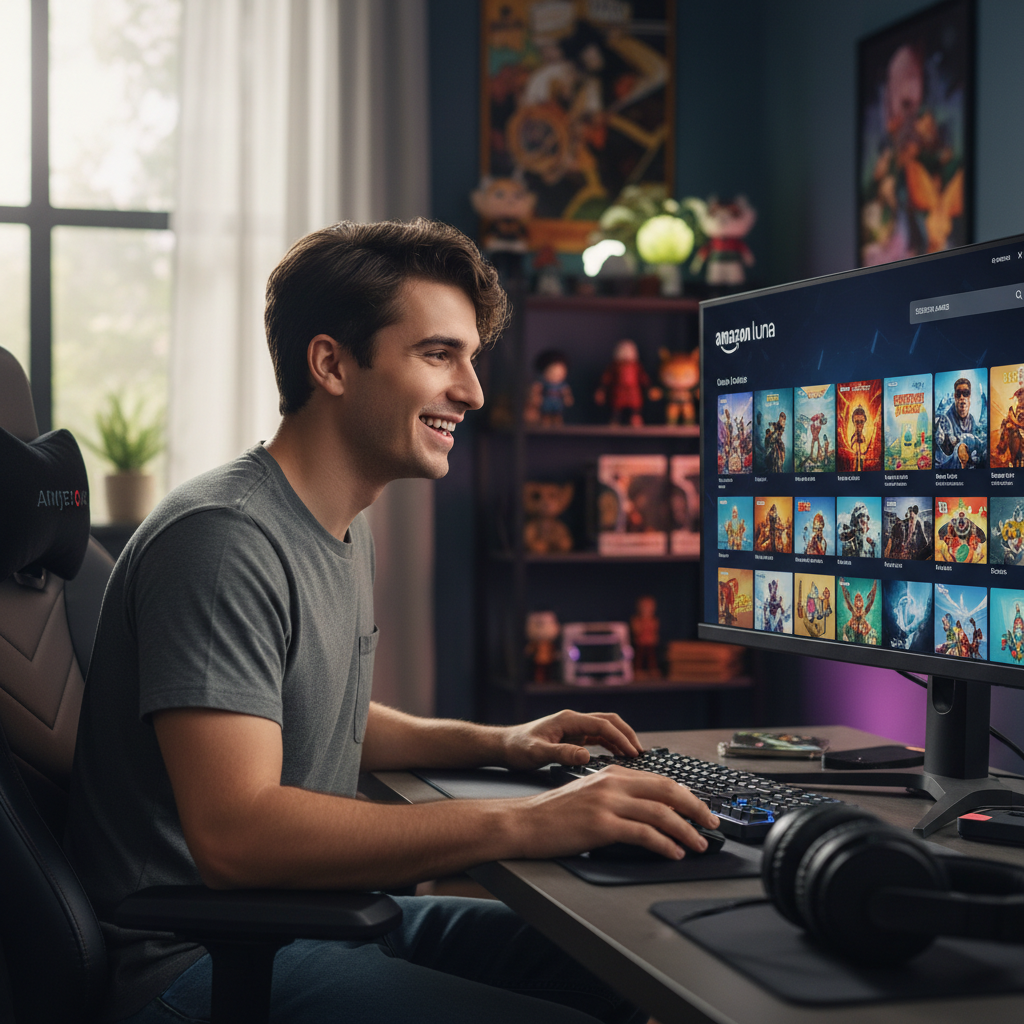
Подключайся через локации по всему миру, чтобы играть, просматривать сайты и получать доступ к Amazon Luna из любой точки мира.

Созданные для минимальной задержки, наши серверы обеспечивают плавный игровой процесс без случайных разрывов.

Настрой Windscribe на ПК, телефоне или роутере, чтобы твоё соединение оставалось защищённым на всех игровых устройствах — вплоть до твоей консоли PlayStation.




Нас любят и нам доверяют более 100 миллионов пользователей
Функции

6 протоколов шифрования
Самое широкое покрытие серверов
Больше всего 10 Гбит/с серверов
Передовой блокировщик рекламы
Приватность: проверена аудитом и судом
Функции

Другие VPN
6 протоколов шифрования
Самое широкое покрытие серверов
Больше всего 10 Гбит/с серверов
Передовой блокировщик рекламы
Приватность: проверена аудитом и судом


Часто задаваемые вопросы
Можно ли использовать Amazon Luna с VPN?


Да. Ты можешь использовать Amazon Luna с VPN, особенно если путешествуешь или подключаешься из страны, где сервис официально недоступен. VPN изменяет видимое местоположение твоего соединения, что помогает Amazon Luna загружаться в поддерживаемых регионах. Чтобы получить VPN для Amazon Luna, посети нашу страницу апгрейда.
Какой VPN лучше всего подходит для Amazon Luna?
Windscribe — лучший вариант для Amazon Luna: быстрый, надёжный, с серверами в более чем 69 странах, включая все регионы, где доступен Luna. Он создан для работы со стриминговым трафиком без лишних замедлений и работает на всех устройствах, так что ты можешь использовать приложение Luna или браузер без изменений в настройках.
Что делать, если Amazon Luna не работает с моим VPN?
Если Amazon Luna не работает с Windscribe, попробуй следующее:
- Смени локацию сервера
- Измени протокол
- Если используешь браузер, очисти куки или открой окно в режиме инкогнито и отключи мешающие расширения
- Попробуй другое устройство или сеть
Всё ещё не работает? Наша служба поддержки доступна 24/7 и готова помочь.
Как сменить страну в Amazon Luna?
В Amazon Luna нет ручной настройки «смена страны». Доступность зависит от места подключения. Если ты находишься за пределами поддерживаемого региона, сервис или приложение Luna может вообще не загрузиться. VPN вроде Windscribe позволяет подключиться через страну, где Amazon Luna доступен, и тогда сервис загружается, как будто ты там находишься. Главное помнить, что аккаунт Amazon и способ оплаты должны оставаться действительными. VPN меняет местоположение соединения, но не данные аккаунта.
Какие устройства поддерживают Amazon Luna при использовании Windscribe?
Windscribe можно использовать с Amazon Luna практически на любом устройстве, которое поддерживает приложение Luna или стриминг через браузер. Это включает компьютеры с Windows и macOS, Android-смартфоны и планшеты, iPhone и iPad, устройства Fire TV, а также Smart TV с поддержкой Amazon Luna. Поскольку Windscribe работает на уровне устройства или сети, ты не привязан к одной конфигурации — если устройство может получить доступ к Amazon Luna, Windscribe поможет сохранить соединение приватным и работоспособным в поддерживаемых регионах.
В каких странах доступен Amazon Luna?
Облачный игровой сервис Amazon Luna в настоящее время доступен в США и в отдельных европейских странах, таких как Польша, Франция и Германия. Необлачный игровой сервис также доступен в других странах. Если ты находишься за пределами поддерживаемой страны, приложение Luna или веб-плеер могут вообще не загрузиться. Полный список доступных стран можно найти здесь.