

How to reinstall the Android app

Winder S
Feb 4, 2026

Here is a step by step guide on how to reinstall the Android app.
- Find your Windscribe app on your device, long hold on the app, then click on the "i" icon:
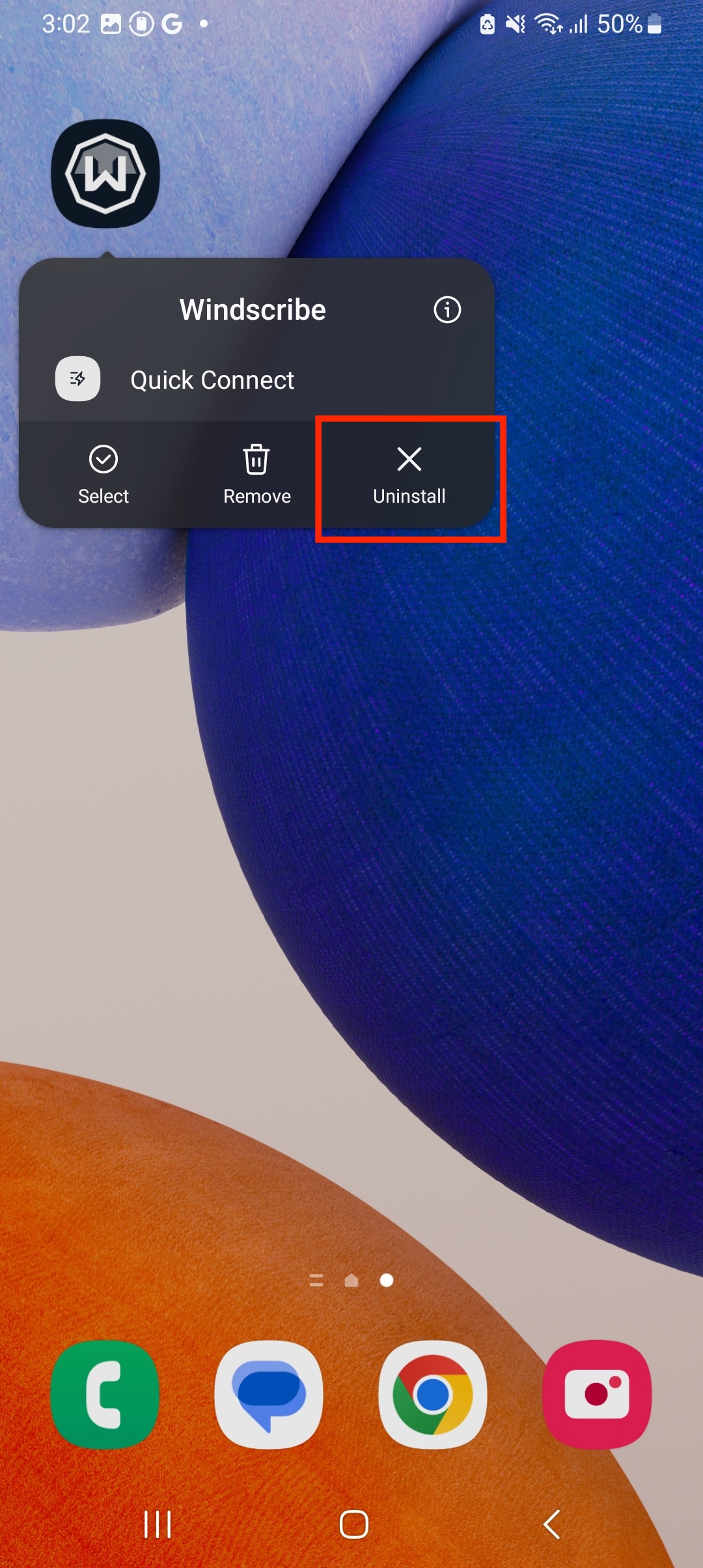
- Tap Uninstall:
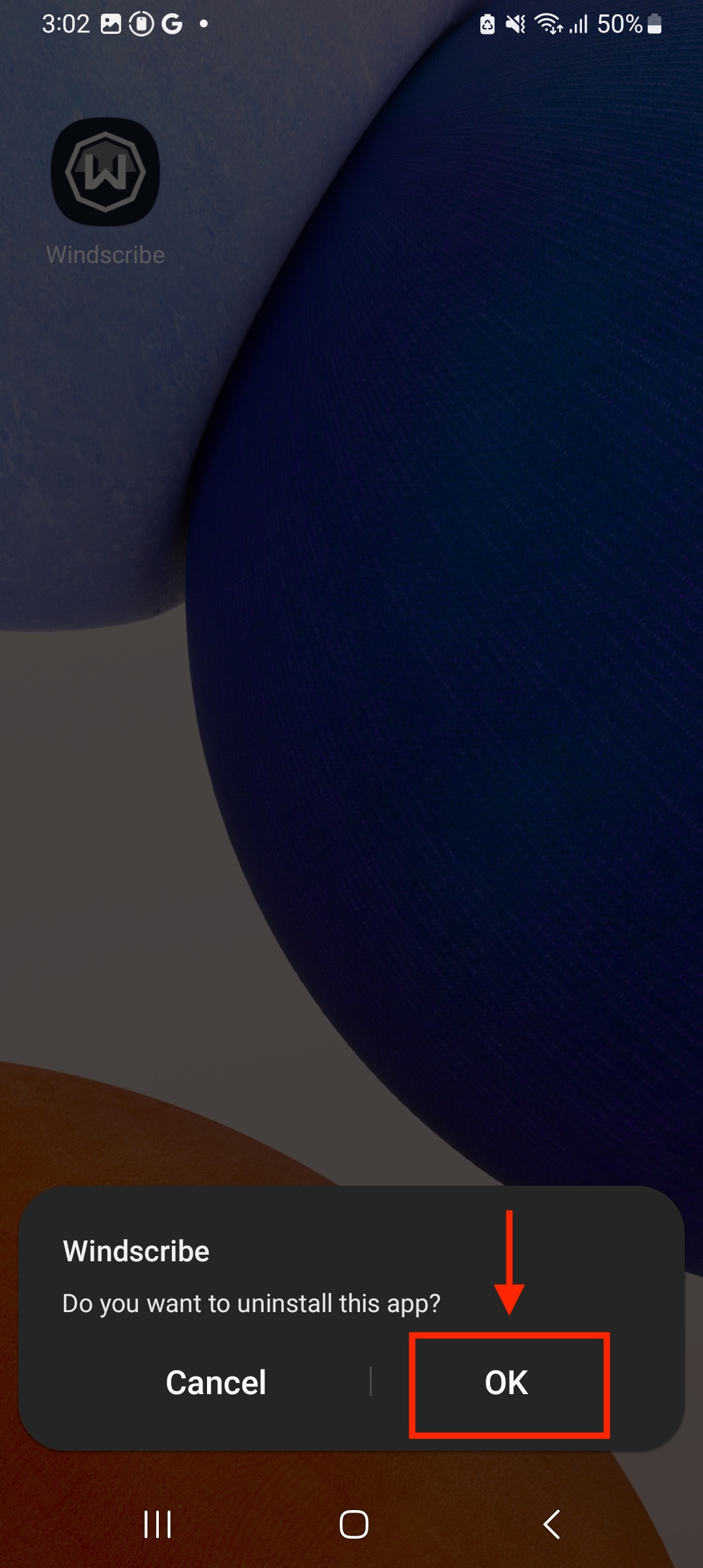
- (Optional) Restart your Android device
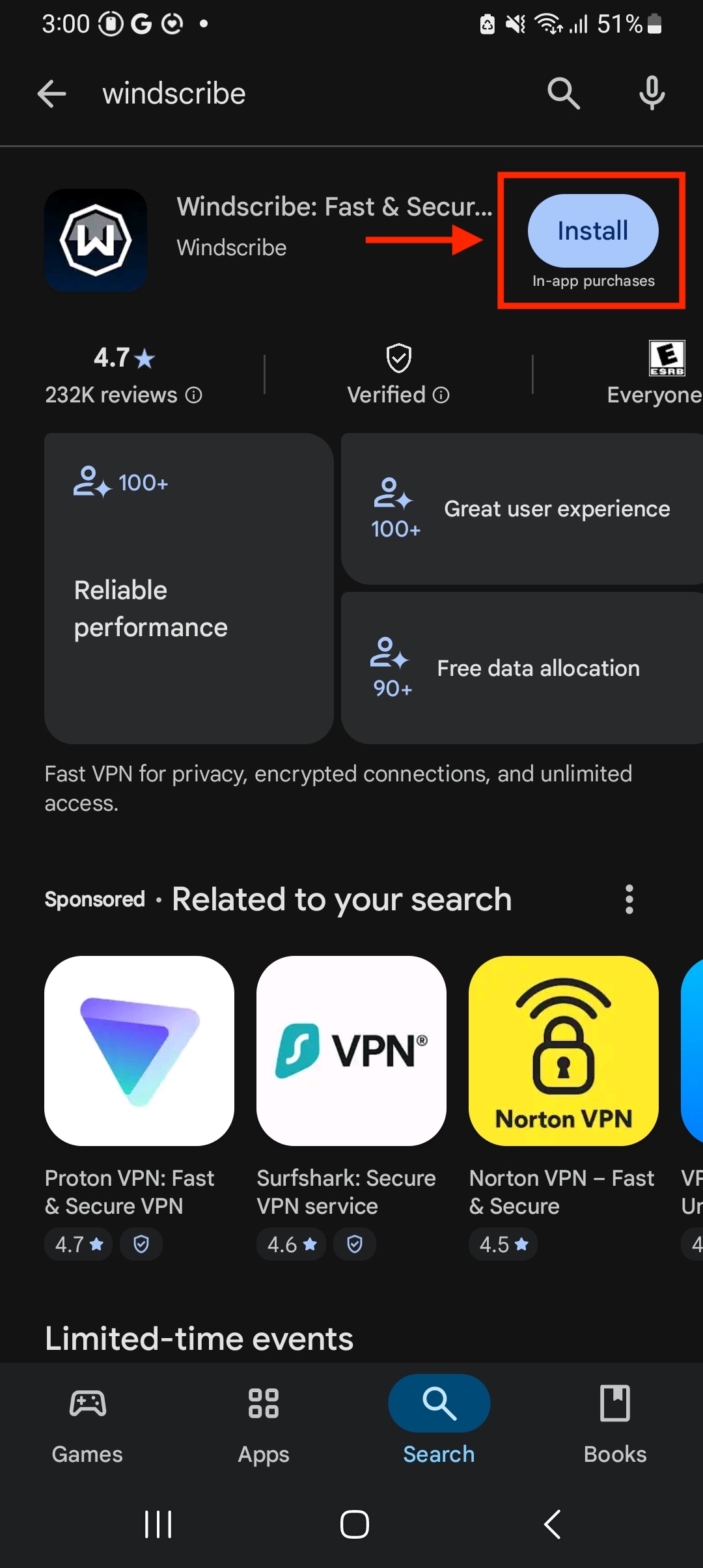
- Go the Google Play Store and reinstall the Windscribe app
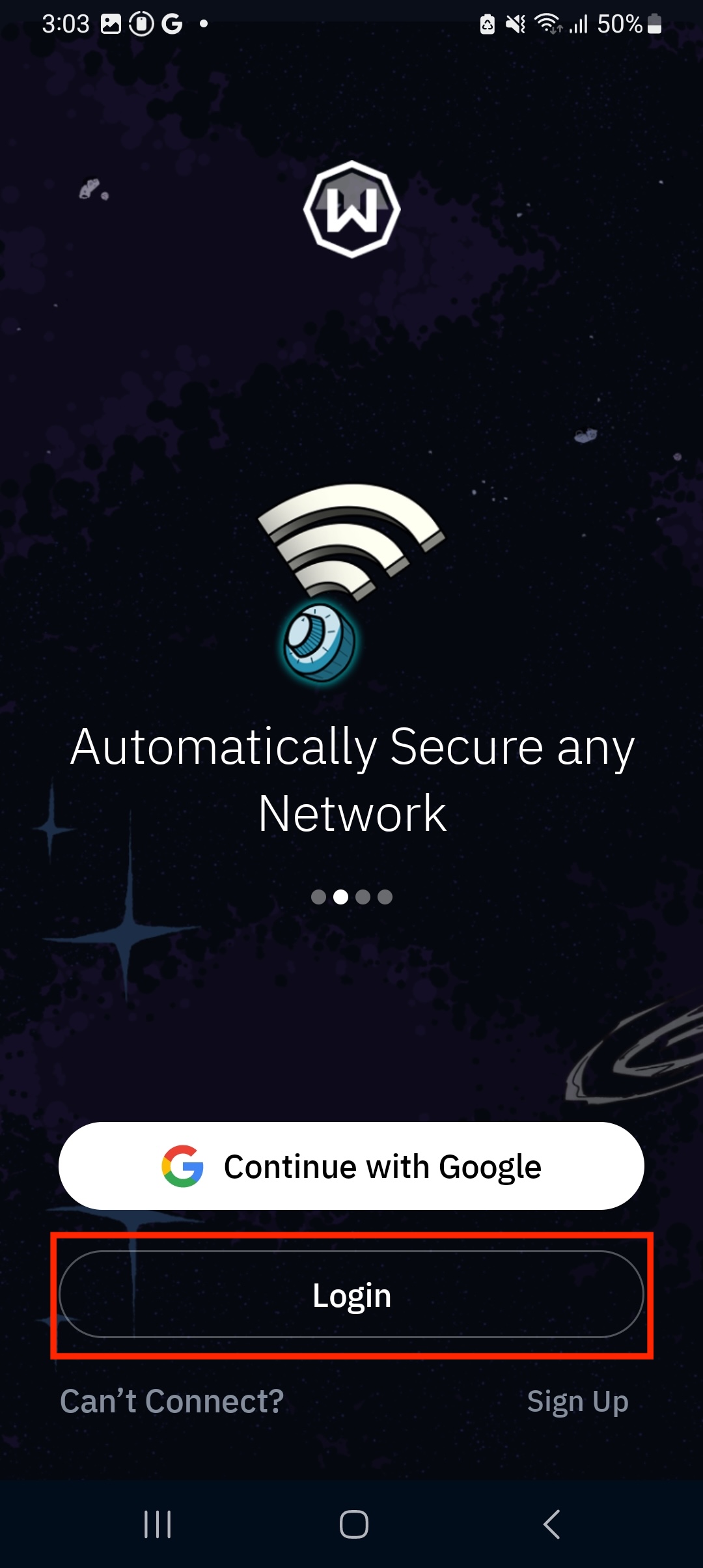
- Log in to the App
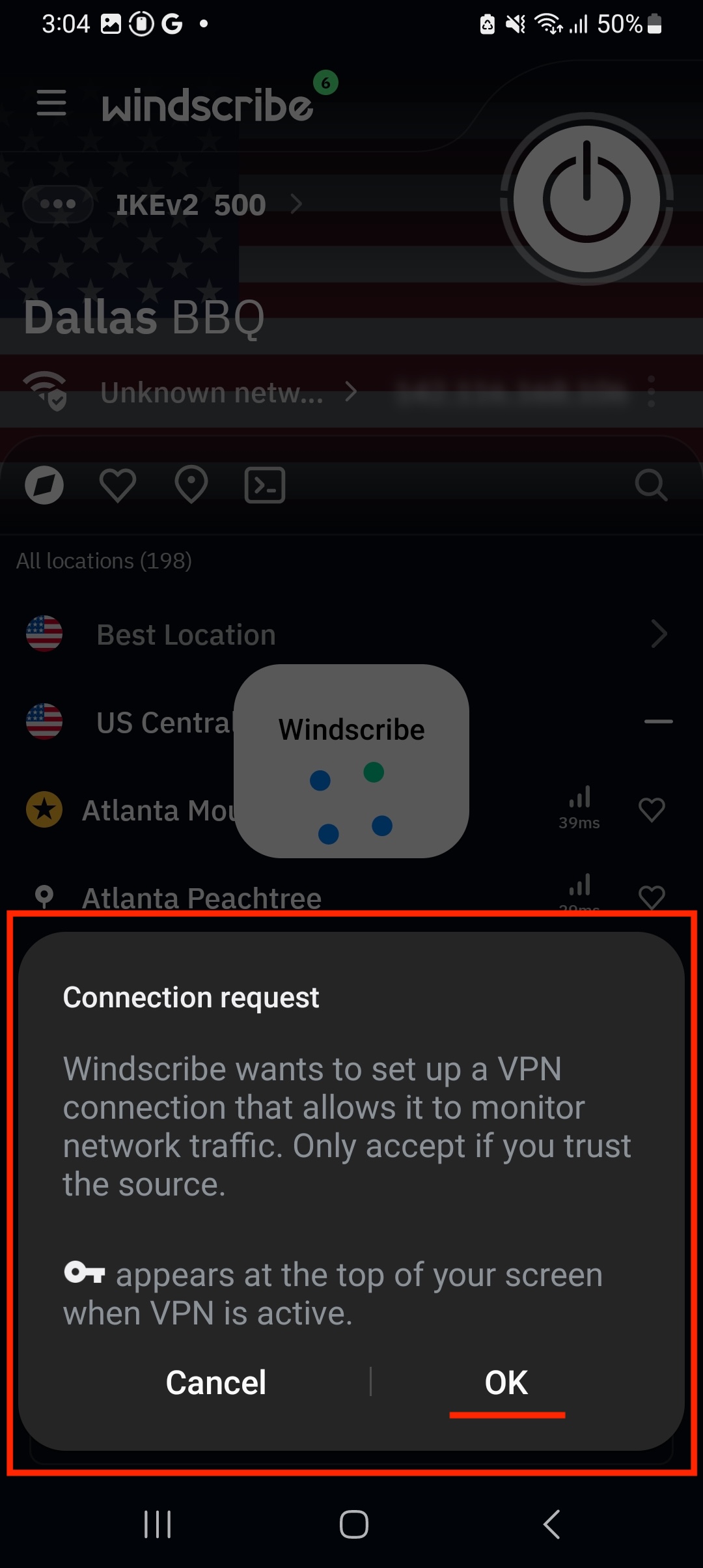
- Connect to a location and allow the VPN configuration when prompted by the Android OS
You have now successfully reinstalled the Windscribe app on your Android device.