

Qu'est-ce que la fonctionnalité Time Warp dans l'extension de navigateur ?


La fonctionnalité Time Warp règle le fuseau horaire de votre navigateur pour qu'il corresponde à celui de l'emplacement auquel vous êtes connecté dans l'extension.
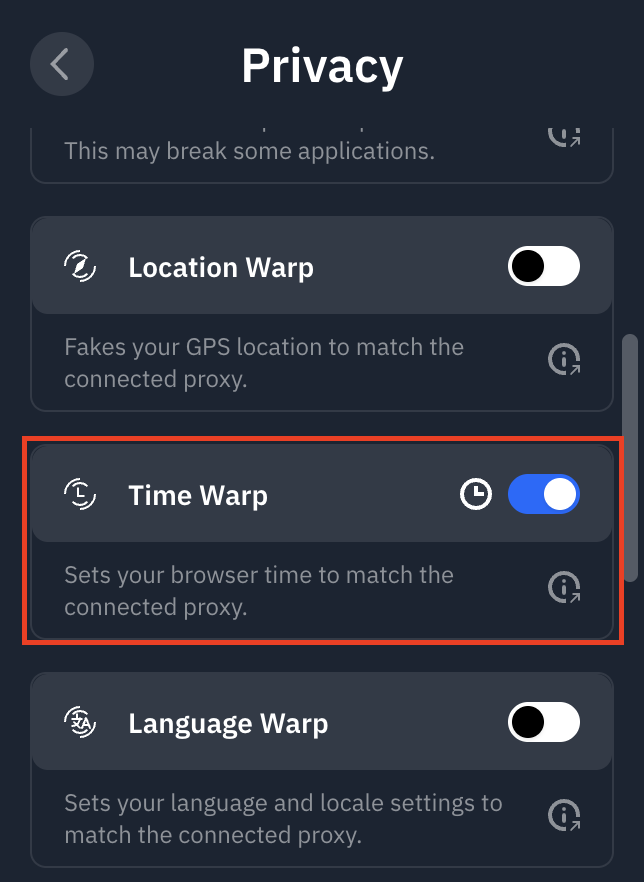
Vous pouvez y accéder dans l'extension de navigateur Windscribe en allant dans Préférences > Confidentialité et en activant Time Warp.
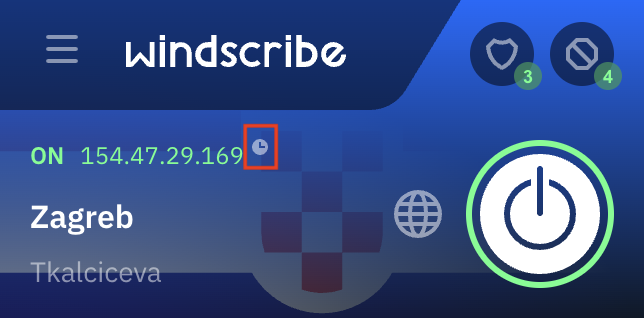
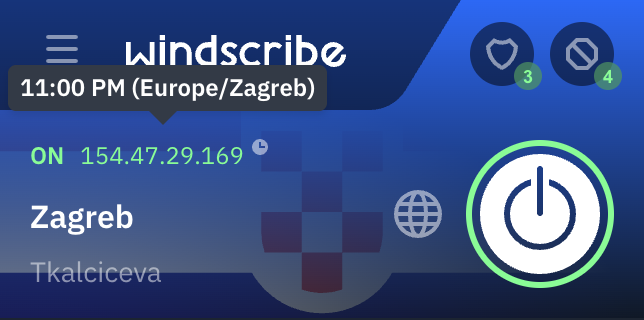
Vous verrez une petite icône d'horloge dans l'interface principale lorsque Time Warp est activé. En passant la souris dessus, vous verrez l'heure dans cette région.
Cette fonctionnalité est utile car certains sites web peuvent détecter l'utilisation d'un proxy ou d'un VPN en vérifiant le fuseau horaire configuré dans votre navigateur. Par exemple, si vous êtes connecté à l'emplacement Allemagne, mais que le fuseau horaire de votre ordinateur est réglé sur l'heure normale de l'Est (en Amérique du Nord), le site web peut détecter cette différence et vous bloquer. La fonctionnalité Time Warp empêche ce type de détection en changeant également l'heure de votre navigateur sur celle de l'Allemagne.