

Comment activer l'anti-fingerprinting dans l'extension de navigateur Windscribe

Johnny Hollick

Notre outil Anti Fingerprinting est disponible dans les dernières versions de notre extension de navigateur pour Chrome et Edge (v4.2.2).
Une fois que vous avez installé l'extension de navigateur, voici les étapes pour activer la fonctionnalité :
1. Ouvrez l'extension de navigateur
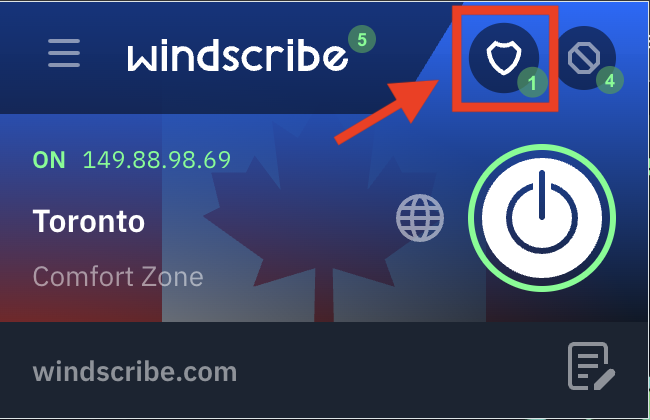
2. Cliquez sur l'icône de bouclier dans le coin supérieur droit pour ouvrir les options de confidentialité
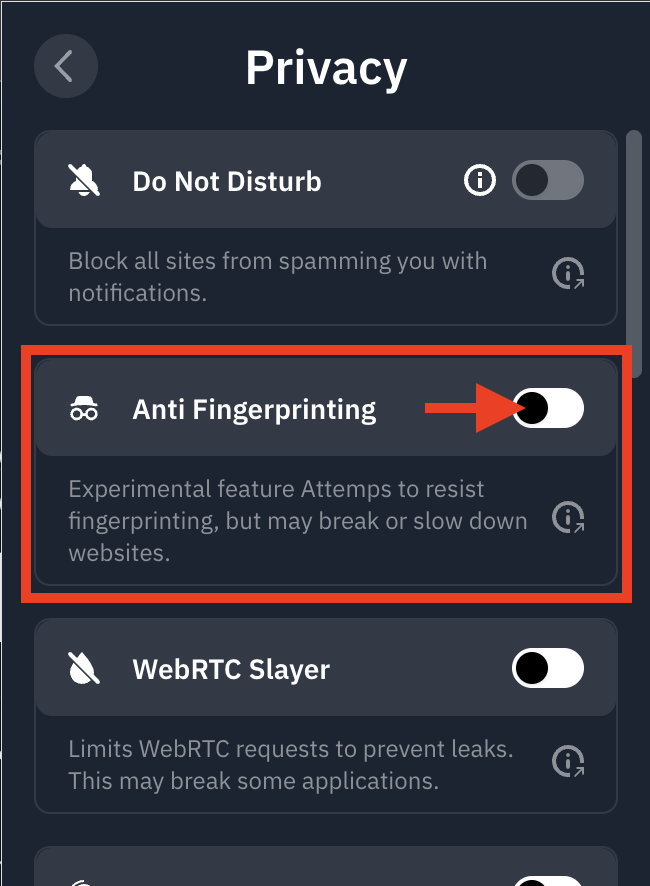
3. Activez le commutateur Anti Fingerprinting en position ON (bleu)
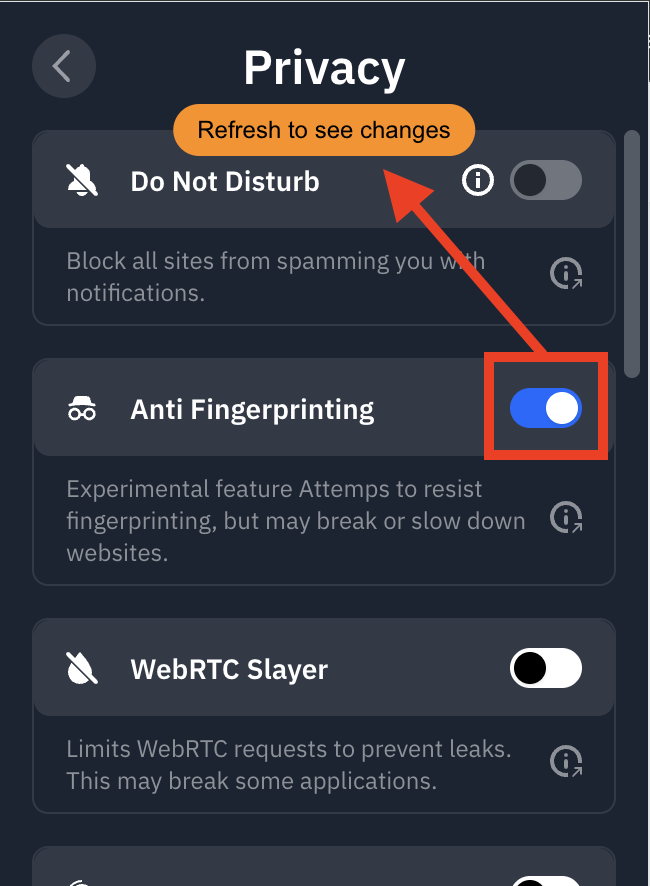
4. Actualisez la page pour activer la fonctionnalité immédiatement
Vous êtes prêt ! Windscribe usurpe désormais vos caractéristiques courantes du navigateur pour offrir un « profil » numérique plus cohérent, contribuant à réduire votre unicité et à renforcer l'anonymat en ligne.