

Comment activer l'authentification à 2 facteurs sur mon compte ?

Winder S
Dec 17, 2025

Vous pouvez activer l'authentification à 2 facteurs (2FA) depuis Identifiants sous Sécurité dans Mon compte : https://windscribe.com/myaccount/security
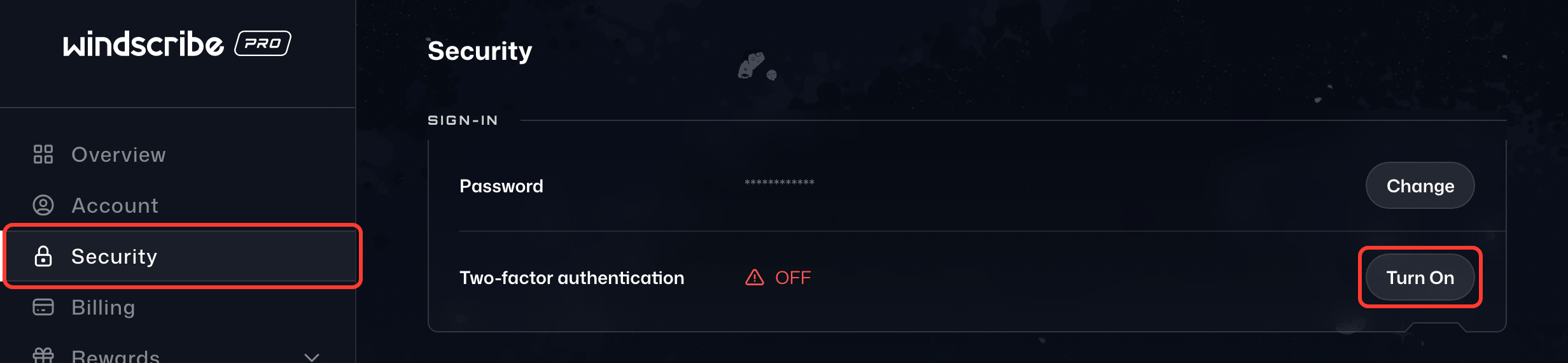
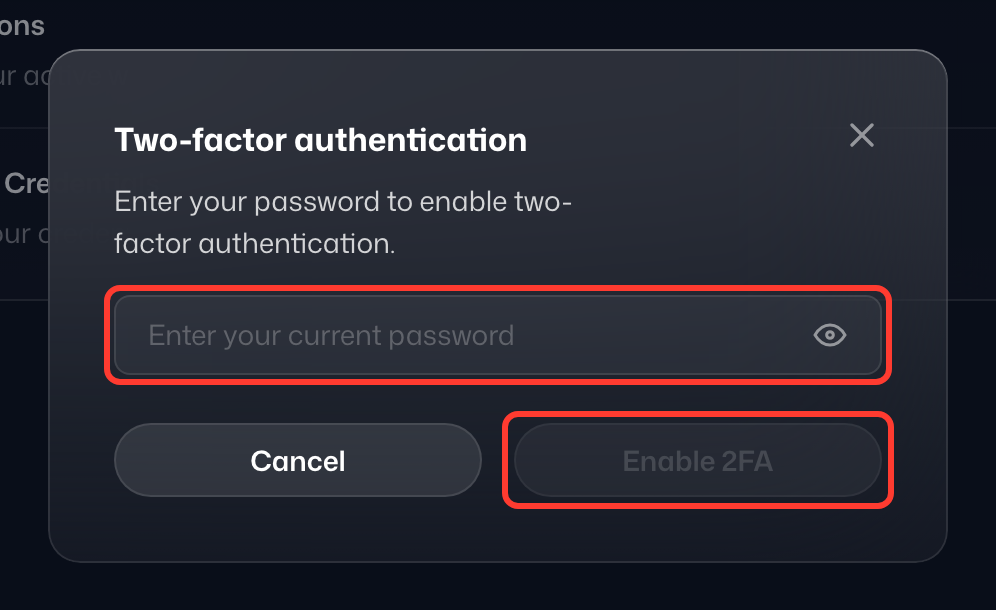
- Dans la carte Connexion, cliquez sur Activer la 2FA sur la ligne Authentification à deux facteurs, saisissez votre mot de passe et sélectionnez Continuer.
- La fenêtre Configurer la double authentification affiche un code QR et une clé de récupération. Avec une application 2FA compatible TOTP (mot de passe à usage unique basé sur le temps), vous pouvez scanner ce code QR ou saisir manuellement la clé de récupération si l'application le permet. Parmi ces applications : Aegis Authenticator, andOTP, Tofu, Authy, Google Authenticator, etc.
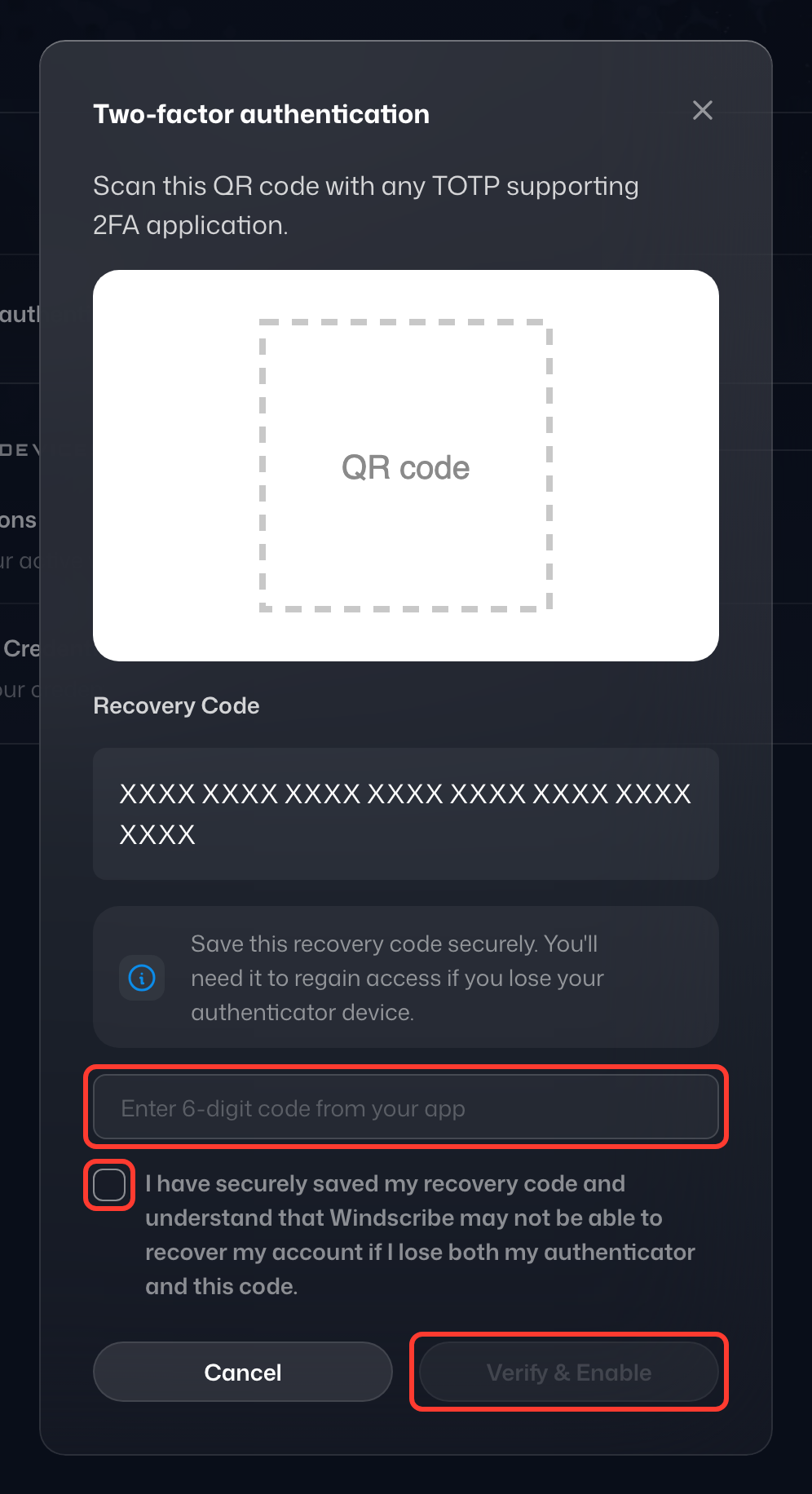
- Une fois le code QR scanné, enregistrez la nouvelle entrée créée pour Windscribe.
- Un nouveau code à 6 chiffres généré pour Windscribe apparaît dans l'application. Saisissez ce code dans le champ situé sous Saisissez le code à 6 chiffres de votre application.
- Enregistrez votre clé de récupération en lieu sûr (c'est le seul moyen de récupérer l'accès si vous perdez votre appareil), puis cliquez sur Vérifier et activer.
Désormais, chaque fois que vous vous connecterez à Windscribe, un code 2FA vous sera demandé après votre mot de passe. Vous le trouverez dans votre application 2FA, qui en génère un nouveau à intervalles réguliers.