

Comment annuler mon abonnement à une IP statique ?

Winder S
Mar 18, 2026

Depuis mars 2026, vous pouvez annuler votre abonnement IP statique à tout moment depuis la page Abonnements sous Facturation dans Mon compte (vous devez être connecté pour voir cette page).
Comment annuler un abonnement IP statique
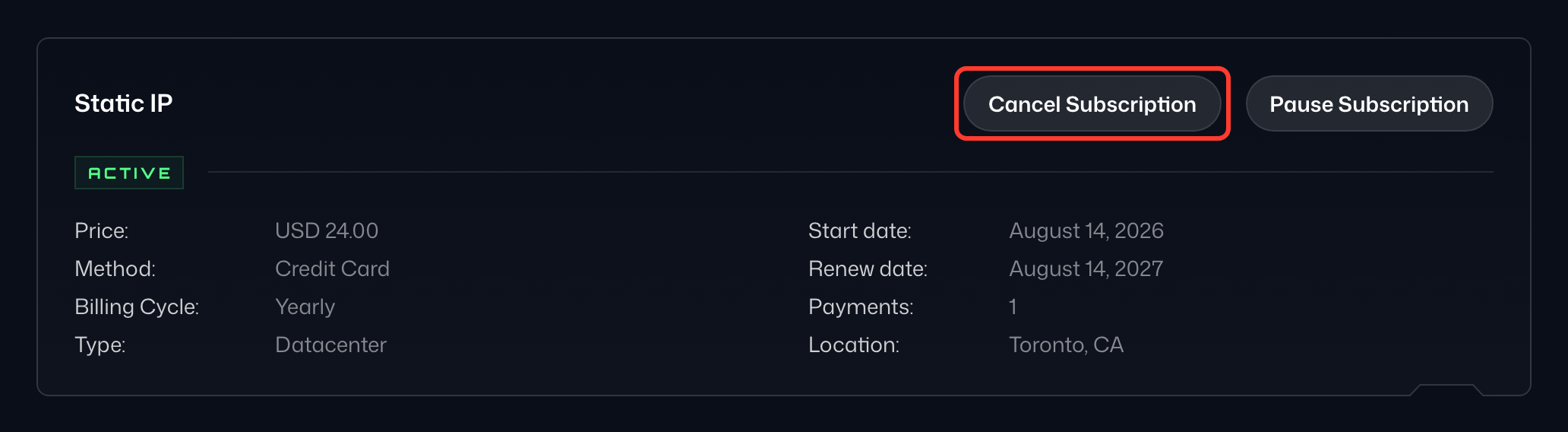
- Ouvrez Abonnements sous Facturation sur votre page Mon compte (1). Repérez votre abonnement IP statique dans la liste, cliquez sur ⋮ à côté de son prix et choisissez Annuler l’abonnement (2).
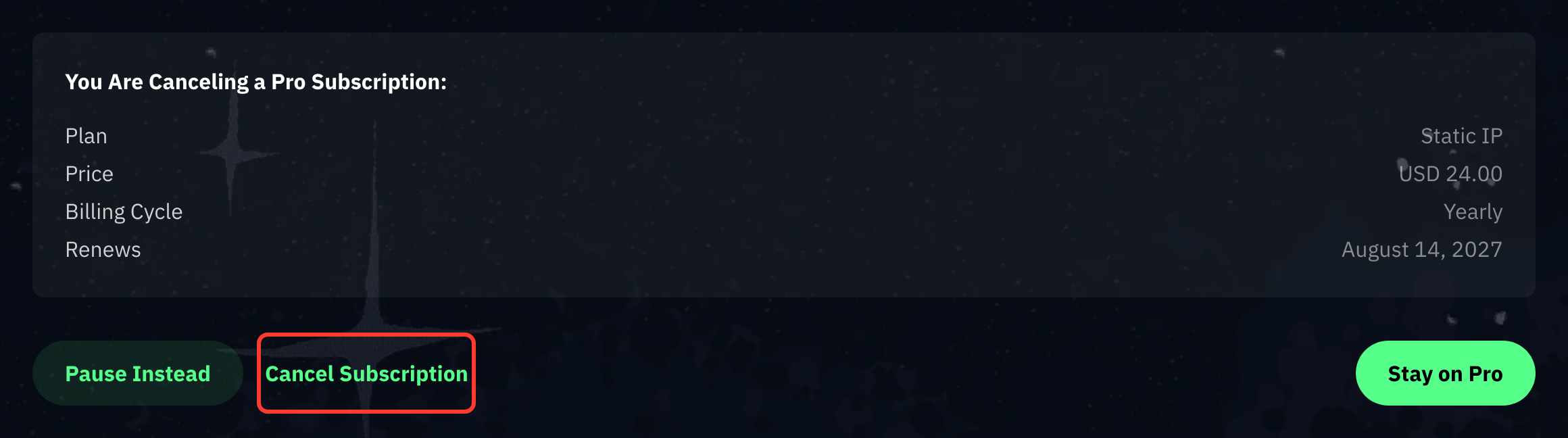
- Sur la page Réfléchis avant d’annuler, vérifiez que le récapitulatif indique bien votre IP statique, puis sélectionnez Continuer l’annulation en bas.
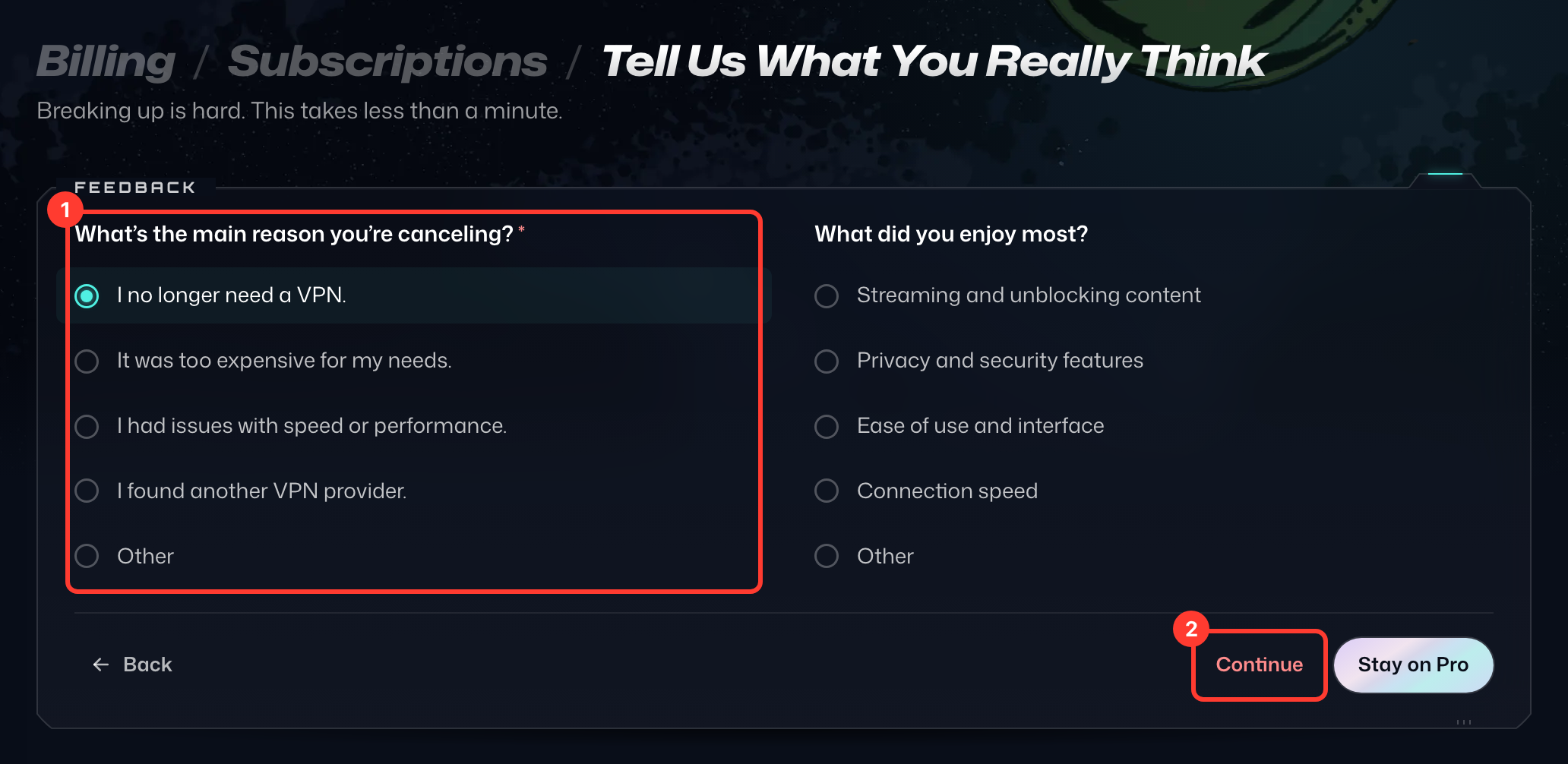
- Sur la page Dis-nous ce que tu en penses vraiment, choisissez la principale raison de votre annulation (1), puis sélectionnez Continuer (2). Si une offre spéciale s'affiche, sélectionnez Non merci, annuler pour poursuivre.
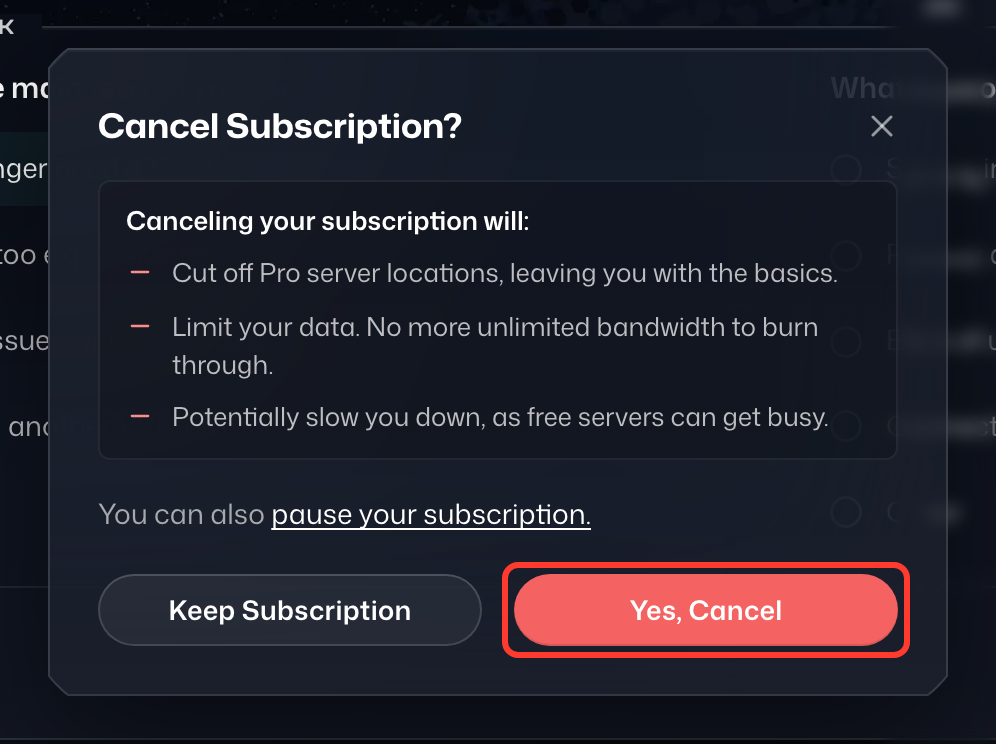
- Dans la fenêtre Annuler l’abonnement ?, sélectionnez Oui, annuler.
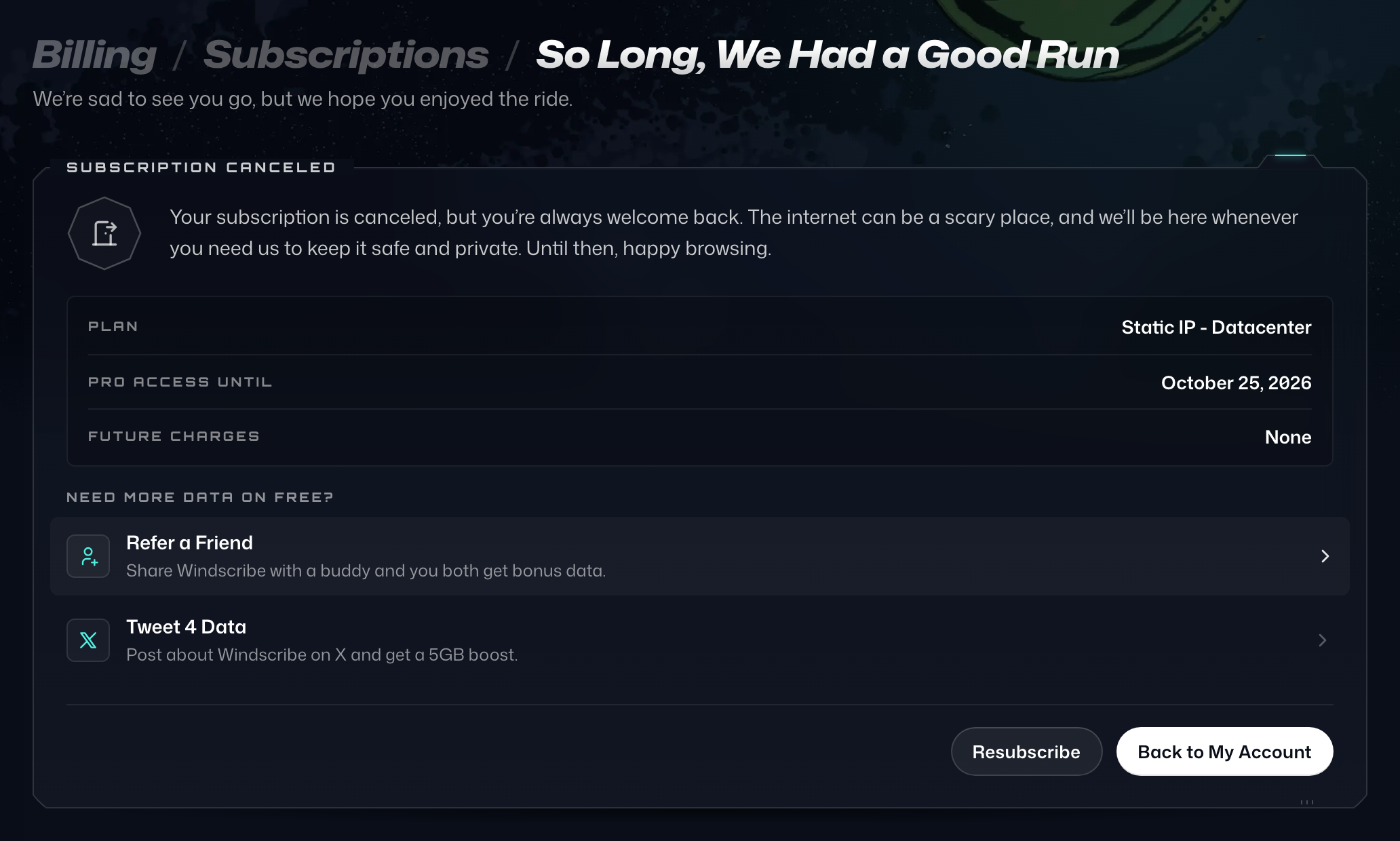
- La page de confirmation, Adieu, c’était une belle aventure, s'affiche.
Si vous souhaitez annuler mais avez simplement besoin d'une pause, envisagez plutôt de mettre votre abonnement en pause.
Si vous rencontrez des problèmes avec ce processus, veuillez contacter notre équipe de support qui sera heureuse de vous aider.