Comment vérifier précisément si le tunnel VPN est actif et fonctionne correctement ?


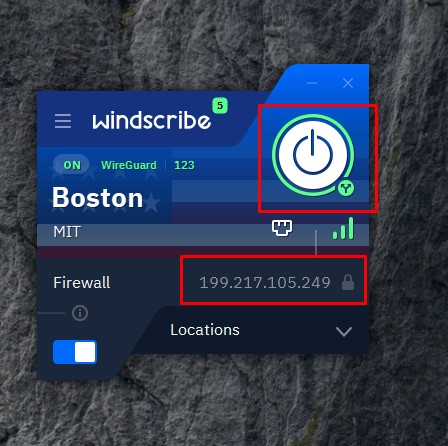
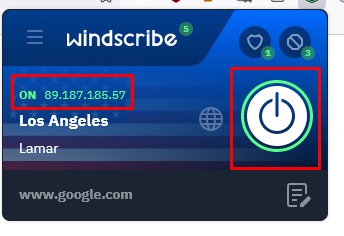
Tout d'abord, vous pouvez consulter l'application elle-même pour voir si elle indique que vous êtes connecté. Sur les applications et extensions Windscribe, vous verrez un grand bouton d'alimentation vert si une connexion a été établie. Les autres applications personnalisées auront des indicateurs similaires appropriés concernant votre connexion.
Ensuite, vous pouvez visiter un site comme https://ipalyzer.com/, qui vous fournira des informations complètes et détaillées sur votre IP actuelle (telle qu'indiquée dans l'application/extension Windscribe). Si votre connexion à Windscribe est établie et sécurisée, l'IP indiquée sur le site web devrait correspondre à celle indiquée dans l'application ou l'extension. La même méthode s'applique également aux connexions via routeur à Windscribe.