



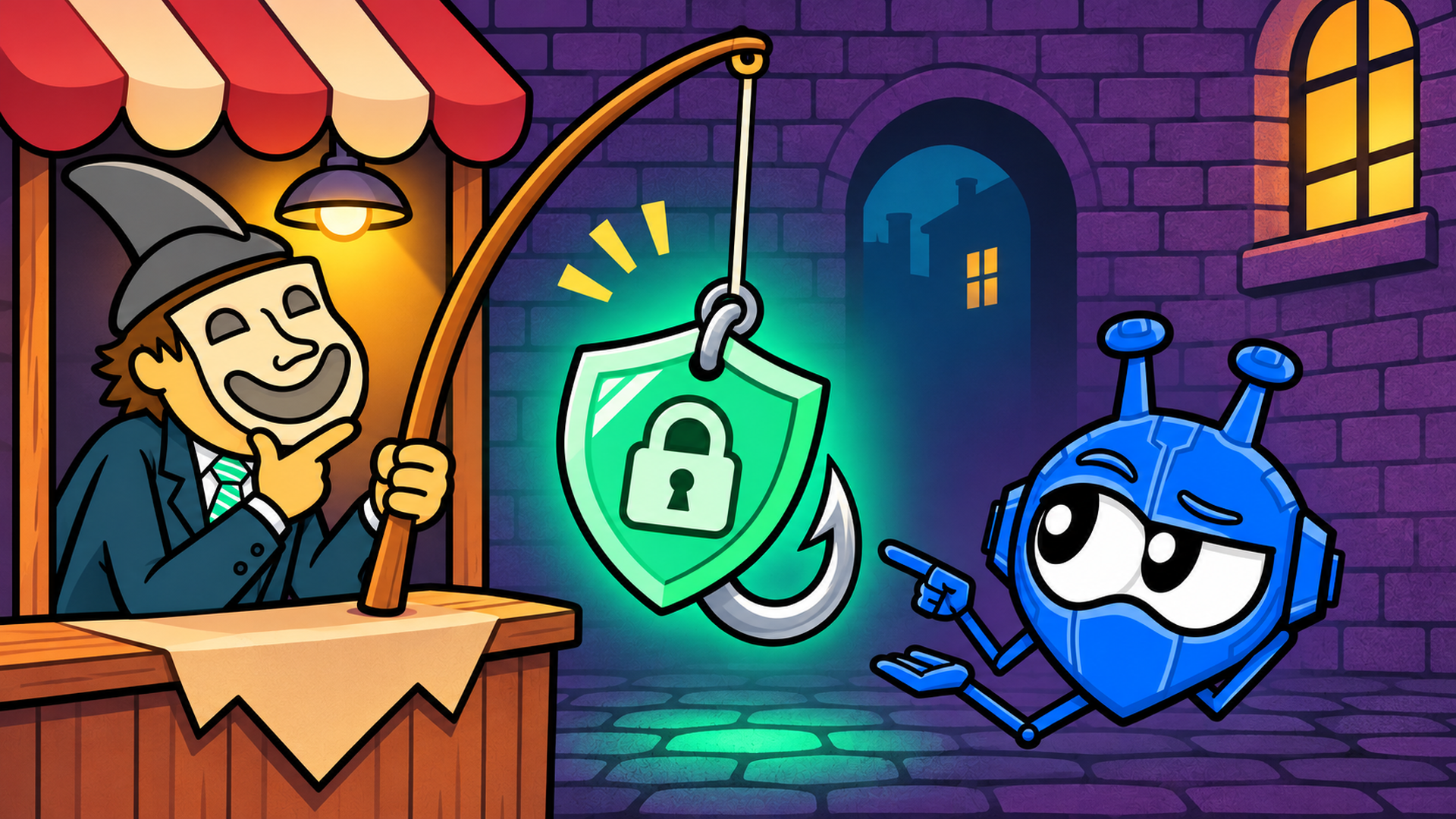
Free, unlimited, and a wall of five-star reviews. Or lifetime access for $30, no subscription, ever. Somewhere in the back of your head, a small alarm is probably going off: what's the catch?
Good instinct. In July 2025, we noticed unusual traffic patterns on our own network. It led us to an app with more than a million downloads and a perfect 5.0 rating on Google Play, one that was quietly running on servers stolen from us. If a scam VPN can hit the top of the free charts with that kind of polish, the "too good to be true" deal you're eyeing right now deserves the same hard look.
When you see how these traps work, you'll probably have a few "aaaaah, that makes sense" moments. To keep your devices and wallet safe, here's the field guide to the 9 VPN scams doing real damage in 2026.
The 9 VPN Scams to Avoid in 2026
Scams are everywhere these days. Between AI-generated videos of dancing cats, fraud calls to your grandma using a cloned voice asking for emergency cash, and deepfake phishing schemes, it feels like nothing on your screen is real.
And now, that same trickery has invaded the VPN industry. Deceptive privacy tools are more sophisticated than ever, ranging from fake apps that install malware to "free" services that harvest and sell your browsing data. Even app store reviews aren't safe; bot farms regularly pump junk apps into top charts, and some services even run on stolen server infrastructure.
#1. Fake VPN apps that are actually malware
The scam: Apps that look, and even function, like a VPN while running an info stealer, a banking trojan, or a remote-access tool underneath.
These apps spread through phishing links and sideloaded APK files, meaning Android installer files downloaded from outside Google Play, skipping the store's normal checks. Poisoned search results help too, ranking a fake download page above the real one. The "VPN" part often actually works, so nothing looks broken. Underneath, a second, hidden process gets to work in the background, sometimes for months before anyone notices.
In its November 2025 fraud and scams advisory, Google warned that threat actors are distributing fake VPN apps loaded with malware built to steal your data, drain your bank account, or hand an attacker remote control of your device, often by impersonating trusted brands outright.
It isn't just phones, either. Google's own team had already flagged PLAYFULGHOST, a Windows backdoor (hidden software that gives an attacker a secret way back in) capable of keylogging, meaning it records everything you type, plus screen and audio capture and full remote control of the device. It's been spreading through trojanized VPN apps and phishing emails since January 2025.
On Android specifically, researchers at Cleafy discovered the Klopatra banking trojan in late August 2025, hiding inside a sideloaded app called Mobdro Pro IP TV + VPN. It abused Android's accessibility permissions, features meant to help people with disabilities use a phone, to drain victims' bank accounts, primarily in Spain and Italy, and had already infected more than 3,000 devices, according to Cleafy's own key findings.
How to protect yourself: Skip the sketchy APKs and direct download links in emails. Download exclusively from official app stores or direct, manually typed domain links for established providers. Before hitting install, verify the developer name, check for excessive permission requests like accessibility or contact access, and run any newly downloaded installer through an updated malware scanner.
#2. "Free" VPNs that sell you as the product
The scam: A VPN with no subscription, allegedly no ads, and no explanation for how it pays its server bill.
Running a global network of VPN servers costs real money: bandwidth, hardware, staff. If a "free, unlimited" VPN has no paid tier and no visible business model, that money is coming from somewhere else. That can mean your browsing data, sold or shared with advertisers, or your device's own bandwidth, rented out without telling you.
That's different from a legitimate freemium model. A free tier funded by paying subscribers can be a real business model. The question is whether the free plan uses the same privacy policy and technical protections as the paid one. Treat a "free forever" VPN with no paid plan and no real company identity behind it like a data pipeline with a privacy policy stapled on top.
How to protect yourself: Look for a real paid tier, a real company identity, and a privacy policy that states what it doesn't collect, not just what it "values."
#3. VPNs built on stolen infrastructure (the one we caught)
The scam: A fly-by-night app charges you for a VPN subscription while secretly piggybacking on another provider’s servers using stolen credentials, giving you zero control over who actually sees your traffic.
At the end of July 2025, we noticed suspicious traffic patterns while looking into Hizen VPN. It was a zero-reputation app with no real website or social media presence, and it had somehow become the sixth most popular free app on the Google Play Store. Poking at Hizen led us somewhere more interesting: JetVPN, an app with more than a million downloads. JetVPN was selling premium subscriptions to its own customers while quietly connecting them to Windscribe servers, using stolen credentials, and someone else's account logins, to do it. JetVPN's paying customers thought they were buying JetVPN. They were riding our network on someone else's dime.
We banned the stolen accounts. JetVPN came back with another one. We banned that too, and it moved on to leeching from Private Internet Access (PIA) instead.
JetVPN had racked up more than 5,000 five-star votes and zero written reviews while the app was live. After we banned the stolen accounts and JetVPN's real functionality collapsed, the app reportedly had fewer than 100 actual users, yet it still pulled in hundreds of new five-star ratings overnight. That ratio is a bot signature in plain sight, and it didn't scare off new victims either. Ratings kept pouring in after the story broke, and JetVPN briefly rose to #5 on Google Play's free chart before Google pulled it entirely.
So far, Google confirmed it removed both JetVPN and Hizen VPN from the Play Store. JetVPN told reporters that a third-party "white-label VPN" provider, a company that builds VPN infrastructure for other brands to resell, had supplied the Windscribe and PIA servers without its knowledge. We can't verify that claim, only what we observed ourselves: stolen credentials, a ban, a second stolen account, another ban, then a move to different infrastructure entirely.
How to protect yourself: Check the app’s background before subscribing. Avoid brand-new or zero-reputation apps that lack an established corporate identity, an active engineering team, or transparent server infrastructure. If an app has top-chart positioning and thousands of five-star ratings but virtually no written reviews or outside security audits, you're looking at a bot farm masking a parasitic app.
#4. Lifetime subscription traps
The scam: Pay once, somewhere around $30 to $60, and get VPN protection for life.
Running a VPN isn't cheap. Servers, bandwidth, security audits, and app development are all recurring costs. A one-time payment can't fund a subscription service indefinitely, so lifetime VPN operators eventually run out of road.
Some quietly cap or kick out lifetime users. Some start selling data to close the gap. Some just fold, and the app stops connecting one day with no refund and no explanation. These deals cluster on third-party deal marketplaces running flash sales. That's itself a signal: providers rarely need a middleman to move inventory that's actually worth buying.
How to protect yourself: Treat any "lifetime VPN" offer as a countdown timer, not a contract. Ask what happens to the company in year six. If there's no good answer, that's your answer.
#5. Fake no-logs claims
The scam: "We keep zero logs," printed right on the homepage, while the app logs plenty and buries the details on page 14 of the privacy policy.
A no-logs claim is basically unverifiable from the outside, which is exactly why it's the easiest promise in the industry to fake. Honest and dishonest providers say the identical sentence. What actually separates them is whether the claim has ever been tested: independent audits published in full rather than summarized in a press release, legal or law enforcement tests where the provider genuinely had nothing to hand over, and open-source apps that let outside researchers check what the software does.
Windscribe's no-logs policy has been tested under real legal and law-enforcement pressure, twice. A two-year criminal case against our co-founder in Greece was dismissed in April 2025 because there was no user data to produce. In February 2026, Dutch authorities seized one of our servers and found nothing but a stock Ubuntu install, since our infrastructure runs on RAM that wipes itself the moment a server loses power or restarts.
Plus, our desktop apps are open source on GitHub. That doesn't prove what's running on our servers day to day, but it gives outside researchers something real to inspect instead of a marketing claim. Aaaand... we run a live transparency report.
How to protect yourself: Verify the "no-logs" claim. Anyone can slap it on their homepage and call it a day. But not everyone has actual proof.
#6. Rigged review sites and botted ratings
The scam: In reality, there are two: 1) botted app-store ratings, and 2) the affiliate review economy.
Remember JetVPN? 5,000-plus five-star votes and zero written reviews, on an app nowhere near popular enough to earn them honestly. That pattern shows up constantly, and it lets zero-reputation apps chart in the top free rankings within weeks of launch, because app stores weight volume over substance.
Also, you've surely come across one of those "best VPN" articles... sorry to burst your bubble, but these are a scam. A lot of them are written by sites earning a commission on every VPN they recommend. In the VPN industry, it's a documented pattern for a review site and the VPN brands it ranks to share the same parent company, disclosed, if at all, in a footnote most readers never click. A scam warning that ends with an affiliate link pushing one specific "winner" is an ad wearing a warning label.
How to protect yourself: Check for ownership disclosures, notice whether a "review" ever mentions a downside, and cross-reference against genuinely independent communities instead of trusting the first ranked list a search engine hands you.
#7. Brand impersonation: spoofed sites, fake installers, phishing
The scam: Cloning a trusted VPN's brand, website, or installer to distribute malware or harvest credentials.
In March 2026, Microsoft reported a campaign called Storm-2561. It used poisoned search results to push spoofed download pages for enterprise VPN clients, including Fortinet, Ivanti, and Cisco. People searching for those tools got tricked into installing credential-stealing malware disguised as the real client. The fake installer even throws up a bogus error message afterward and redirects victims to the real vendor's site, so the malware never gets blamed.
It isn't a new trick, either. Back in 2020, cybersecurity researchers at Trend Micro found trojanized Windscribe installers circulating outside our official download channels, bundled with a backdoor called Bladabindi that could log keystrokes, take screenshots, and pull saved browser passwords. Translation: criminals impersonated us. Those installers never came from our site or the official app stores, and six years later the same playbook is still working, just on different brands.
There's a smaller-scale version of this too: fake "your VPN subscription renewed for $399" emails, designed to panic you into calling a number to dispute the charge, where a fake support agent takes it from there.
How to protect yourself: Type the provider's domain yourself instead of clicking a search result, verify the developer name in the app store listing, and if a renewal invoice looks unfamiliar, check your actual card statement first rather than calling any number the email gives you.
#8. Malicious "VPN" browser extensions
The scam: A browser extension marketed as a VPN that quietly surveils the very browser it claims to protect.
In August 2025, researchers at Koi Security found that FreeVPN.One had spent months capturing screenshots of every site its users visited, including banking pages, and sending them to a remote server. The extension carried a Chrome Web Store "Featured" badge and had more than 100,000 installs.
Worth being precise about that badge: "Featured" on the Chrome Web Store means an extension meets Google's design guidelines, not a security audit.
In December 2025, the same researchers uncovered GhostPoster, a campaign hiding malicious code inside the logo files of Firefox extensions. It spread through 17 extensions, including one called Free VPN Forever, and together they infected more than 50,000 users. Separately, DomainTools found over 100 malicious Chrome extensions in May 2025 impersonating real brands. One fake "FortiVPN" extension was built to steal cookies (the small files that keep you logged in) and hijack browser sessions.
The common thread: extensions update silently, so a clean extension today can turn into spyware after Tuesday's update, no reinstall required.
How to protect yourself: Prefer a provider's official extension tied to a real account, check the developer listing, and actually glance at what permissions the extension is requesting.
#9. Cracked accounts, resold subscriptions, and billing traps
A "premium VPN for $2" listing is someone else's stolen or shared login. Buy it, and you inherit a stranger's account history, a good chance of a ban with zero warning, and often a "crack" tool with malware bundled in for free.
Then there's the slower bleed: a teaser price that renews at triple the rate, a cancellation flow buried five menus deep, a charge from a company name you've never heard of showing up on your card statement. None of it is exactly illegal. It's just built to bank on you not noticing until the second or third renewal.
How to protect yourself: Buy only from the provider directly. Screenshot the renewal price at checkout, so you have proof of what you agreed to. Put the renewal date on your calendar the day you sign up, not the day the charge surprises you.
How to Spot a Scam VPN Before You Install It
Run through this before you tap install:
- Look for the verified badge: Google Play has a dedicated VPN "Verified" badge for apps that pass a security review. No badge isn't proof of anything bad on its own, but it's worth noticing.
- Read the actual reviews: Thousands of five-star ratings with almost no written text is the bot signature from earlier, and it shows up more often than you'd expect.
- Check the permissions: A VPN needs network control. It doesn't need your contacts, SMS, camera, or microphone. If it's asking, that's the app telling you what it's really for.
- Find the audit: A real one is published in full, by a named security firm, done recently, and covers the actual service, not the marketing website.
- Check for open-source code: It won't prove what's running on the company's servers, but it gives researchers something real to inspect instead of a marketing claim.
- Find the humansL A real company identity, a support channel that actually responds, and a changelog that shows the app is still maintained.
- Read the privacy policy: Boring processor language is normal. What matters is whether your browsing activity, app usage, or device identifiers get shared with advertisers or analytics partners. If so, assume it happens at scale.
- Leak-test it after install: Run an IP check and a DNS leak test and make sure your location actually changes. A failed test doesn't mean you did anything wrong. It means something is broken, whether that's the app, a setting, or the network, so don't assume you're protected until it passes.
None of this replaces basic hygiene, either. Set up a VPN properly: the right protocol, a kill switch, and correct DNS settings, since plenty of "leaks" trace back to configuration, not the app itself.
Installed a Scam VPN? Do This Now
These apps are built to fool careful people. A million-download listing with botted ratings can still be garbage underneath. If you're reading this because it happened to you, don't feel bad! It's not you. It's the design working as intended.
Here's what to do:
- Disconnect and uninstall the app or extension immediately.
- Revoke its permissions and remove any VPN profiles or certificates it installed. This is the step almost everyone misses: a leftover trusted certificate or profile can outlive the app itself and keep intercepting traffic in some setups.
- Run a reputable malware scan on the device.
- Change your passwords, starting with email and banking, ideally from a different device.
- Turn on two-factor authentication everywhere it's offered.
- Watch your bank and card statements, and dispute any charge you don't recognize.
- Report it. Use the app store's report function and, in the U.S., file with the FTC. Outside the U.S., look for your country's consumer-protection or cybercrime reporting service.
None of this means you did something dumb. It means the scam did its job.
The Bottom Line
None of this is about finding a single silver-bullet VPN that magically insulates you from every corner of the web. Even the most secure, rigorously audited provider won't stop you from clicking on a convincing phishing link or reusing "password123" on your online banking account. That's a different fight entirely.
A good VPN is simply an essential layer in your security stack: encrypting your traffic, masking your location, and keeping your internet provider's eyes off your data. But tools like DNS blockers (such as our own R.O.B.E.R.T.) can only intercept known malicious links before you hit them.
Beyond that, the real defense is basic digital hygiene: check your app permissions, verify who developed the software you download, use unique passwords, and question anything online that feels "too good to be true". Run these checks on every service you use, including us.

Frequently Asked Questions
Are VPNs a scam?
No. The technology itself is legitimate and widely used by people and businesses for ordinary reasons: public Wi-Fi security, geo-restricted content, and basic privacy from an internet provider. The market around VPNs attracts scams for the same reason any trust-based industry does: trust is the product being sold, and that's cheap to fake when nobody's checking.
Are free VPNs safe?
It depends entirely on how the free tier makes money. A free plan funded by paying subscribers, running the same encryption and no-logs policy as the paid version, is a legitimate business model. A "free forever" VPN with no paid tier, no visible revenue source, and no real company identity behind it is very likely funding itself with your data instead.
How do I check if a VPN app is legit?
Three checks catch most of the bad ones: look for a verified badge in the app store, read the written reviews instead of trusting the star count, and check what permissions the app is actually asking for. A VPN needs network access. It doesn't need your contacts or your camera.
How do I report a VPN scam?
Start with the app store's built-in reporting function. In the U.S., file with the FTC or the FBI's Internet Crime Complaint Center (IC3). Outside the U.S., look for your country's consumer-protection or cybercrime reporting service. It's also worth contacting the company being impersonated directly. We banned JetVPN's stolen accounts within days of finding them, and most legitimate providers can move just as fast once they know.


