



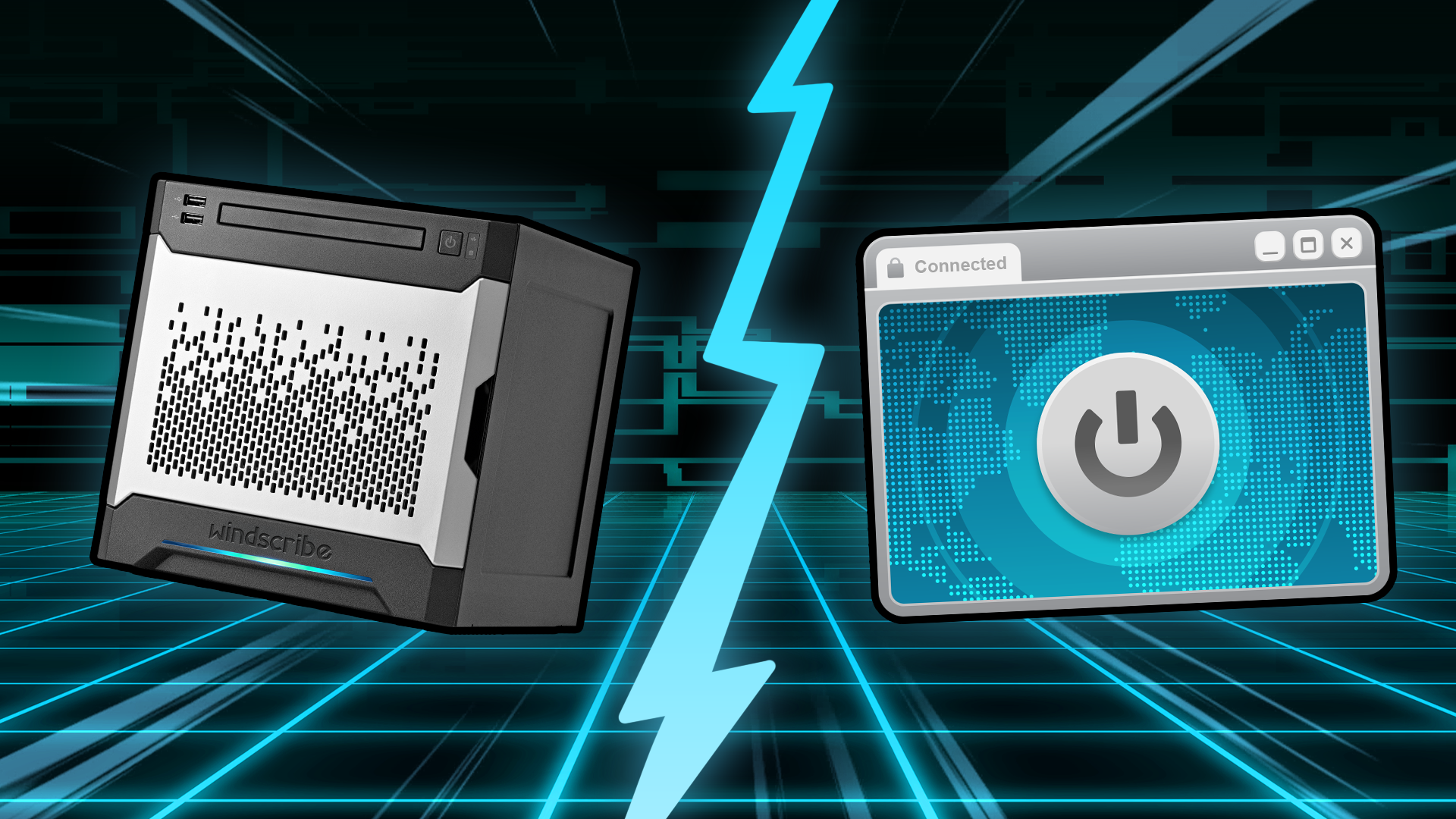
You already run a VPN app on your phone or laptop. Now your feed is full of ads for "VPN routers" and little plastic boxes promising to shield your entire home for one flat fee.
So what are these little metal and plastic cubes actually doing? And do you actually need one if you already pay for a VPN?
Here is the problem: almost every article answering question was written by corporate IT drones for other corporate IT drones deciding how to let remote sales reps dial into the company database. That isn't you. You have a home Wi-Fi network, a few devices, and a reasonable question: would a physical box do this better?
Here's the answer, written for actual human beings instead of enterprise sysadmins.

Hardware VPN vs. Software VPN: What Are They?
A hardware VPN is a dedicated physical device (a router, gateway, or appliance) that handles encryption at the network level instead of running as an app on each individual device. One box encrypts traffic for everything connected to it.
Where people get tricked is that "hardware VPN" gets used for two completely different products:
- Enterprise VPN appliances: These are expensive gateways built to let remote employees log into a company's internal server. They cost thousands, require a dedicated IT team to manage, and exist to grant remote access.
- Consumer VPN routers: These are home devices built to send your entire house's internet traffic out through a privacy VPN. They cost $30 to $300, you set them up yourself, and they exist to protect your privacy.
Because these are often just labeled as "hardware VPN", you end up reading about corporate license fees when all you wanted was a way to unblock geo-restricted shows on your Apple TV.
Then, there's software VPN, which is essentially just a VPN app. It's built for encrypting individual devices. It costs a few bucks a month, gets set up in 30 seconds, gives you instant one-click location switching, and runs fast on modern phones, laptops, PCs, and tablets.
Hardware VPN vs Software VPN: Differences at a Glance
Let's take a look at the differences between enterprise VPN appliances, consumer VPN routers, and software VPN.
| Factor | Enterprise VPN appliance | Consumer VPN router | VPN app (software) |
|---|---|---|---|
| What it's for | Letting remote employees into a company network | Sending your home network's traffic through a privacy VPN | Encrypting one device's traffic through a privacy VPN |
| Typical cost | Thousands of dollars, plus licensing | Roughly $30 to $300 one-time, plus a VPN subscription | A VPN subscription, a few dollars a month |
| Devices covered | An office or site | Most devices routed through that network | The device it's installed on, though some providers allow unlimited devices |
| Setup difficulty | An IT team | An afternoon and some patience | Minutes |
| Speed reality | Engineered for high throughput | Limited by the router's own processor, better on WireGuard | Fast on modern hardware, especially on WireGuard |
| Location switching | Fixed | Manual, one config at a time | One click |
| Best for | Companies with remote workers | Whole-home and travel coverage | Individuals, and most people reading this |
Which one should you pick?
As everything ever, it depends on what you want to protect and what's your most frequent use case.
- One or two personal devices: Just use a VPN app like Windscribe.
- Whole-home coverage (including devices without apps): Use a VPN-capable router with your existing subscription.
- Frequent travel or hotel Wi-Fi: Just use the VPN app for travel and browsing on hotel or coffee shop Wi-Fi.
- Logging into your day-job network: A dedicated enterprise VPN or a ZTNA (that's usually something your boss is paying for; or you, if you're the boss!).
The Head-to-Head: Where Hardware Wins, Where Software Wins
Before comparing hardware boxes to software apps, we have to talk about VPN protocols: the underlying encryption engines like OpenVPN and WireGuard. The protocol you run usually dictates your speed and security far more than whether it’s running on a router or a phone.
Here's how that protocol-level battle actually plays out when comparing hardware to software.
Speed: Protocol Beats the Box
There’s a persistent myth that hardware VPNs are automatically faster because they use "dedicated hardware." That’s true for a $5,000 corporate firewall, but for consumer tech, it’s completely backward.
Your phone or laptop packs a high-performance processor that easily outruns the cheap, low-power ARM chip sitting inside a typical $50 router. On weak router hardware, older protocols like OpenVPN can turn your connection into a warm, miserable bottleneck. WireGuard fixes a lot of this by being ridiculously efficient, but the point stands: a modern laptop running a lightweight protocol will almost always smoke a cheap router.
Security: Isolation vs. Updates
Hardware gets a legit point here for isolation: a router VPN runs entirely separate from your devices, meaning local malware on your laptop can't just kill the VPN app. It also blanket-protects smart TVs, consoles, and internet-connected toaster ovens that can’t run native apps.
Software wins on maintenance. Your phone and desktop apps auto-update silently in the background. Router firmware updates, on the other hand, are a total wild west, and an unpatched router sitting on your network is a massive security risk, no matter how strong the encryption is.
Coverage vs. Flexibility
A VPN router is the ultimate lazy setup: set it up once, and every single device on your Wi-Fi gets covered automatically without eating up your phone’s battery life.
Software wins hands-down on flexibility. Want to route your banking app around the VPN? Split Tunneling takes two seconds in an app. Want to switch your server location to the UK to watch a show? In an app, it’s one tap. On a router, it usually means logging into a tedious admin panel, swapping config files, and restarting the connection for the entire house.
Censorship and Travel
If you’re traveling through countries with heavy internet censorship, standard router VPN setups will get blocked fast. They rely on basic OpenVPN or WireGuard configurations that strict firewalls detect immediately.
Apps pack the heavy artillery, like Windscribe’s Stealth and WStunnel protocols, specifically designed to disguise VPN traffic as normal web browsing and bypass aggressive deep packet inspection. A travel router is great for hotel convenience, but you’ll still want the app on your phone when things get restrictive.
The Third Option: Run Your Software VPN on Hardware
Here’s a secret: you don’t need to choose between software VPN and hardware VPN. You can just run the software VPN you already pay for directly on a router, giving you total home coverage under a single subscription.
- VPN-ready consumer routers: It's the easiest route. Modern home and travel routers often include built-in VPN client support right out of the box.
- Custom firmware (OpenWrt/DD-WRT): For power users who want maximum control, though misflashing can turn your router into a paperweight.
- Travel routers: Pocket-sized devices you set up once so everything in your bag connects automatically, skipping repetitive hotel sign-in pages.
To make it work, you just download a config file (WireGuard or OpenVPN) from your provider (like Windscribe’s config generator for paid accounts) and drop it into the router’s settings.
The trade-off is simple: you give up the app’s quick location switching and per-app Split Tunneling in exchange for set-it-and-forget-it protection. That’s why most people run both. The router guards the house, and the app stays on your phone for total control on the go.

The "VPN in a Box" Warning
Not every plug-in gadget sold as a "hardware VPN" deserves equal trust. Beware of crowdfunded boxes promising "lifetime VPN protection" for a single one-time payment.
Running servers, maintaining bandwidth, and shipping security updates cost money every month. When a business model relies on a one-off payment to fund a "forever" service, one of three things happens: the speeds degrade to a crawl, the company secretly monetizes your data, or the company goes bust and turns your fancy little box into a high-tech paperweight.
A legit VPN router, where you own the box and run a subscription service you actually pay for, is completely different. Before buying any mystery plug-in box, ask three simple questions:
- Who pays for the servers?
- Who maintains the software?
- Will they actually exist in two years to patch a critical security flaw?
Which Should You Actually Choose?
It comes down to matching your coverage needs with the simplest solution:
- Stick to the VPN app: If you just need to protect one or two personal devices like a phone or laptop.
- Use a VPN router + a VPN app: If you want blanket, whole-home coverage for smart TVs, consoles, and smart devices, while keeping the app on your phone for speed and flexibility on the go.
- Get a travel router: If you travel constantly and want to connect all your gear to a single, pre-configured Wi-Fi network instead of dealing with hotel sign-in portals on five separate screens.
- Buy an enterprise VPN: If you’re an IT admin managing secure remote access for a company workforce.
The "hardware vs. software" debate isn't actually a fight; it's just a choice between maximum coverage and total convenience. A router extends your VPN to every device behind it, while an app gives you single-click control.
Windscribe's config generator gets paid users the setup files in seconds, though the router itself might still demand its little tribute of setup frustration.

Frequently Asked Questions
Is a VPN considered hardware or software?
A VPN is fundamentally software: it's an encrypted connection protocol running on a device. However, it can be deployed via standalone software apps (on phones or laptops) or embedded into dedicated physical hardware, such as a consumer VPN router or a corporate VPN appliance
What are the four types of VPN?
The main types of VPN implementations are software VPN apps installed on individual personal devices, consumer VPN routers configured to route an entire home network's traffic through a privacy provider, enterprise VPN appliances used by corporate IT departments for remote employee access, and pocket-sized travel routers designed to secure multiple devices on public Wi-Fi.
Is there a physical VPN that can be installed on a router?
No, a physical hardware VPN isn't installed into a router; rather, a VPN-capable router is the hardware, and it runs VPN software or configuration files natively. You enable it by importing a config file, such as OpenVPN or WireGuard, provided by your VPN service directly into the router's admin panel, or by flashing custom firmware like OpenWrt or DD-WRT onto the device.
What are the downsides of VPN on a router?
Putting a VPN on your router trades convenience for blanket coverage. Budget routers have cheap CPUs that struggle to handle heavy encryption and create speed bottlenecks. You also lose app-based flexibility like one-click server location switching and per-app Split Tunneling. Changing server locations requires logging into the router's admin panel to re-upload config files, and initial setup takes patience, as improper firmware flashing can brick the router entirely.
Is it a good idea to put a VPN on your router?
It's a great idea if you need automatic, blanket protection for devices that can't run native VPN apps, such as smart TVs, game consoles, and smart home gadgets. However, if you only need protection for a couple of personal devices like a laptop and a phone, sticking with standard VPN apps is faster, cheaper, and much easier to control.
How do I set up a VPN on a router?
First, get a VPN configuration file, like WireGuard or OpenVPN, from your paid VPN provider. Next, log into your router's admin panel via a web browser. Navigate to the VPN Client settings section, or flash custom firmware like OpenWrt or DD-WRT if your router lacks native VPN client support. Finally, upload the config file, enter your account credentials, and apply the settings to establish the encrypted connection.


