



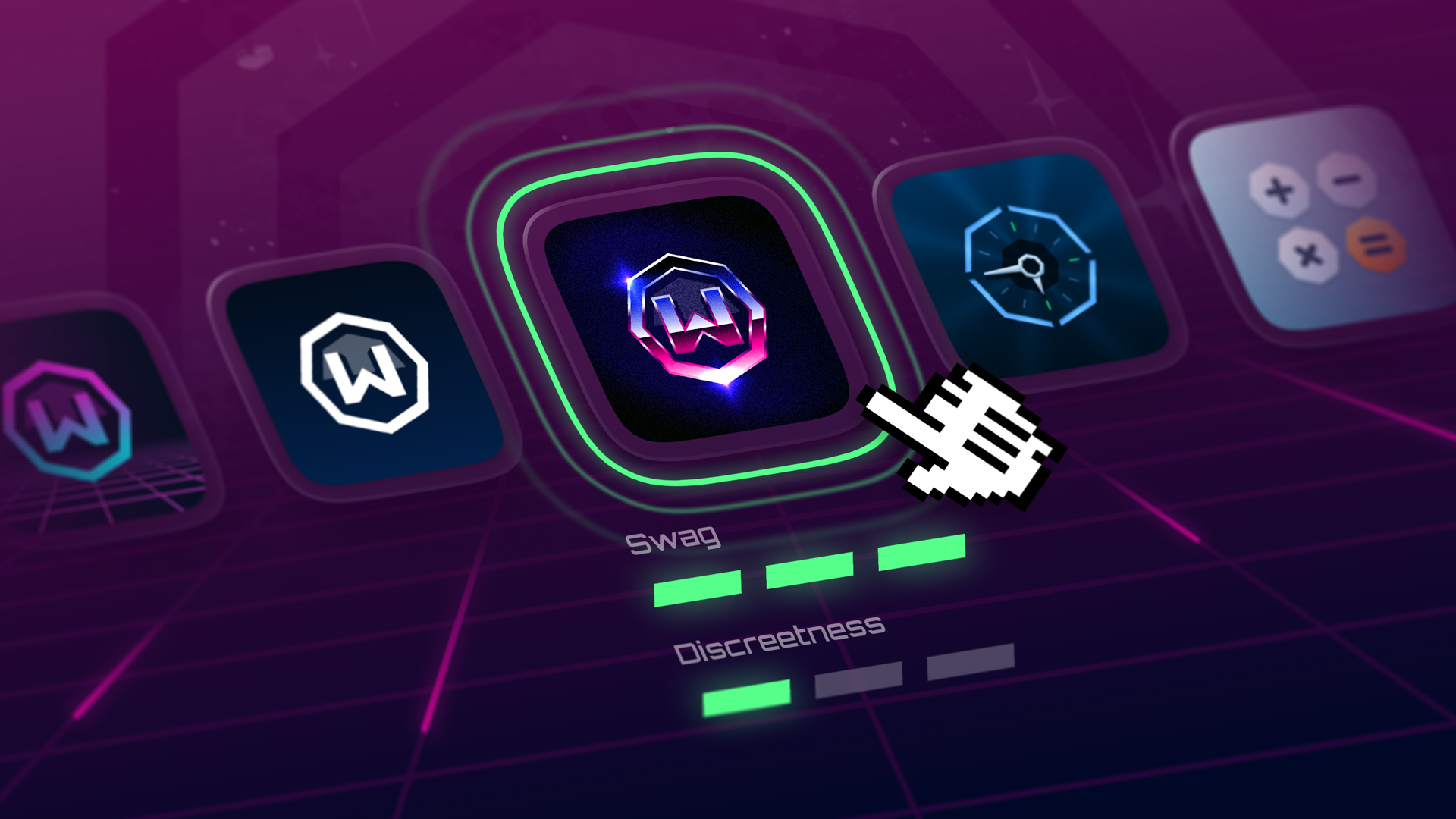
Some people want their VPN to blend in. Some people just want it to look better. Fair. Now you can change Windscribe’s mobile app icon, and if you’re on Android, the app name too. Go discreet when you need it, go stylized when you don’t. Either way, your home screen stops advertising your business to anyone who glances at your phone.
Here’s how to change your app icon:
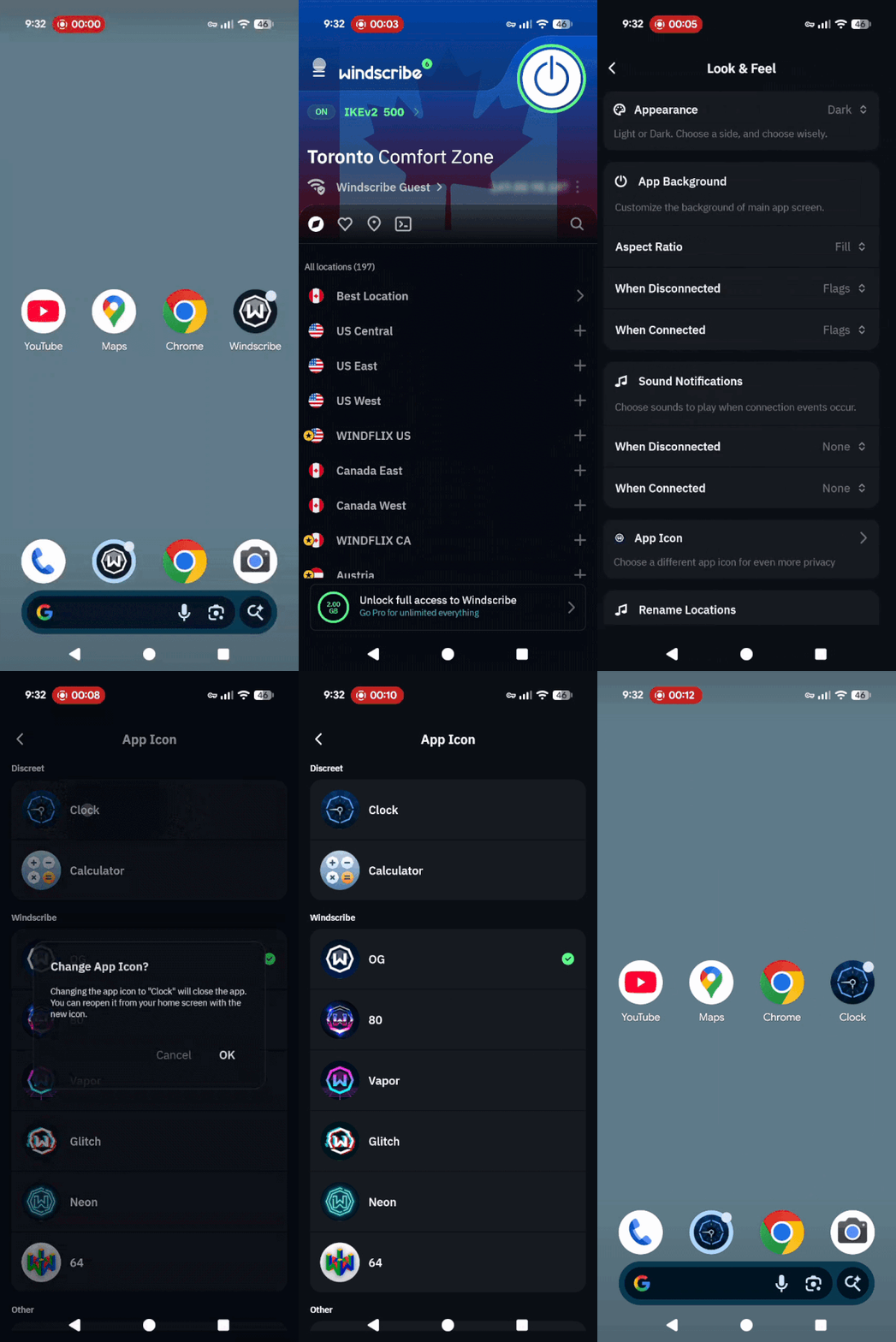
- Open up the app and hit the hamburger menu.
- Go to Look & Feel → App Icon.
- Pick your new icon.
- The app will close automatically. Relaunch it to see the magic.
This feature is available on Android (version 3.98+) and iOS (version 3.9.13+).
Why We Built This
Look, not everyone lives in a country where even a VPN is a political statement. But everyone deserves their privacy, so let’s give it to you in style.
Whether you’re in a place where VPNs are banned or just want to keep things low-key (because hey, it’s nobody’s business), we figured you deserve to have more control over how your app shows up on your phone. The name of the game here? Discretion. Not invisibility, just a little more subtlety in your digital life.
What Can You Disguise It As?
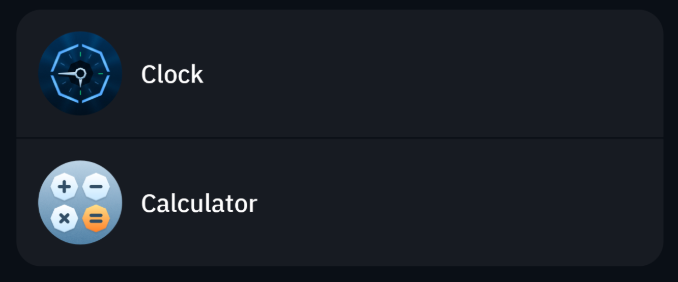
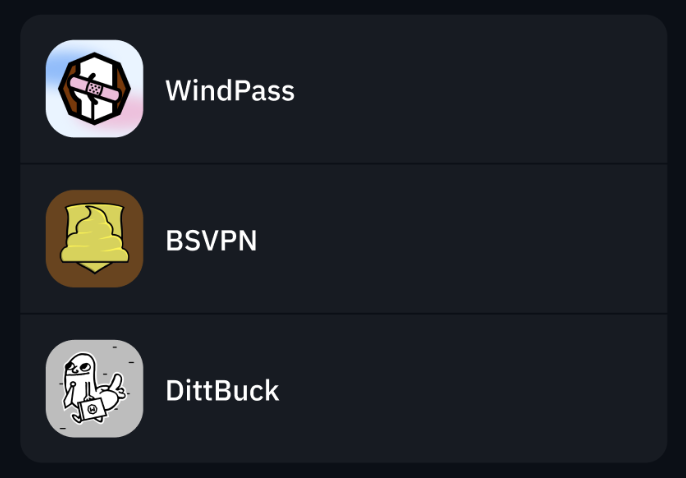
Want your VPN to look like a harmless calculator or clock? Perfect. Want something with a little more style? We got you. Here's a sneak peek:
Discreet Icons:
Windscribe Vibes App Icons
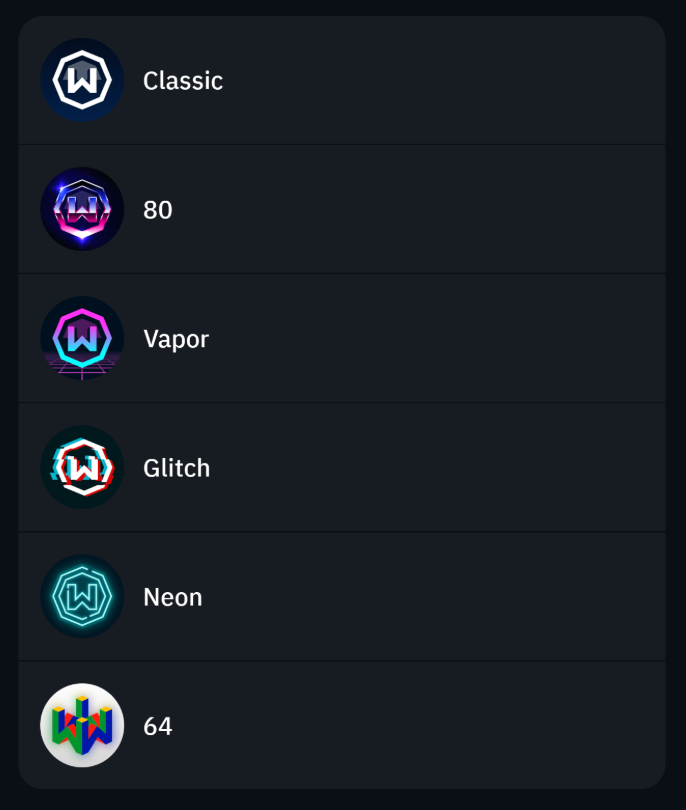
Some Other Ones
The Fine Print
It’s not magic (sorry, we’re not wizards). Just a few things to note:
- Quick tiles, shortcuts, and notifications? They’ll still show the default icon. No sneaking past there, my friend.
- Android vs iOS: Android lets you change both the app icon and the name. On iOS, it’s just the icon—thanks, Apple.
Basically, you're getting more discretion, not total invisibility. Don’t worry, we’re still watching out for you.
At Windscribe, we’re all about helping you keep things private, fun, and low-key when needed. Now you can add a little flair or disguise your VPN with just a few taps. Go ahead, pick your icon, and let’s make your VPN experience as unique as your online life. Update to the latest version (Android 3.98+ or iOS 3.9.13+) and start customizing today!



